


Tactical Donut
-
Joined
Everything posted by Tactical Donut
-
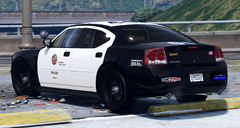
From the album: Screenshots I guess
-
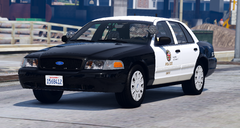
From the album: Screenshots I guess
-
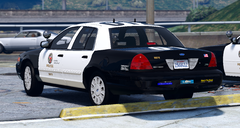
From the album: Screenshots I guess
-
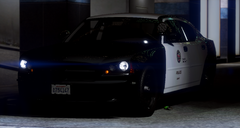
From the album: Screenshots I guess
-
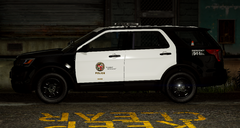
From the album: Screenshots I guess
-
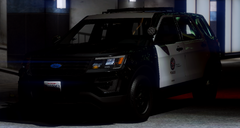
From the album: Screenshots I guess
-
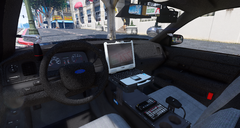
From the album: Screenshots I guess
-
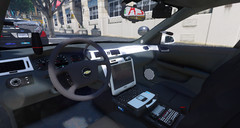
From the album: Screenshots I guess
-
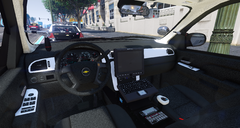
From the album: Screenshots I guess
-
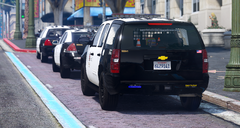
From the album: Screenshots I guess
-
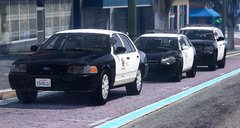
From the album: Screenshots I guess
-
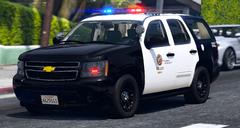
From the album: Screenshots I guess
-
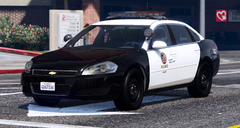
From the album: Screenshots I guess
-
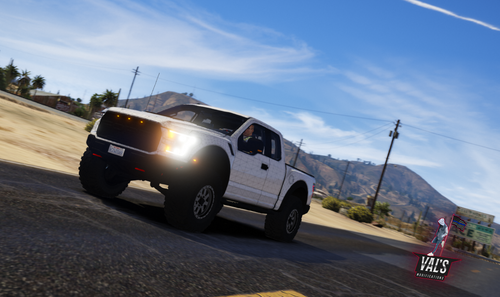 No - download the specmap, and then open the material “black” in the Materials Browser, scroll down to specmap, and replace the texture with the one you downloaded.
 -
Honestly, it was so long ago I can't really remember. I set the specmap texture to "spec3" or a similar dark grey texture for the material that is used in the chrome parts that should be black. I do not remember what that material is, sorry. Edit: If you look at my previous comment on this file, I actually did attach the specmap I used. According to me from 7 months ago, the material you need to change is "black".
-
From the album: Screenshots I guess
-
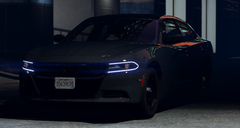
From the album: Screenshots I guess
-
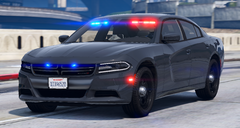
From the album: Screenshots I guess
-
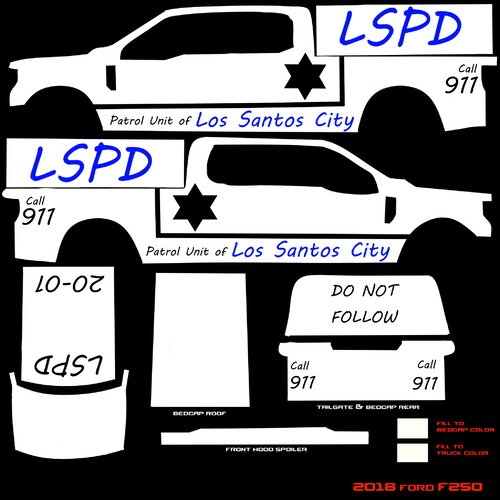 I wasn't talking about the flipped area. I just assumed the vehicle base author UV-mapped that side from the wrong viewport and that the flipping was intentional on your part. I was more talking about your misspelled username with haha funny 69 in it, the quality of the livery (font choice, badges, positioning, etc.), and this: you are not allowed to resell or leak any of these liveries made if you are caught you will be banned and blacklisted from ArmedStudent Custom's It really really reads like satire but I guess it isn't. And my goal here isn't to knock your work or belittle you, it's to point out flaws in your livery that can be improved over time. I highly recommend you watch some tutorials for whatever program you use to create these. Paint.net works fine, and so does Photoshop or any other paint utility aside from Microsoft Paint. I use Pixelmator for the iPhone, but that's just me.
 -
I can't tell if this is satire but I hope it is
-
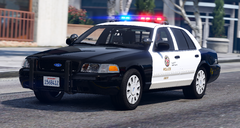
From the album: Screenshots I guess
-
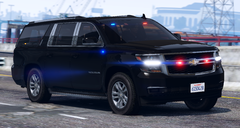
From the album: Screenshots I guess
-
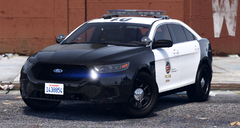
From the album: Screenshots I guess
-
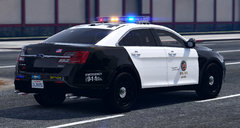
From the album: Screenshots I guess
-
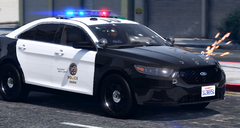
From the album: Screenshots I guess



