


Creators: Due to background reprocessing of files, approvals and file security checks may be delayed. Thanks for your patience.

nathan0318
Members
-
Joined
-
Last visited
Everything posted by nathan0318
-
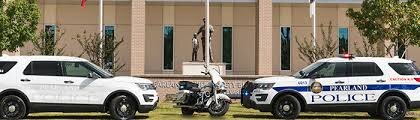
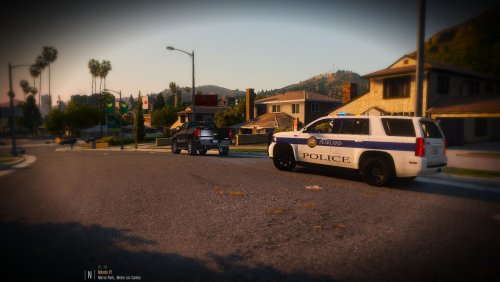 This is the first time I've ever made a texture from scratch. I tried my best. Spent a few hours and got this. It is based off of the Pearland Police department in Texas. This is one model the texture will work with, however it should be compatible with most 2015s
 -
My game will occasionally crash while on duty. Any help would be very appreciatedcrash.txt RagePluginHook.log
-
np man, glad you got it working. : )
-
ok so when you go to dlc packs whatever the folder is called goes in that line... for instance if I got an addon pack and named the folder police then when I go into dlclist.xml and add <Item>dlcpacks:\police\</Item>
-
If its addon the patchday has nothing to do with it. Most likely you are missing a line inside dlclist.xml. Go into mods/update/update.rpf/common/data/dlclist.xml and make sure you have this added for any dlc packs you add <Item>dlcpacks:\NameofDLC\</Item>
-
when you say mod cars what do you mean? Addons or replacements?
-
Its most likely due to the new update. Go into update, update.rpf, common, data, dlclist.xml and you will most likely be missing the lines to your DLC packs so add this <Item>dlcpacks:\NAMEOFDLCPACK\</Item> and put whatever the folder name is for that DLC.
-
Hey guys, i'm sure many people know this, however for those who don't... I am posting this. This is to help so that for those who have spent time changing stuff inside update.rpf like vehicles.meta and other things they don't want to lose. to keep all files and still update the game so that it won't crash do this. First I created a folder on my desktop and just called it new update. Before doing this i would also recommend creating a backup of your modded update.rpf. Once inside your modded update.rpf go to common then data and move these files to the folder you made. The only ones I had to move was levels folder and handling.meta. if you have DLCs installed you also need to go into that and copy them over. Do not just replace the dlclist file because it has lines for new update. just go into dlclist and copy all the lines that you need from installed dlc packs. After this OpenIV should have something on top saying your update.rpf is out of date and will replace it for you. All you have to do now is get the backup files and replace them and go into dlclist and add lines for your dlc packs if you have any. The only things I lost in this is NVR and Radiance V which can easily be reinstalled. If you have too many dlc packs and your game wont load click this link and follow instructions for a new game config. https://www.gta5-mods.com/misc/gta-5-gameconfig-300-cars I hope this can help some of yall to get back up and running. Let me know if anyone needs help.
-
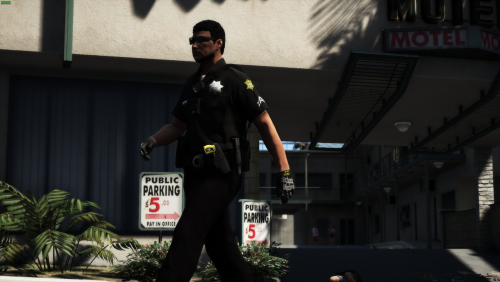 where does the mic and body cam come from?
 -
I have a skin that I already use, I just wanted to see if you could add the word supervisor to it.
-
Thanks! Didn't know.
-
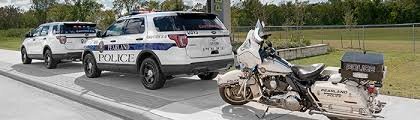
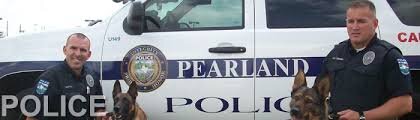
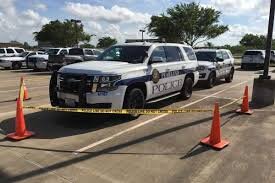
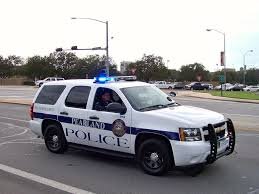
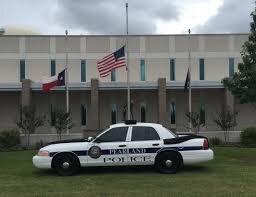
Hi, I wanted to see if someone would be willing to make a pack for the Pearland police department in Texas. The pack could use a newer style Tahoe, a 2013 Tahoe, FPIU, FPIS, CVPI and also use regular skins and ghost skins, along with some supervisor or k9 special skins.
-
I don't know if this will fix it but I had vehicle textures messed up so I change the vehicles.meta. Go to mods/update/update.rpf/common/data/levels/gta5/vehicles.meta and search the vehicles.meta for the car you want and change the lod distances.
-
will I need a fresh GTA install?
-
Will it require scripthook v dot net?
-
-
 This is awesome. one of the best addons to EUP. It would be cool if you made one like it so that it goes over the shoulder but is on the left shoulder so the radio animation looks right.
- 85 comments
- 27 reviews
-
-
 I love the belt. It would be cool if you added a little key fob like on this belt.
- 124 comments
- 37 reviews
-
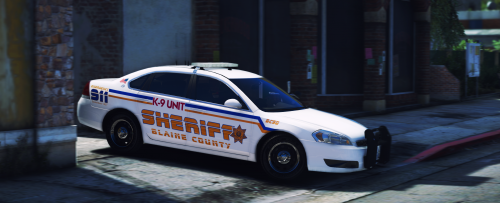 oh well love the pack anyway im using it with your houston pack. They both look great.
- 22 comments
- 4 reviews
-
-

- 1
-
-
-
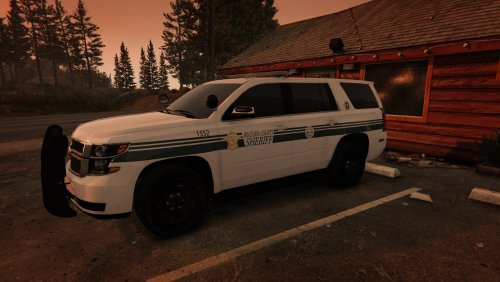 Dude, this came out great. I love the attention to detail, Can't really get any better.
 -
 Nice man that looks sick
 -
oh ok hope u do
-
awesome man looks great! and also r u using the window template and putting "in god we trust"?


.thumb.png.8bfe60acaa82196bbb1d6e1af8289312.png)
