Officer Oak
Members
-
Joined
-
Last visited
Everything posted by Officer Oak
-
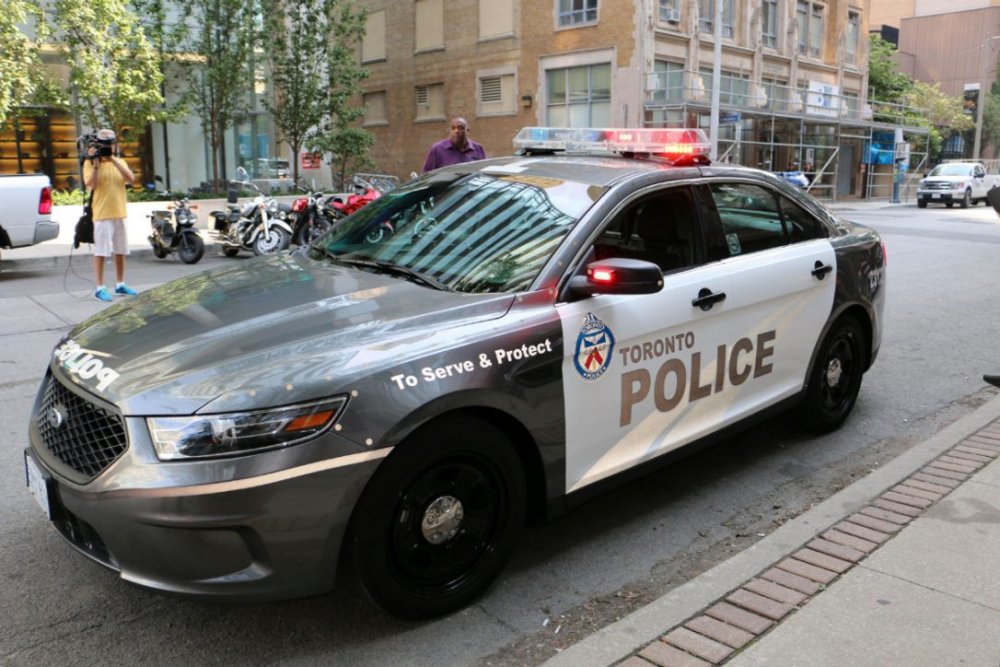
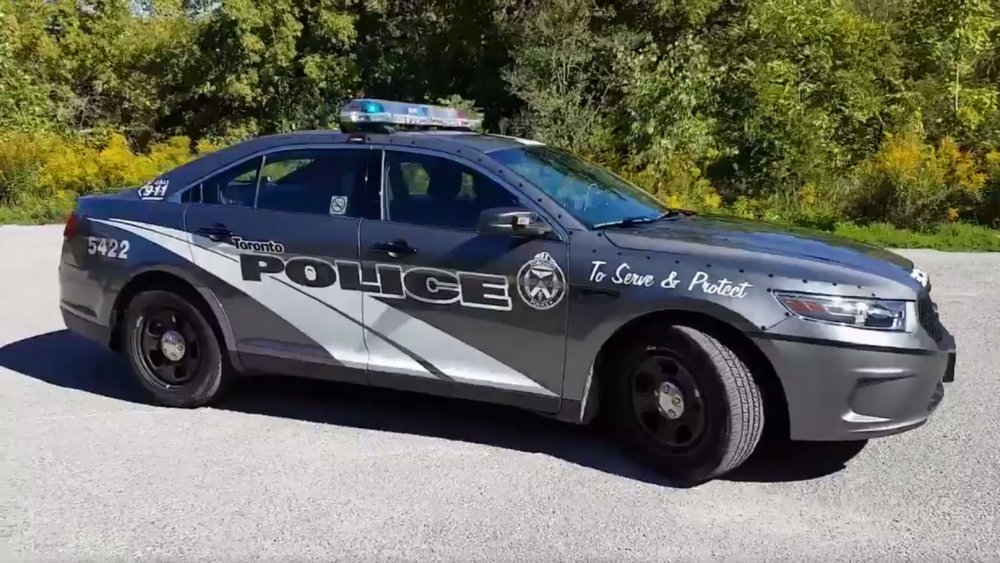
Toronto Ontario, the largest city in Canada, and the 4th largest city North America. In my opinion, needs a proper ELS enabled pack. Why Toronto? As mentioned its one of the largest cities in North America! Plus there's a market for TPS themed pack, plenty of us Torontonians are just itching to get our hands on one. Also, Toronto recently updated all of its decals to a new grey + white scheme which looks super cool. But There's Already Toronto Packs, Right? Well yes, Toronto themed vehicles are available, but they all run into the same problem which is inconsistency. Some Toronto packs are non-ELS enabled, over half aren't accurate and those that are accurate are usually just texture packs. Which would be fine but then you run into the problem of incorrect lightbars, vehicles, etc. All very unimmersive. So yes, it is possible to 'Toronto-fy' your game but it just isn't the same as a dedicated pack. In Summary I personally would love to see a Toronto Mini Pack, or even a mega pack! (@t0y) available for download. Attached are some photos of the new TPS vehicles, to any modders with a little spare time, make this happen! Do it for Canada!
-
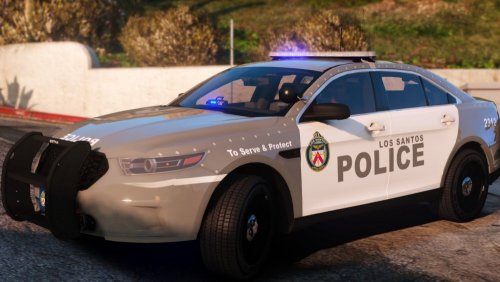 These textures look great and I really want to use them however when I import a PNG into the vehicles .ytd file nothing happens.
- 3 comments
- 2 reviews
-
-

- 1
-