marcello25
Members
-
Joined
-
Last visited
Everything posted by marcello25
-
 Worked fine but after i installed EUP 8 it doesnt work anymore. Does it have support for the new EUP? EDIT: Ups sorry my bad I used Pistol MKII it works only with the normal one.
- 561 comments
- 97 reviews
-
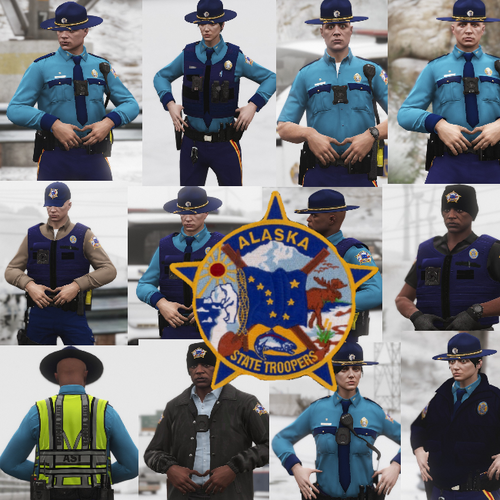 I know that this is stupid question but i’m using custom backup and when have on state patrol my custom car and these ped modela are spawning long normal trausers and then with bike boots and trausers is there any way to set it up that they will be spawning only with normal trausers? Btw very good model
- 14 comments
- 9 reviews
-