ROK305
Members
-
Joined
-
Last visited
Everything posted by ROK305
-
ok I appreciate that, can you let me know what setup 7 is
-
Hello Narobic would it be possible to assist in the configuration of my XBOX elite 2 controller? I've been a Console gamer all my life, but I need LSPDFR in my life! lol Please i you could. I would like to have player control strictly on the controller while having traffic policer and other plugins customized to my keyboard. so if possible i would like: ON FOOT: X button: Reload Weapon Y button: Get in/out of Vehicle B button: melee A button: Sprint LB button: Weapon wheel RB button: Take Cover LT button: Aim RT button: Fire LT Paddle: unused LB Paddle: unused RT Paddle: unused RB Paddle: unused In Vehicle: X button: Toggle Poice Radio Y button: Accept Callout B button: Call in Pursuit A button: Toggle Siren LB button: Join Pursuit RB button: Pullover Start LT button: Brake/Reverse RT button: Accelerate LT Paddle: Deny Callout LB Paddle: Block Area RT Paddle: Request Backup RB Paddle: Request Noose On Keyboard: N Key : Los Santos Radio S Key: Search Ped L ALT S: Search Vehicle , Key: Police Radio: Previous Page . Key: Police Radio: Next Page / Key: Police Radio: Select ; Key: Police Radio: Next ' Key: Police Radio: Previous 8 Key: Transport 5 Key: Jail Route 2 Key: Release 4 Key: Scene Management 6 Key: Place Ped In Vehicle T Key: Tackle Key U Key: Tackle Button I will Greatly appreciate this.
-
wanted to let you guys know. I GOT THEM IN!!!! thank you guys greatly appreciated all your help!!
-
you guys are awesome, ill give it a try
-
maybe its just me....lol, it didn't work
-
I will try that
-
Thank you NewbCrazy for your response, yes all are loaded, and have been, Do I need to restart my computer after making these changes?
-
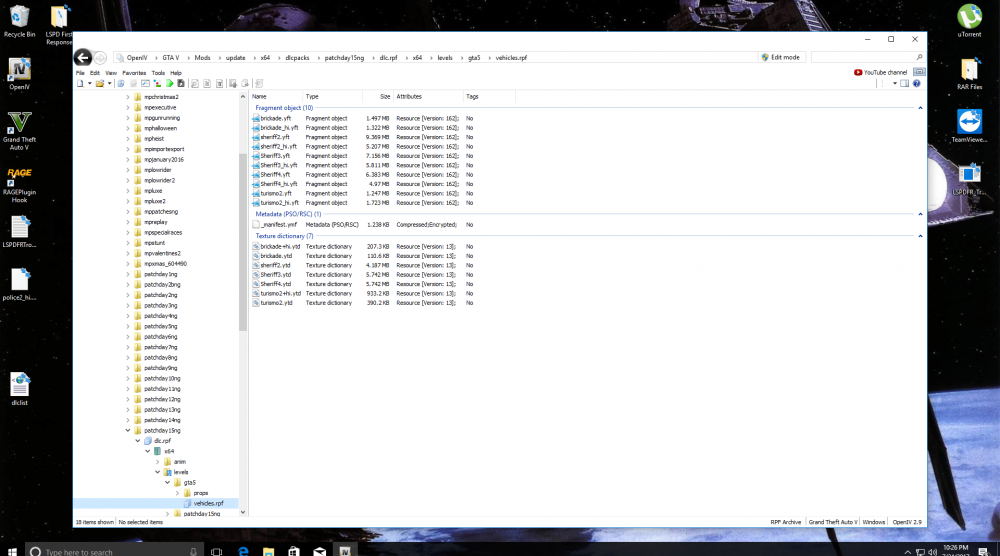
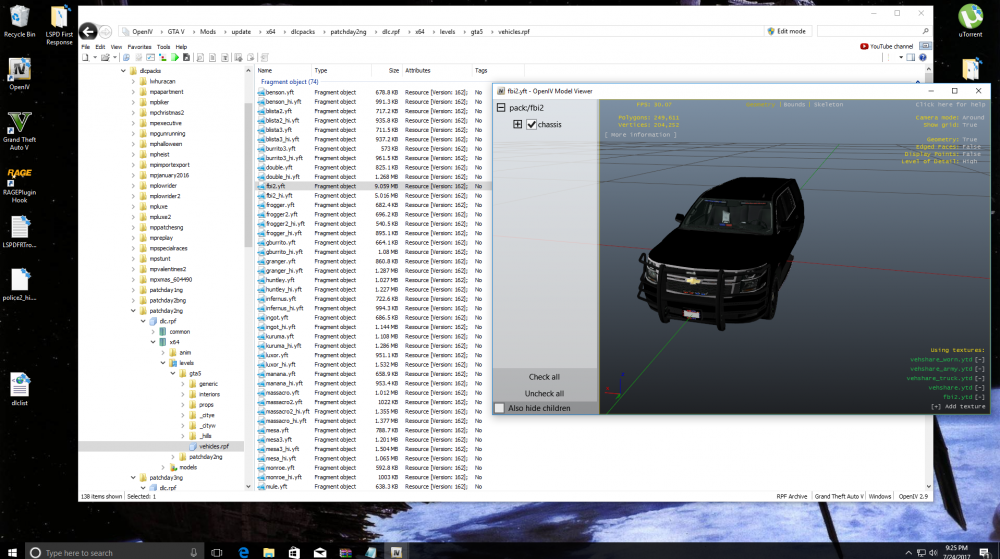
for some reason I had two gta v folders I relocated one to another drive, then I deleted the mods folder, then recreated a new one added the update file to it and inturn that removed the dlcpack lspd folder, clearing up the way for my patchday folders to now be seen in openiv(they were not showing up because of the incorrect gta v folder). so now I have a clean mods folder. went through the steps to reinsert ELS and a ELS Vehicle, as in my pictures I replaced the fbi and I added the chp as sheriff3. they still do not show up.lol
-
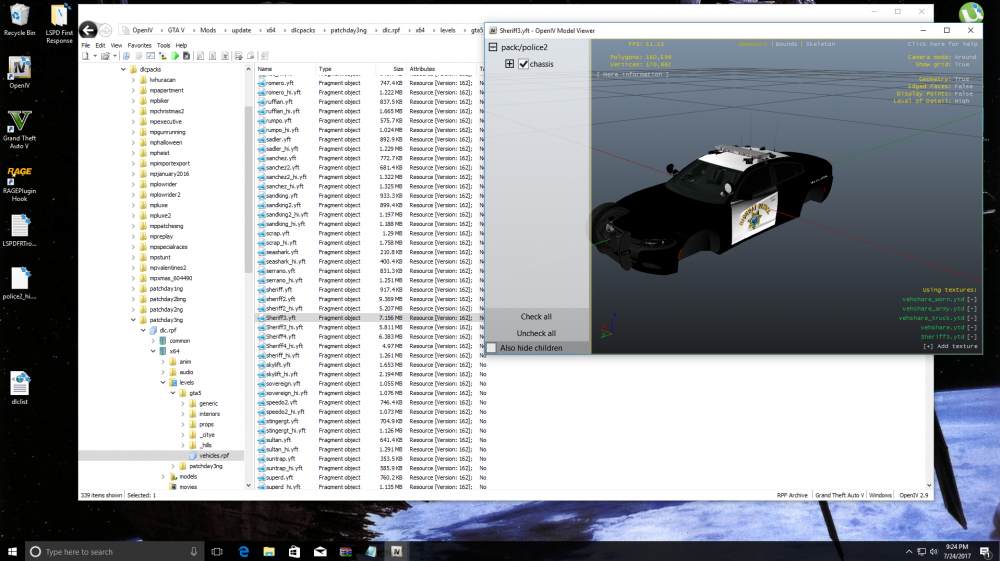
Kallus I fixed my error in openiv, went and replaced the fbi2 with unmarked chevy Tahoe, added sheriff3 followed youtube CHP mega pack ELS tutorial I I still don't know what I'm doing incorrectly
-
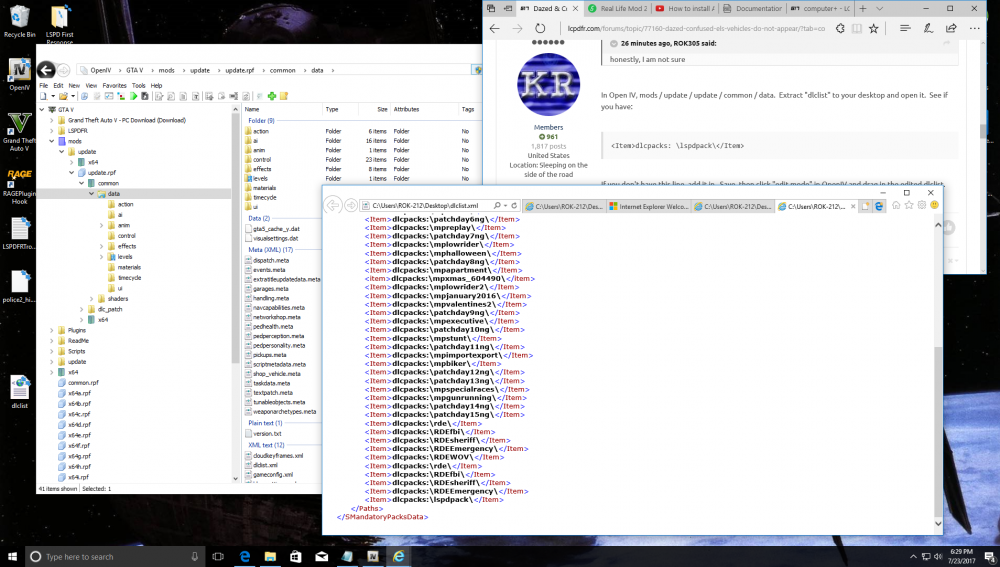
its already in I made no addition dude I apologize for taking your time on this. but I am grateful for your assistance
-
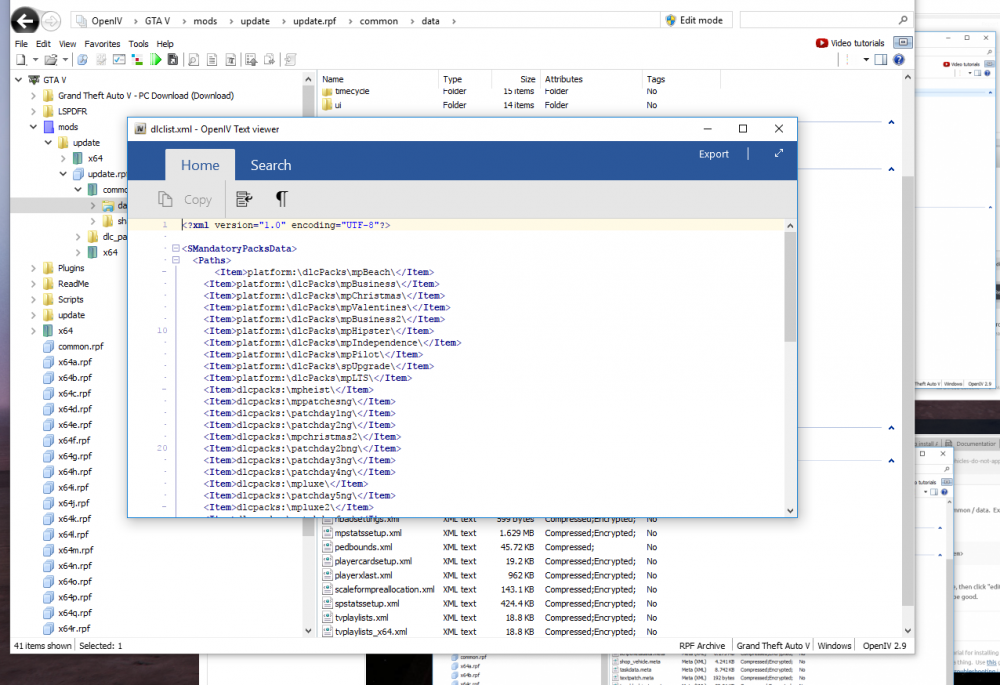
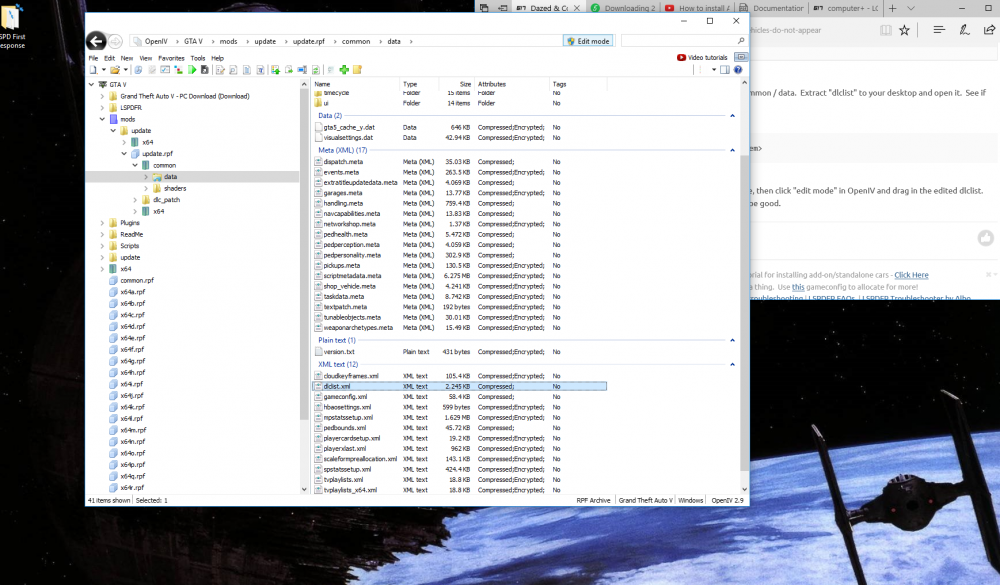
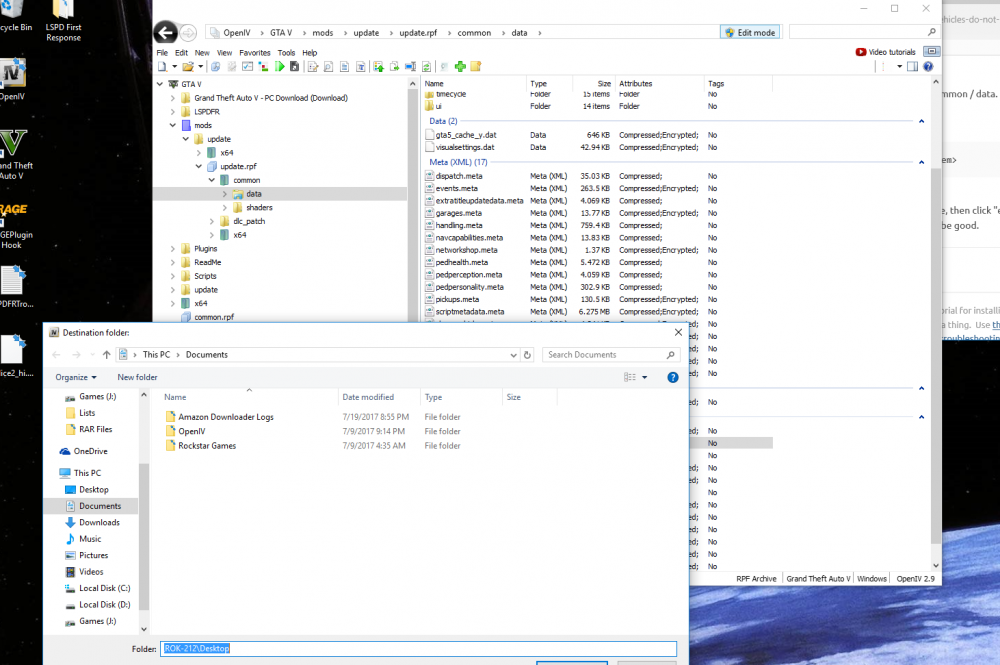
I do not. those three folders are empty ok NVM I see what you said, but where do I drag it into? I see this under the view tab
-
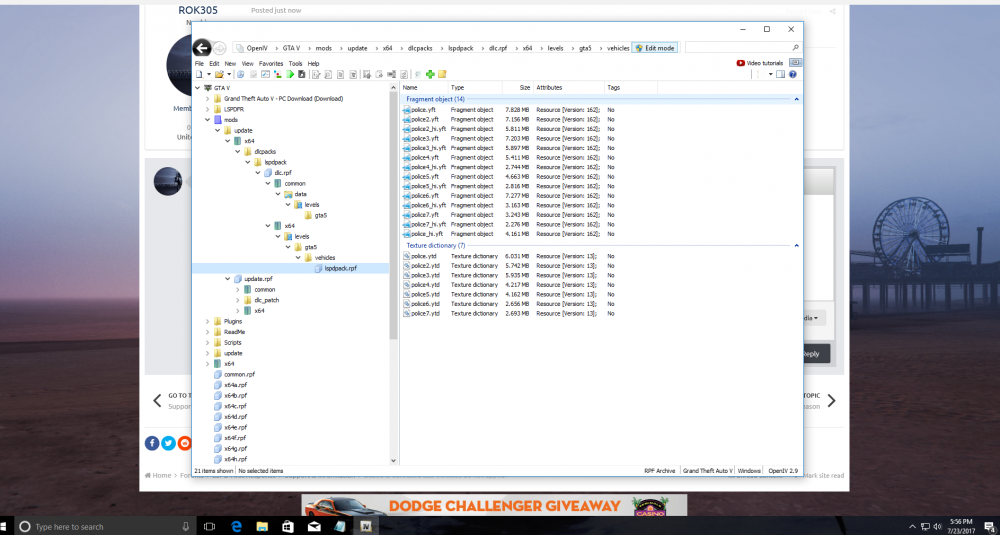
pardon my ignorance but, is this the right location? once I extracted it, there was nothing in those folders.
-
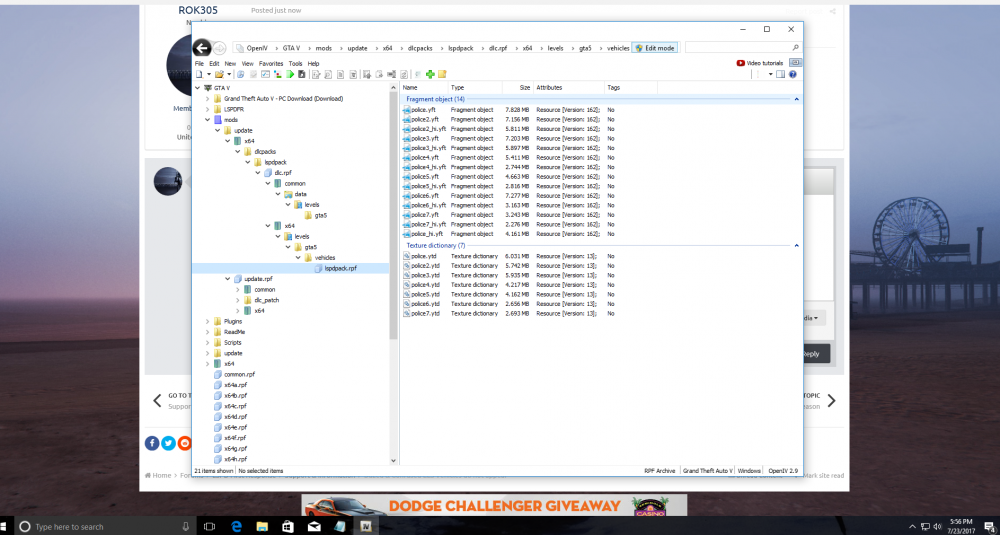
honestly, I am not sure is it in openIV?
-
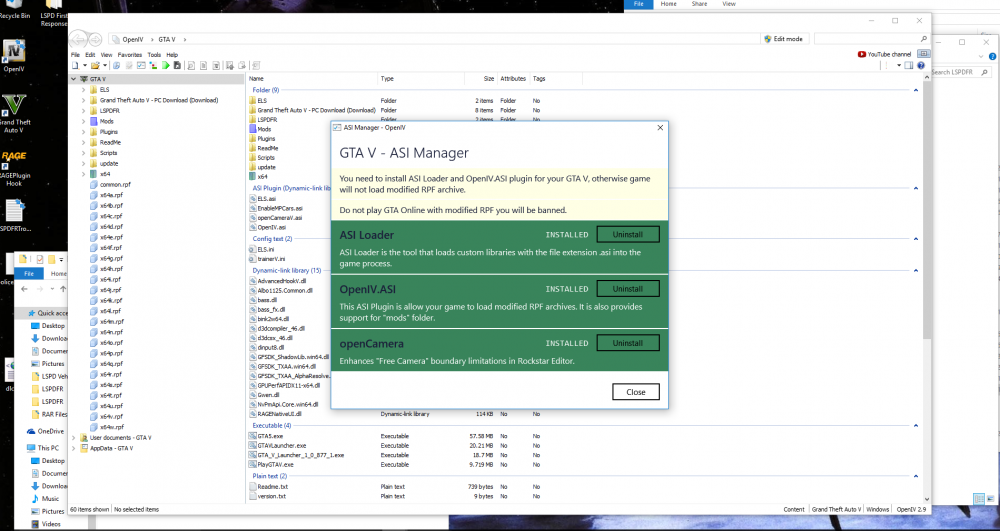
Gentleman.. I am somewhat Comp lit. however I am new to this whole modding world, so please forgive my ignorance. after following Readme instructions, I still do not see the ELS Vehicles I loaded into OpenIV. when I look into openIV the cars are there yet when I load LSPDFR I am not seeing the vehicles. the pack I loaded was some of the CHP megapack. please advise