



Wstlndwarrior
Members
-
Joined
-
Last visited
Everything posted by Wstlndwarrior
-
Please tell me where I can edit the Campaign hats for LSSD and BCSO because my pedprops is empty in the EUP DLCPATCH folder. I'm lost.
-
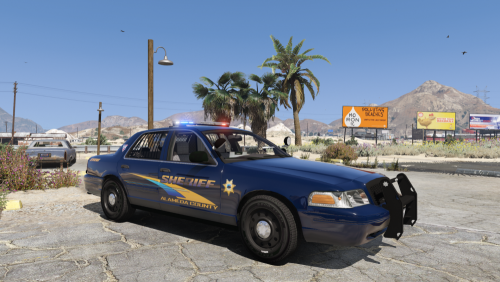 I also cannot get the secondary light to turn off when not activated. Dev can you address this?
- 33 comments
- 3 reviews
-
Correct guys. I was curious to know if anybody had an authentic box they use for the game, or if that's even possible? Awesome pics btw!
-
Hello, I have been shopping around for a new 2014 Charger texture and I keep seeing everyone showing off their textures on Caperinos Charger. I see that it has been removed by him, my question is what happened? Also, is there any way to still enjoy the model? Thank you for your time!
-
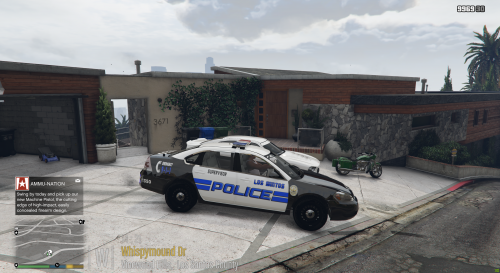 What Impala model is this in your pictures?
 -
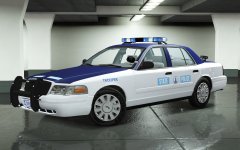 This is awesome! When will this be available?
 -
-
Does anybody here have an ultimate setup complete with a radio and a real ELS box? Hopefully not handcuffs. That'd be a little weird. Just curious.
-
The fabled VSP interior setup.

