
Inception
Members
-
Joined
-
Last visited
Reputation Activity
-
 Inception got a reaction from Razgr1z in ELS takedown light facing backwardshmmm... I remember we once had this issue with your Divvy van in our FiveM server, and I did something with the VCF to fix it. I'll continue looking into it.
-
 Inception got a reaction from OblongGaming in LSPDFR Australia Discussion Thread 2.0Will there be a release for this? Pretty Please!!!!
-
Inception got a reaction from OblongGaming in ELS takedown light facing backwardsIf it's an ELS model, you'll have to check the VCF config for the vehicle. If it's non els, then go through the carvariations file and vehicles.meta...
But give the dummy a go first.
By the way, when do you think we can get that FIre Truck released? Looks pretty gorgious!
-
Inception got a reaction from OblongGaming in ELS takedown light facing backwardshmmm... I remember we once had this issue with your Divvy van in our FiveM server, and I did something with the VCF to fix it. I'll continue looking into it.
-
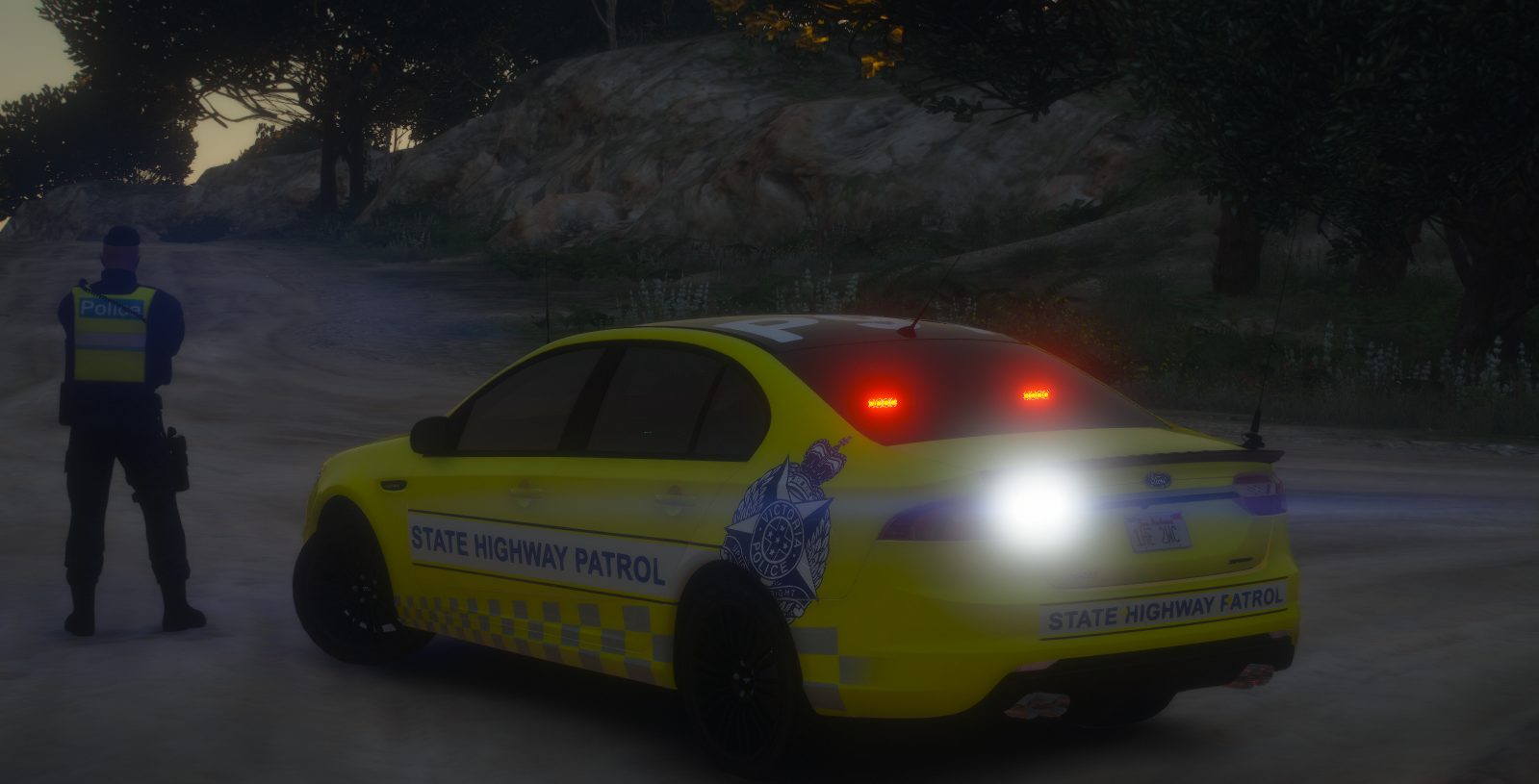
Inception got a reaction from OblongGaming in LSPDFR Australia Discussion Thread 2.0And something to go along with it very nicely 😉