



Inception
Members
-
Joined
-
Last visited
Everything posted by Inception
-
-
.thumb.png.092a0cad9b5acf9906f12956b902770a.png) Hey Macgregor, any chance that the Divvy van could be customised to be AFP lights compatible. With FiveM becoming a big Roleplay platform, and those willing to create Australian servers, we are very limited to vehicles that are luxart compatible as the vast majority of Aussie vehicles are ELS. I hope we could see some of the previous vehicles that are ELS become AFP compatible as well as the future ones like the beautiful CFA Pumper. Again, your work is much desired and appreciated for. Thanks.
Hey Macgregor, any chance that the Divvy van could be customised to be AFP lights compatible. With FiveM becoming a big Roleplay platform, and those willing to create Australian servers, we are very limited to vehicles that are luxart compatible as the vast majority of Aussie vehicles are ELS. I hope we could see some of the previous vehicles that are ELS become AFP compatible as well as the future ones like the beautiful CFA Pumper. Again, your work is much desired and appreciated for. Thanks.- 17 comments
- 4 reviews
-
-

- 1
-
-
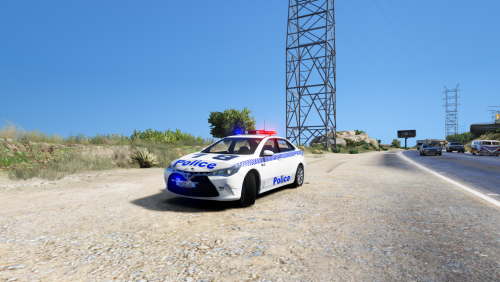 Nice Addon mate! Any chance you could add the vehicle livery template aswell? Was going to make a VICPOL GD texture.
- 18 comments
- 3 reviews
-
Will there be a release for this? Pretty Please!!!!
-
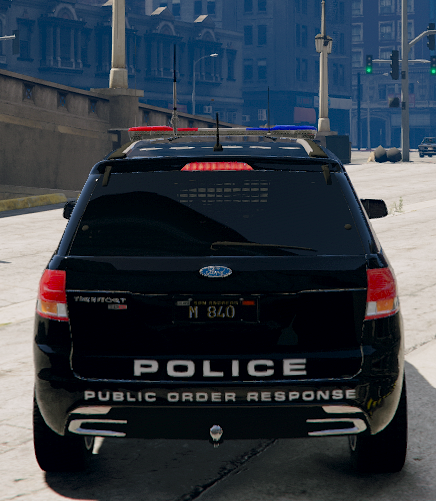
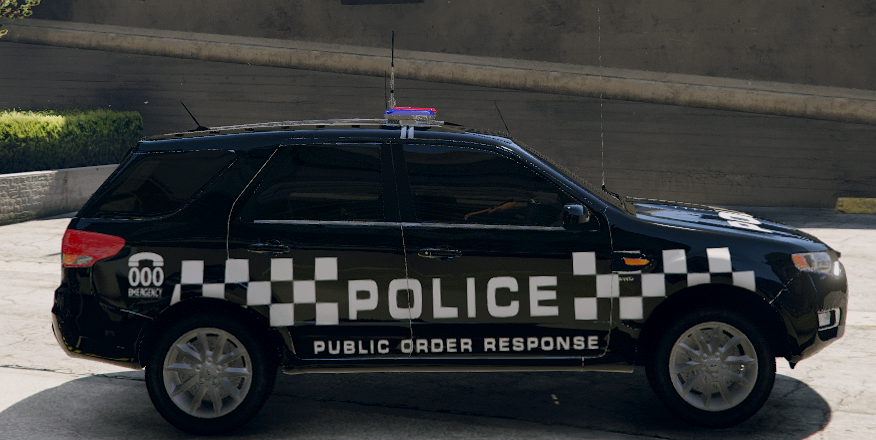
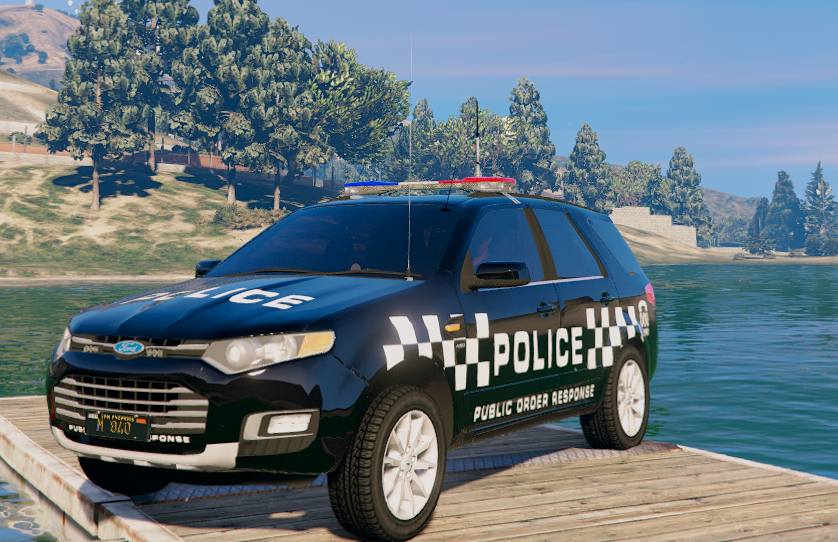
And something to go along with it very nicely 😉
-
hmmm... I remember we once had this issue with your Divvy van in our FiveM server, and I did something with the VCF to fix it. I'll continue looking into it.
-
If it's an ELS model, you'll have to check the VCF config for the vehicle. If it's non els, then go through the carvariations file and vehicles.meta... But give the dummy a go first. By the way, when do you think we can get that FIre Truck released? Looks pretty gorgious!
.thumb.png.092a0cad9b5acf9906f12956b902770a.png)
