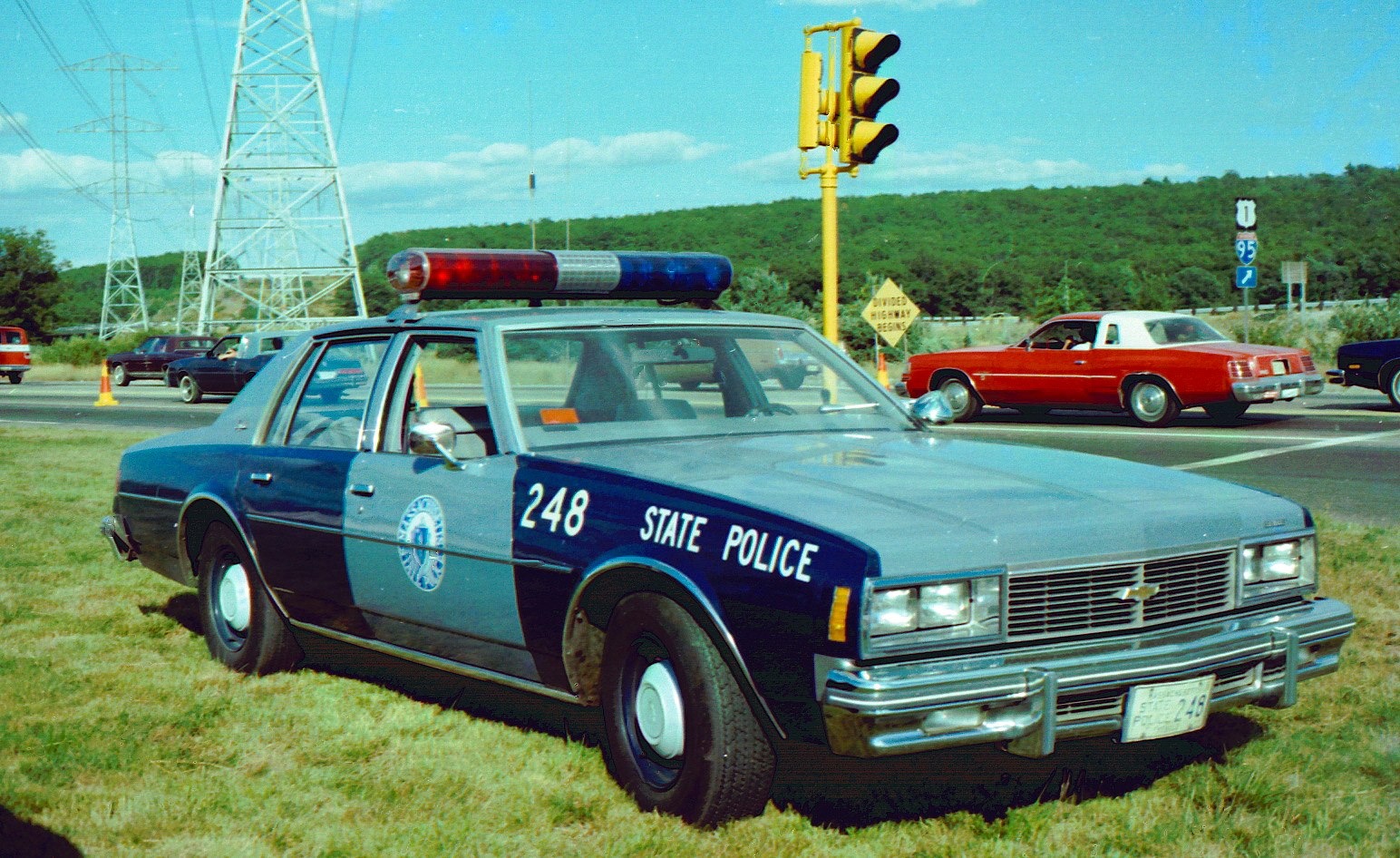
My name is Corey, and I am a 20 year Massachusetts resident of Fall River. I am very knowledgeable about the Mass. State Police and their cruisers in particular. My eye for detail is very keen and I wish that I possessed the capability to put my know-how into a successful model for the community to use and share, but I don't. So, I'm just a bank of knowledge that's always learning and ready to share. I also talk with Troopers on a near day to day basis and do have a heavy understanding and connection of the Mass. State Police's Fleet Section.
Don't be afraid to ask me any questions you have regarding the Mass. State Police's cruisers, past or present, as again, I am around them every day and have a huge wealth of knowledge at my disposal to share.
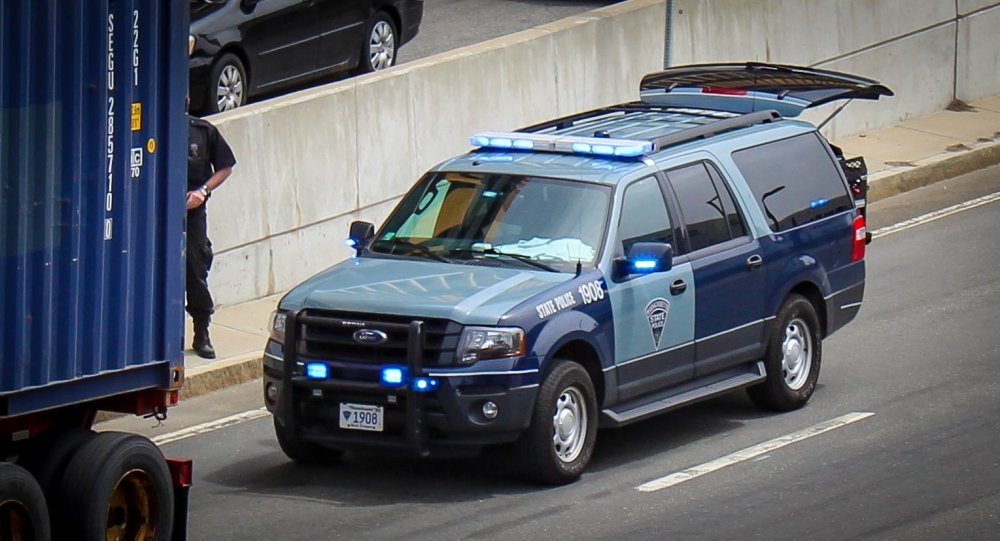
BELLOW: Here are some photographs I have personally taken of M.S.P. cruisers. I do this as a hobby in addition to staying in touch with members of the department across multiple social media platforms and in person throughout the state.(1)CoreyM.Gillet(3E).thumb.jpg.405a96aab987395cdafb951039eb489b.jpg)
(1)CoreyM.Gillet-LightroomClassicCC(7CE).thumb.jpg.97fe968a80199a72f2c045cd4a4eeb0a.jpg)