Shoebill
Members
-
Joined
-
Last visited
Everything posted by Shoebill
-
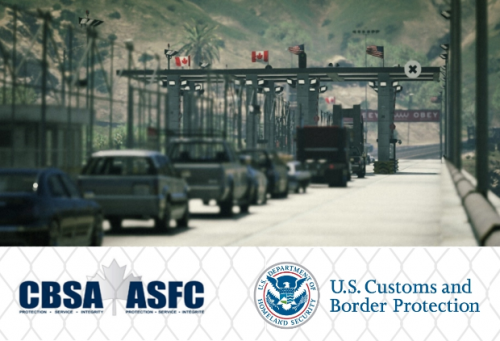 Love it, it gives my pursuits a bit of a twist, now it gives me a goal to stop the suspects before they reach the border.
- 22 comments
- 10 reviews
-
-

- 1
-
-
-
If you want I posted a request for some textures not so long ago I also attached pics for reference
-
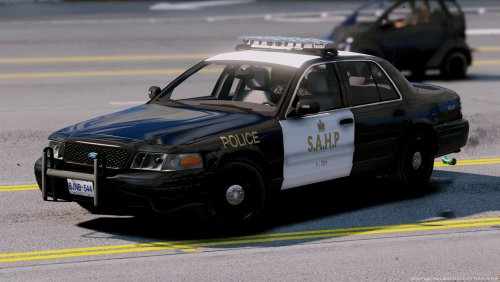 For a fictional Department that is BASED on a real one, it's not bad at all, I like it, keep it up
- 28 comments
- 9 reviews
-
-
- 1
-
-
This is really interesting, I made my sheriff units Canadian and the City units US, so it fits right in for me
- 22 comments
- 10 reviews
-
-
- 1
-
-
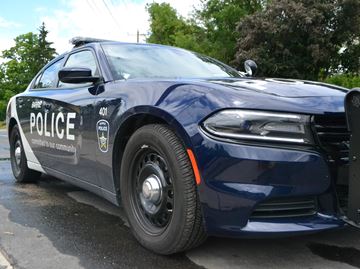
Recently moved to Barrie, would love to play around with their new cars, but I can't mod at all, so it will be great if someone made models or textures for it Attached are pics from different angles of the new cruisers (2015 Charger & slicktop 2016 FPIU)
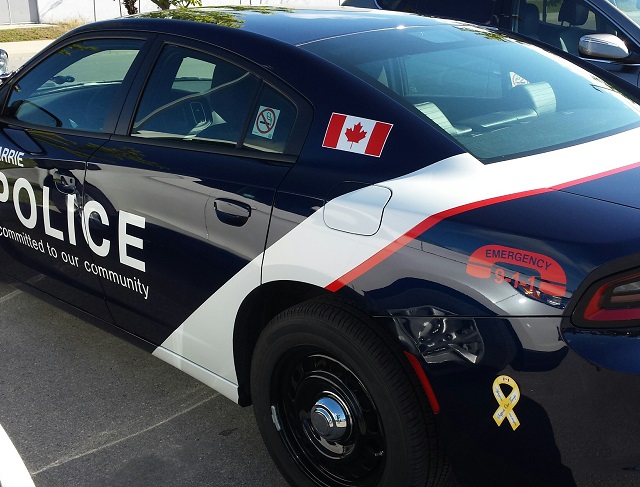
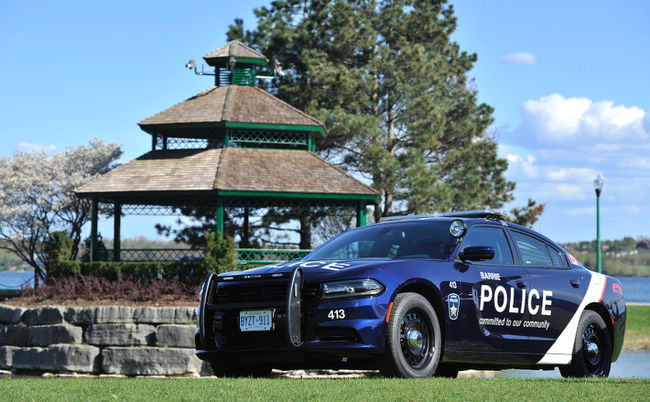
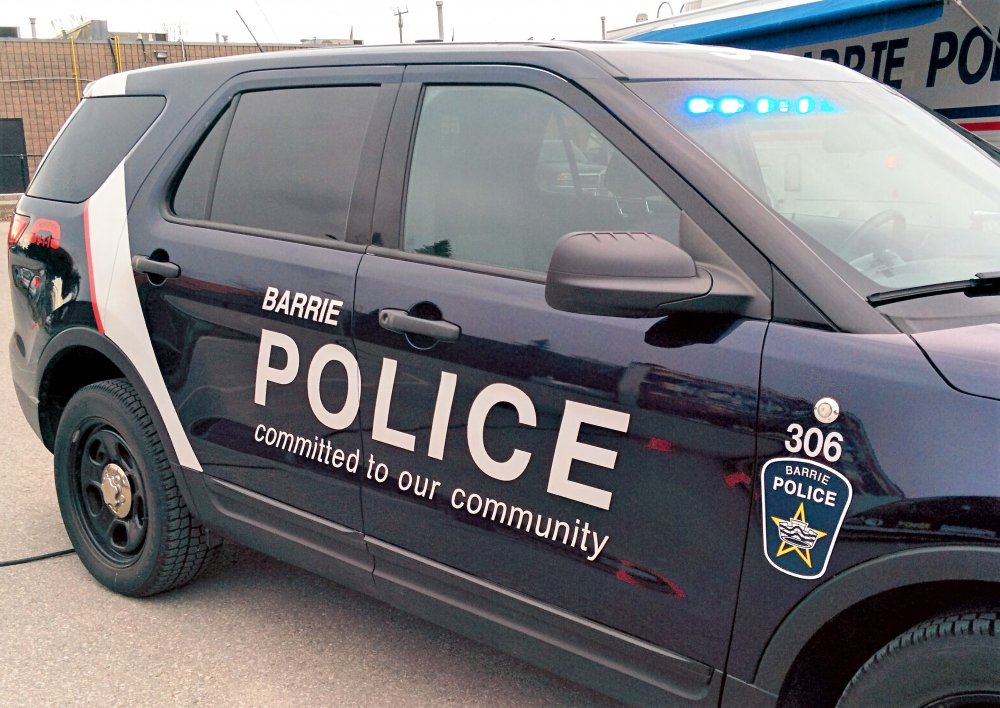
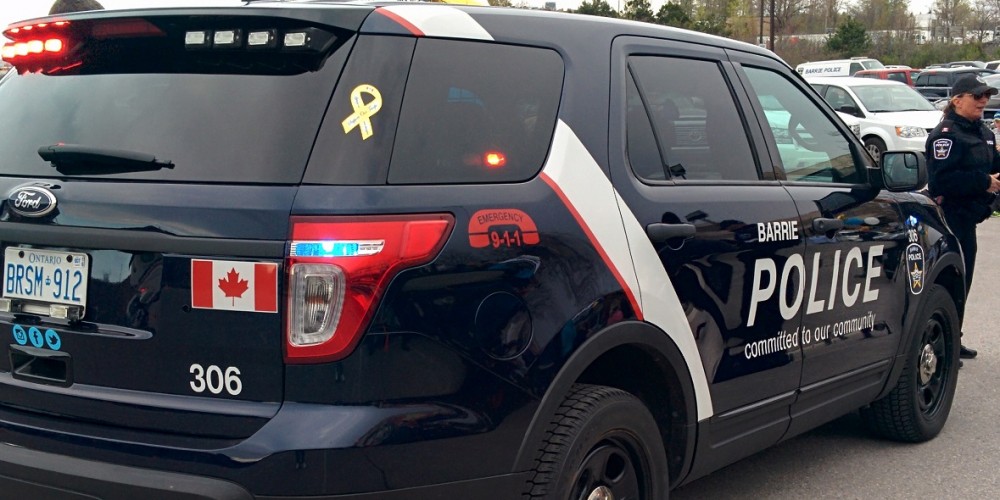
-
My Policesmartradio, won't read or run plates, everytime I press on it to get info on a car, my charterer puts his hand on the radio, but nothing happens, I get no response from dispatch, any idea what's wrong?
-
Well tbh personally I like the sharp edges more, but non the less I'm asking more because I never see the OPP use the 2008 anymore, even in the recent pursuit it was all 2016s OPP pursuit: "http://www.cp24.com/news/police-id-suspect-after-carjacking-police-chase-on-hwy-400-1.3479651"
-
Quick question, why the 2008 tahoe and not the 2015-16?