
Kreemerz
Members
-
Joined
-
Last visited
Everything posted by Kreemerz
-
 1. Thanks for attempting to answer my question? 2. What notes are you referring to? 3. 👍
- 2,341 comments
- 236 reviews
-
So has the file been updated or not? or do you have a pertinent response? So you didn't even take the time to answer the question you instead wanted to gloat. (sigh)
- 2,341 comments
- 236 reviews
-
-

- 1
-
-
So, this file has not been updated? just the version number? Maybe the OP just wanted to get more people to download the file?
- 2,341 comments
- 236 reviews
-
-
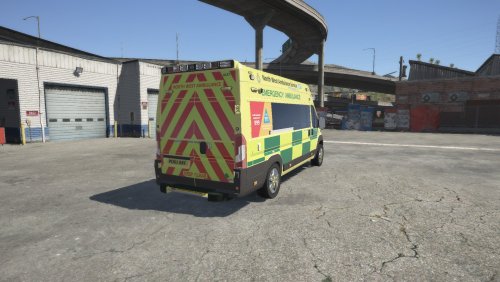
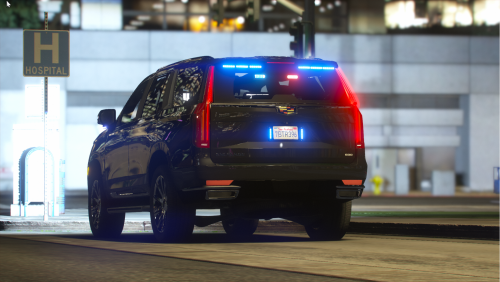 is there a red blue lights texture available for this vehicle? (like what we have in the US.)
- 18 comments
- 1 review
-
 You don't necessarily need the 'required files' if you just want to use a few cars out of the pack.
- 482 comments
- 78 reviews
-
 I have to say that Maurice makes the best the well illuminated lightbars... I've used a ton of them from this site. His are definitely done the RIGHT away...
- 89 comments
- 45 reviews
-
 Great job on those rotating lights in the lightbar. THAT is done the correct way. Eagle lightbar..
- 23 comments
- 3 reviews
-
 I know. I can't stand when people are lazy.
 -
-
 Thanks for that. I never installed it because I never knew the difference. They should really explain the differences.
- 262 comments
- 20 reviews
-
What's the difference in these plugins? Not sure which one I need to install...
- 262 comments
- 20 reviews
-
-
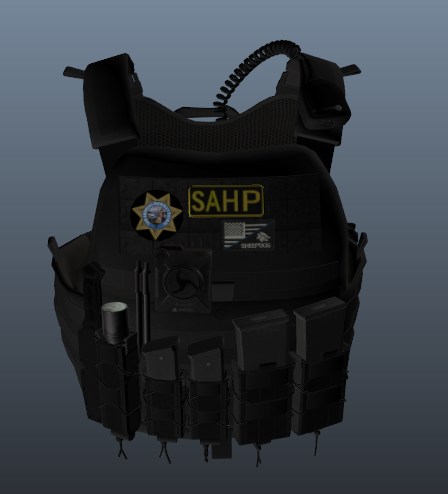 Misleading title & description. These are not the vests. These are textures only.
- 38 comments
- 3 reviews
-
Anyone know how to edit glass window in Zmodeler so that it shows the computer screen illuminated? Currently when I close the door, the window seems to block any of the lights from inside the car (the laptop screen looks dark, the controls on the siren are also dark. IT's not until I open the door that the lights are visible again. I keep checking under properties and Material. But not sure which one to select in the list.
-
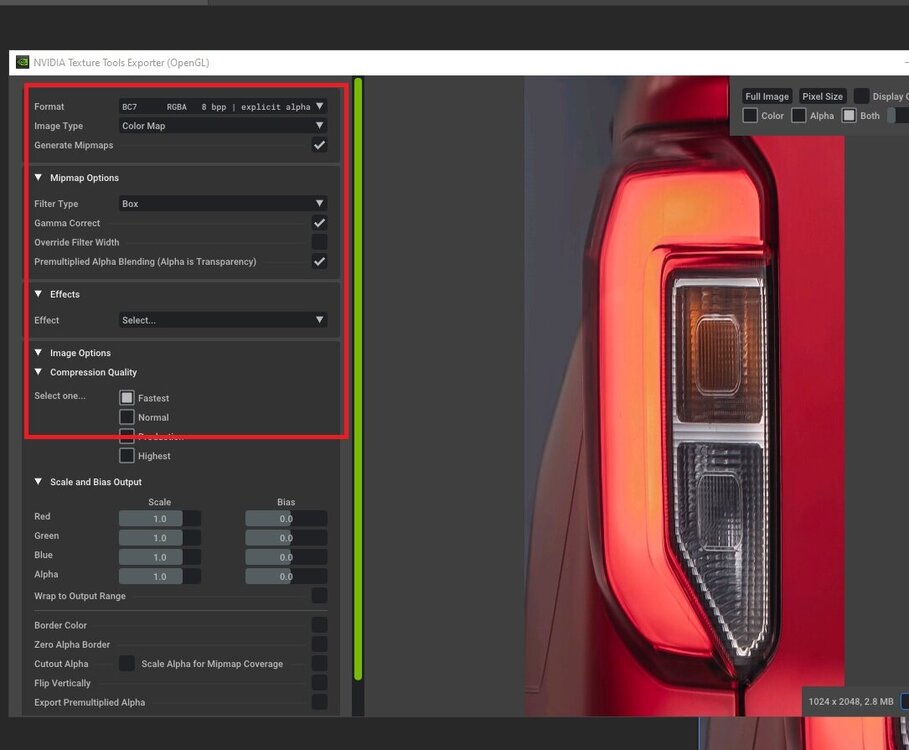
My brakelights on one of my models is too pink. How do I make them redder? edit the texture? I plan to do it in Photoshop. But I need to get the right format for compression and DDS and all that. Which format should I choose? Saving as a PNG file doesn't work. here's the screenshot of dds options:
-
I ended up doing a full clean reinstall. Was kinda weird. Not sure why it kept crashing. And every single time I tried to reload the all the plugins, boom, it crashed. I didn't change any plugins. I edited a file which I think may have done it. Should have backed up the file.
-
Removing those didn't seem to work. I kept reloading plugins and it crashed immediately. Forceduty is not working at all now...
-
Is there a newer version for XScanner? I like the ambient radio audio.
-
RagePluginHook.log
-
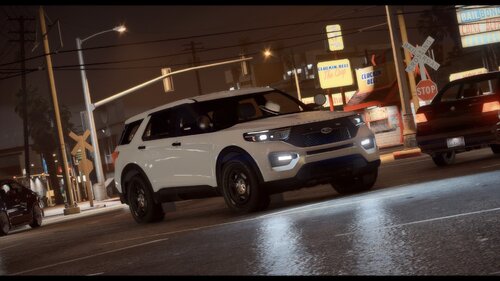 is this really work by HP Deskjet? Why does it not include a template? I've never seen a model that was released without a template..
 -
The game says "vehicle spawned". But nothing is there. The ped isn't even inside a vehicle when it's spawned. He can still walk around as if nothing happened. Not sure what happened. The vehicle worked fine. All I did was add a console and some equipment to the console. IT shows fine in OpenIV - everything is in place. But does not show up in game.
-
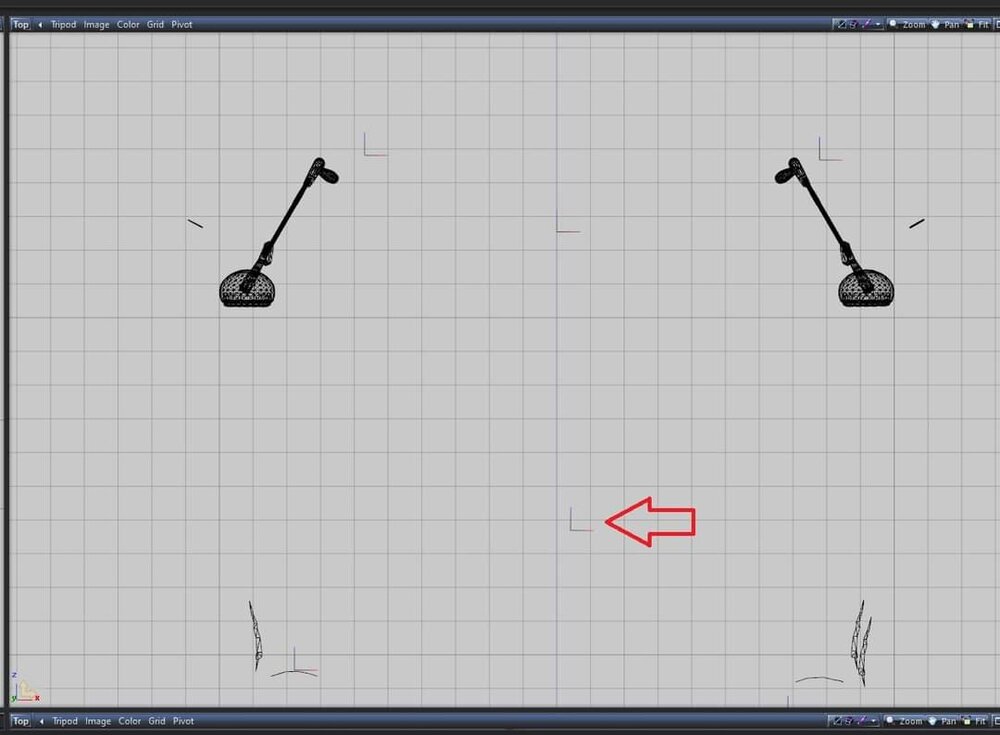
Finishing my vehicle in Zmodeler. Now I'm working on the spotlights. I was able to get the lights to turn on without any trouble. But the issue is that the spot beam seems aimed toward the rear of the vehicle. I don't know how to reposition the aim so that it's aimed toward the front of the vehicle. I thought all I had to do was rotate the emissive node (shown by arrow)?
-
Best ELS lightbar on a vehicle. Worked well. Hopefully someone does a 2020 FPIU with this lightbar.
- 89 comments
- 45 reviews
-
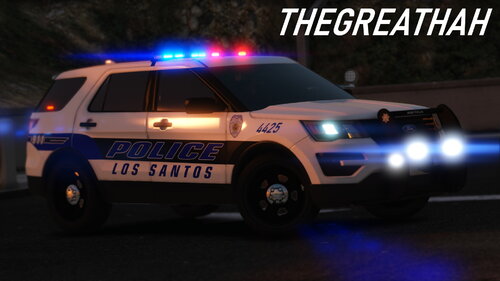 Man dude... You really should correct that. Kinda a serious mistake. That will surely prompt others to make unnecessary posts as result of your error.
- 33 comments
- 4 reviews