Darthdan
Members
-
Joined
-
Last visited
Everything posted by Darthdan
-
 Love your work mate. I am still getting the menu clash on traffic stops with lspdfr and lspdfr+ menus showing at once.
- 1,178 comments
- 137 reviews
-
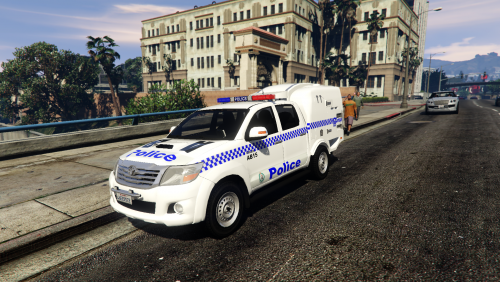 All working perfectly for me. Love your work buddy. You are right to leave the handling like that. The way they load up in a turn then throw themselves out of the turn is why they should not do urgent unless really necessary. Come so close a few times.
- 38 comments
- 9 reviews
-
Never had roadblocks in Australia, closest is the use of stop sticks.
-
We've got a mustang doing the rounds too
-
In Australia it is also because they want a distribution of Ford and Holdens, mainly. Used to be to support local manufacturers but now that's gone out the window.