

JohnWhite
Members
-
Joined
-
Last visited
Everything posted by JohnWhite
-
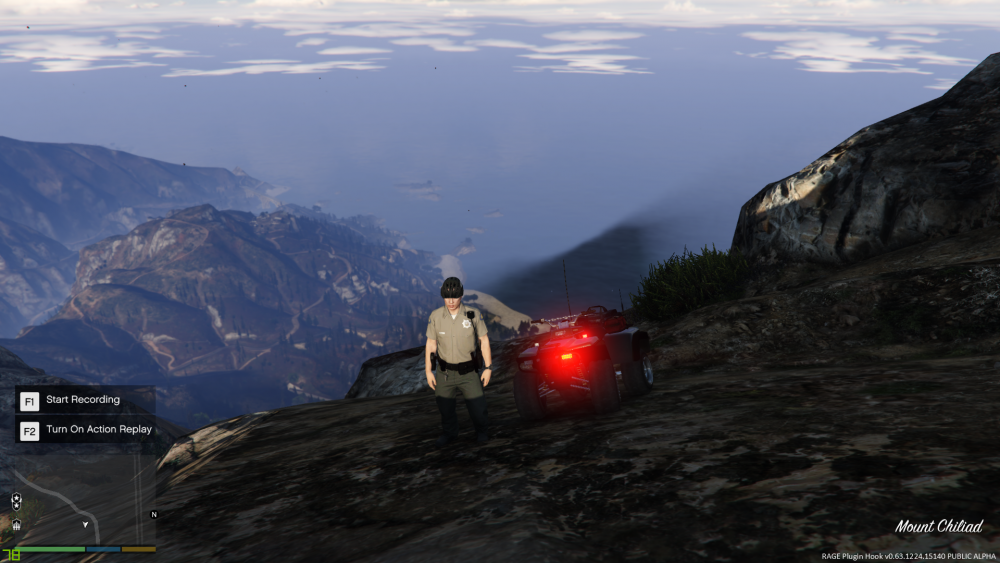
IT WORKED! I guess it was a limit for modded vehicles. Thanks a millon!
-
Thanks for replying. I do not understand why this should be a problem. Can you explain me why and how to install a good gameconfig? Thanks.
-
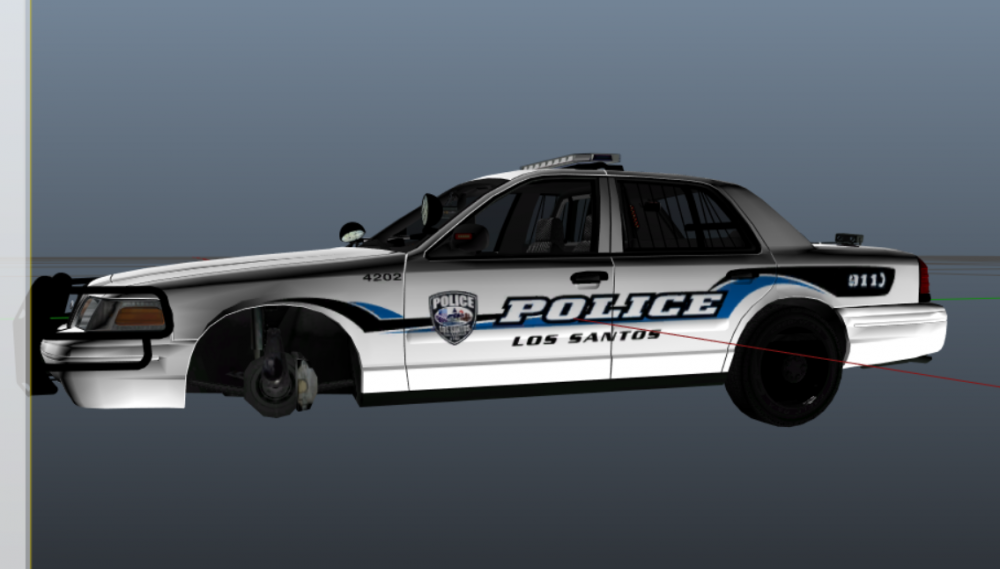
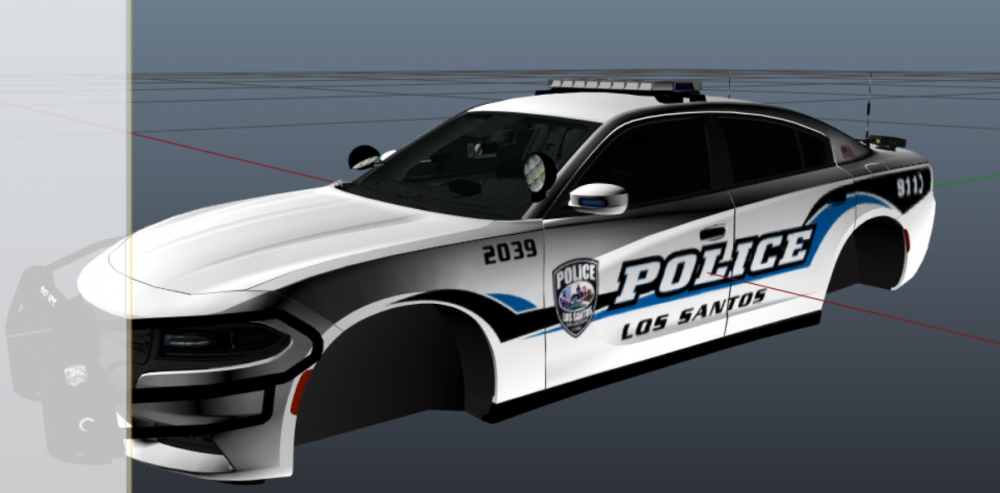
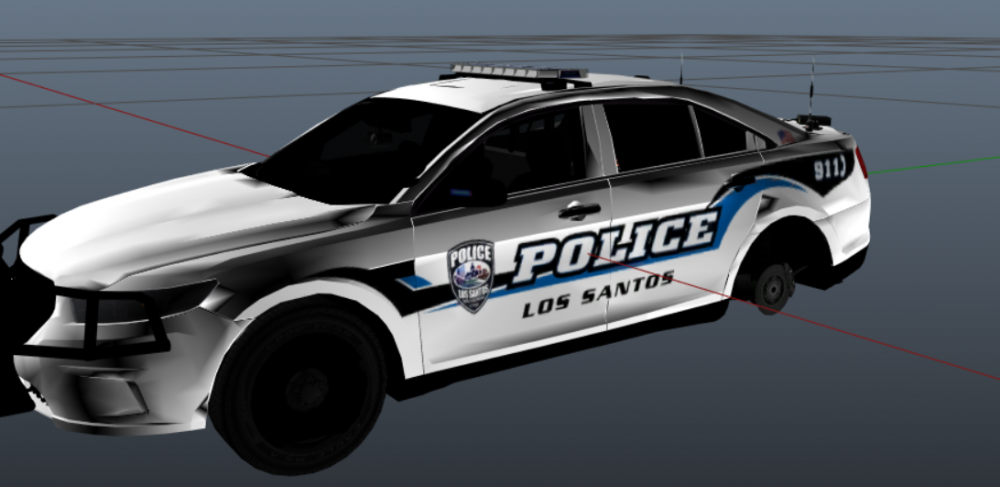
I am trying to download an LSPD pack that I used a year ago. But I forgot the name of the pack and I lost the original files. I only have to files installed on my old laptop. I attached some pictures from OPEN IV. I hope someone recognise it. Thanks.
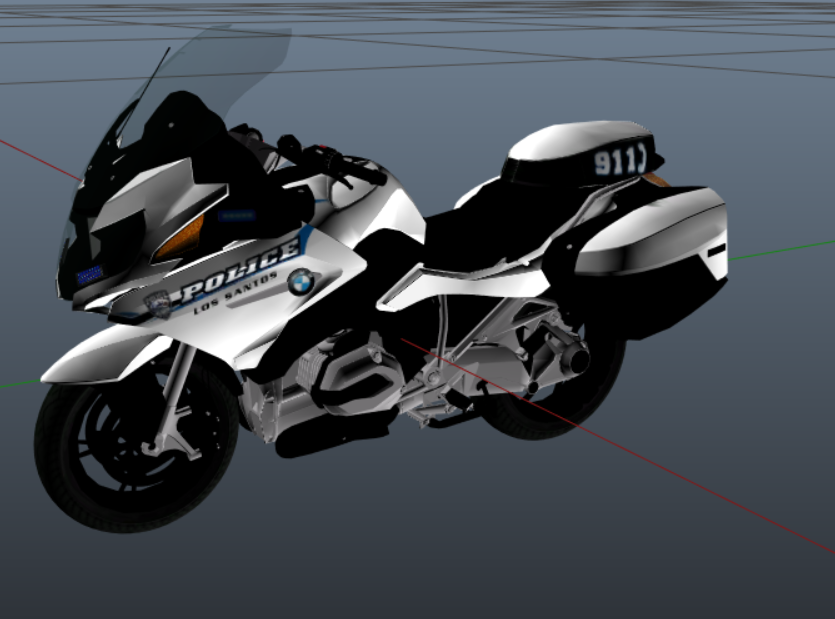
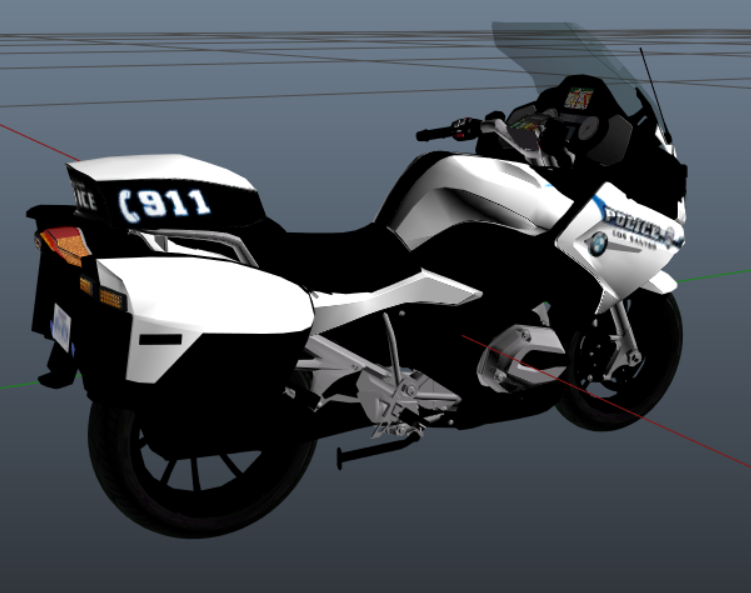
-
Hi wonderful people from LSPDFR forums. It is going the first time posting here. So I am trying to install this vehicle Ranger ATV in my GATV game with LSPDFR. I have other vehicles, both in custom and default slots, that I installed following the same method (Albo modding pack) and they work with no problem. But trying to install this one, the game crashes every time, I have tried everything that i can think of. I recorded a video showing how I install the files so you can see and correct me if you spot any problem. I will add some time tags so you do not have to lose 12 minutes of your time watching. 00:00-03:50, me explaining the problem and successfully launching the game without installing the ATV files. 3:50-10:20, downloading and installing the vehicle 10:20-end, launching the game and crash. Here is the link to the video: https://www.youtube.com/watch?v=cGorhbZu8uY&feature=youtu.be Also, I am attaching the crash report and the meta and carvariations obtained from the file downloaded. Sorry for my broken English. I hope someone can spot my mistake. Thanks really much!!! crash report.txt carva.txt meta.txt