




FatBluLine
Members
-
Joined
-
Last visited
Everything posted by FatBluLine
-
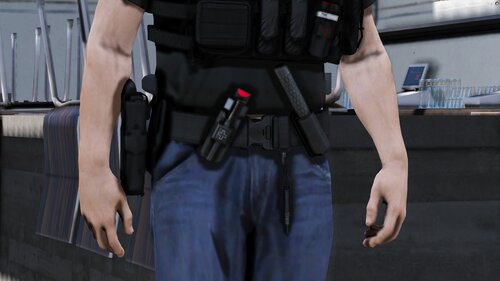 Update>x64>dlcpacks>eup>dlc.rpf>x64>eup_component_peds.rpf and then: "mp_m_freemode_01_male_freemode_hipster". It actually says it on the files, you just need to think a bit😄😄😄 make sure to rename those files so that they dont have the folder name in them just the "accs_diff_002_a_uni.ytd" and "accs_002_u.ydd"
- 15 comments
- 1 review
-
I agree! I'm looking for the LAPD back all the time but I cant find one..
-
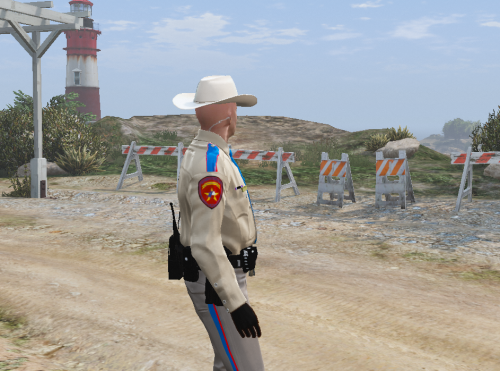 why are you playing gta 5 on a calculator?
 -
-
Hi! As I'm playing LCPDFR a lot, im wondering what does us cops do when someone drives without a license or expired insurance?
-
Hi guys, I know that you should always backup ur files, and i do it all the time, but this time I've forgotten about it. I lost my pedprops.img and then i tried to repair it. Now i have xbox pedprops instead of pc pedprops.img. Can you guys give me the pedprops.img file? Please! PS sorry for my english im polish.

