


Roadjack
Members
-
Joined
-
Last visited
Everything posted by Roadjack
-
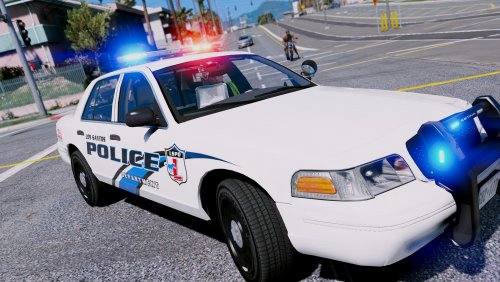 I figured out that I had to get OpenIV. Did that, but it wants to crash whenever I put vehicle models in the directory. Not asking for help. Giving up. Don't have time to figure it out.
- 27 comments
- 8 reviews
-
I'm trying to install the vehicles. I don't have a "mods" folder. So i created the mods>update>update.rpf>common>data>levels>gta5 path myself. Didn't work. Then I tried to put them in update>update.rpf>common>data>levels>gta5 except "update.rpf" is not a folder and I can't open it. Not sure what to do.
- 27 comments
- 8 reviews
