


n0de101
Members
-
Joined
-
Last visited
Everything posted by n0de101
-
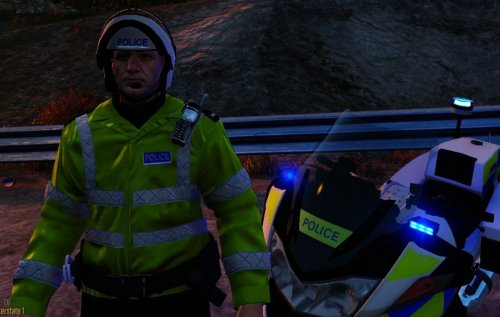 Very nice, glad someone is putting a lot of work into British mods for GTA V!
- 9 comments
- 4 reviews
-
-

- 1
-
-
-
-
-
-
-
-
-
-
-
-
-
-
Just by watching the videos my mind is blown, but just one question, in v7 in MP we could see other players ELS lights as normal with the siren on but really laggy (If thats the correct word) without, in v8 is that fixed as from the one of the videos it appears so?
-
-
I simply pulled a guy over who was flagged on the ANPR as having a expired license, they then subsequently ran and I pressed ALT + E to call in the pursuit and my game crashed! Also during the same game I simply could not grab suspects once I had arrested them and said I will transport to station. LCPDFR.log AdvancedHook.log
-
I was going though the .ini yesterday and I found a key called start chase on Ped or something like that. I've not tested it yet but I believe it's like the key in 0.95 where you can aim at someone and AI will chase them, hope this helps. P.S the key to do this in 1.0 is Left Control :)
-
-
The lines are slanted just right People..... And most skins aren't exact, thats why we Improve them. And Messed up Skin like to see you do better, show some support!! Amazing Pack for 2nd Pack, using it a youtube series
- 12 comments
- 21 reviews
-
-
- 4
-

