


slinkykilla
-
Joined
-
Last visited
File Comments posted by slinkykilla
-
-
As for if we have any ideas, I'd like to see more callouts where less lethal weapons can be more appropriately applicable, like some sort of crazy person with a knife/bat/crowbar, or maybe a protest turned riot, it something along those lines. I have a bean bag shotgun and a less lethal 40mm impact launcher in my game and I don't have many callouts where such items can be appropriately applied.
-
Edited by slinkykilla
Thanks for this. Even though it's not the one LAPD uses I still like it, it's gonna be really nice to have more less lethal variety with this mod. If it bothers you guys that it's not the one LAPD currently uses, just pretend that after all the 2020 riots LAPD upgraded to the 6 shot launcher for superior crowd control. The next thing we need to do is find a way to edit AI officer load outs so they will use this, taser, bean bag shotguns etc. (Well, technically your ai officers can use bean bag if you put a bean bag gun over the pump shotgun.)
-
-
-

-
 On 3/1/2022 at 6:21 PM, Tactical Donut said:
Thank you for 100,000 downloads! I wish I had a special pack or something ready to celebrate the occasion, but I never imagined I'd reach this point.
make an lapd 2020 fpiu with a lightbar. it really bothers that we're sitting here in 2022 and no one has made a 2020 with light bar yet.
-
-
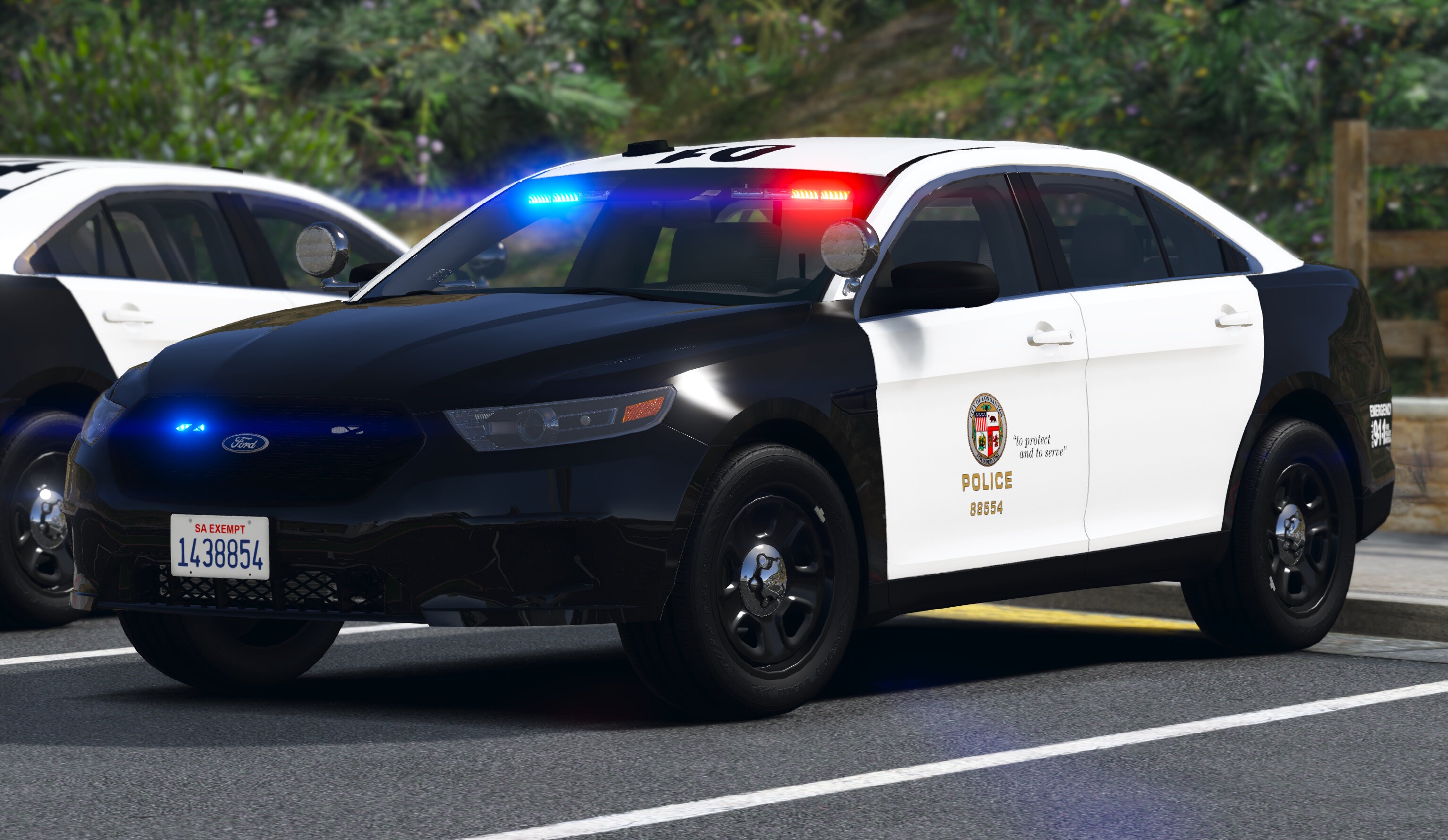
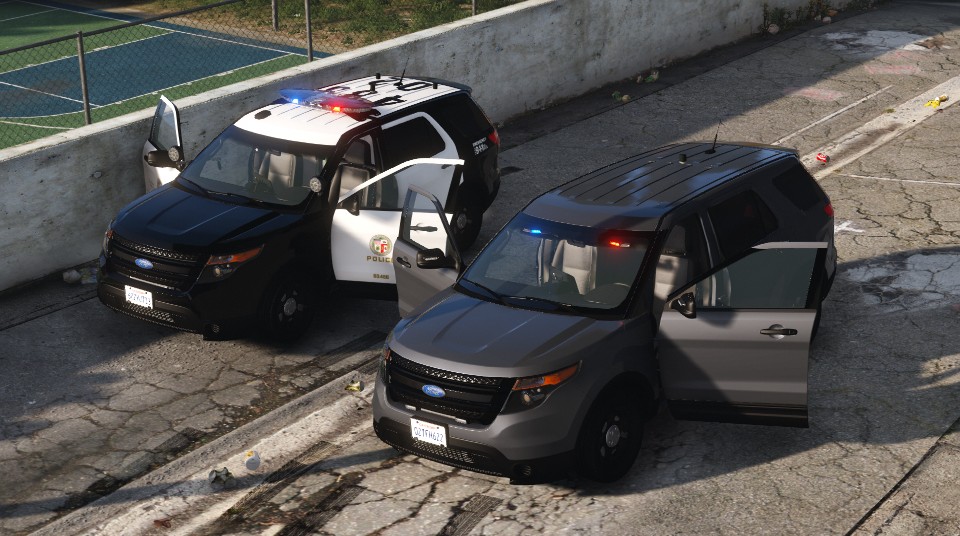
wrong lightbar, wrong rims, wrong interior, wrong grille, wrong plate number, decals in the back are in the wrong place, the bottom left bumper sticker is only used on newer model cars, and I'm going to guess it has the wrong flashing pattern too, not to mention LAPD doesn't use marquee plaques in the back.. I'm sorry but this car is no where close to anything LAPD uses xD.
-
-
-
-
-
 On 1/25/2018 at 6:36 AM, ISPfan12 said:
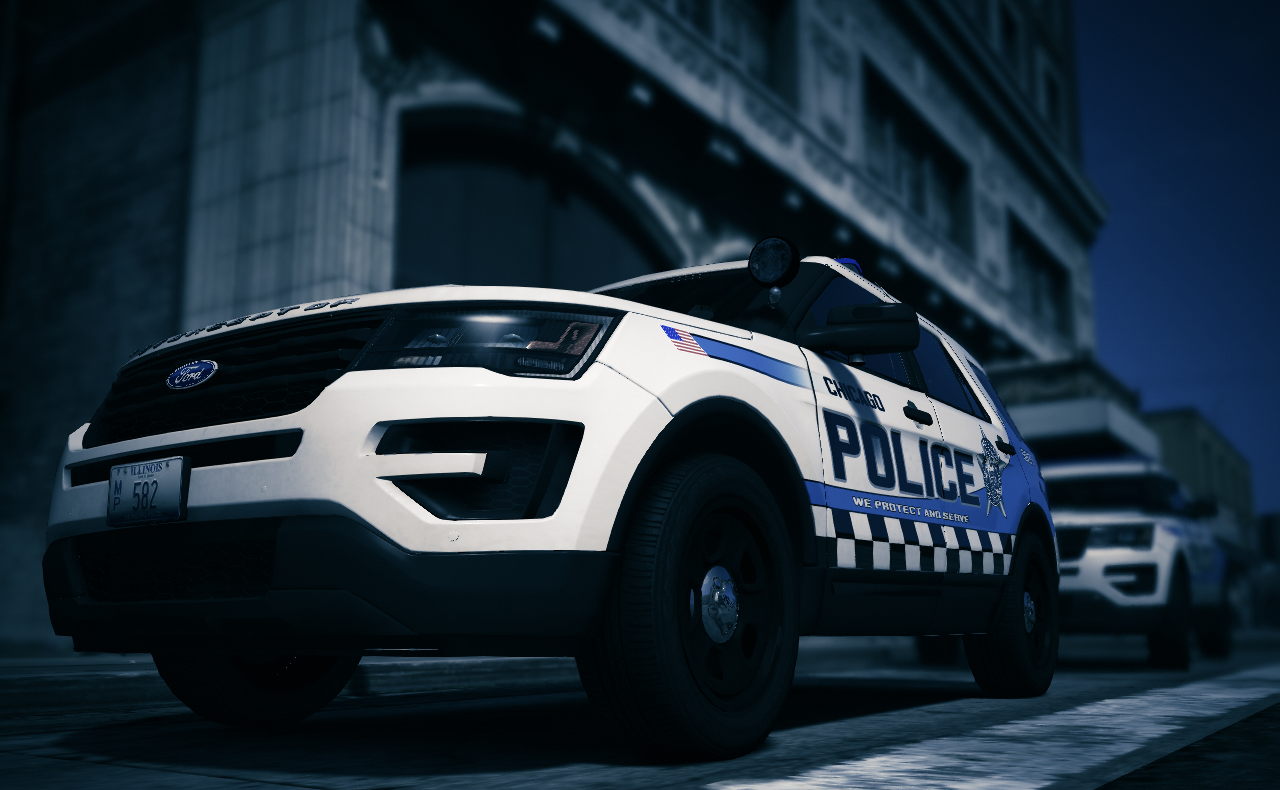
The one you pictured was a test scheme that was not chosen. It was announced on social media a couple weeks ago that the one on the car I made was the winner.


uhh cpd doesn't use this... they use the one that you claim "wasnt chosen". if it wasn't chosen then why do I see them driving down the street all the time?
-
On 10/31/2020 at 7:12 AM, Lozano71 said:
Hey man, nice work! Advice, put number for lightbar to car livery to have lightbar and car number same.
but that's not how it works, the numbers on the lightbar is called a "beat tag" which irl can be removed from its slot. it shows what beat that car is patrolling as well is weather or not the vehicle in in service, if the beat card is removed it means that unit in not in service. it is different from the cars unit number. so to have the two matching wouldn't make sense.
-
I have to say you are doing a great job so far, I am from chicago, as such I have seen a lot of authors try and fail to recreate our cars, I thought this pack would be the same but you are actually becoming the exception. A tip for future updates, please add a 2016 version of the FPIU with the old cpd design, IE the one that the tahoe uses. and we do use 2014 chargers although they are rare, so that would be nice to see, Also would like to see a cpd transport van, patty wagon and helicopter. And I'm not sure if it's just my game but a lot of the light bars are black on top. they should be blue. keep up this amazing pack.
-
On 10/31/2020 at 7:12 AM, Lozano71 said:
Hey man, nice work! Advice, put number for lightbar to car livery to have lightbar and car number same.
but that's not how it works, the number plate on the light bar is called a beat tag, it tells which area that unit is patrolling, it is not supposed to be the same as the unit number.
I have to say you are doing a great job so far, I am from chicago, as such I have seen a lot of authors try and fail to recreate our cars, I thought this pack would be the same but you are actually becoming the exception. A tip for future updates, please add a 2016 version of the FPIU with the old cpd design, IE the one that the tahoe uses. and we do use 2014 chargers although they are rare, so that would be nice to see, Also would like to see a cpd transport van, patty wagon and helicopter. And I'm not sure if it's just my game but a lot of the light bars are black on top. they should be blue. keep up this amazing pack.
-
-
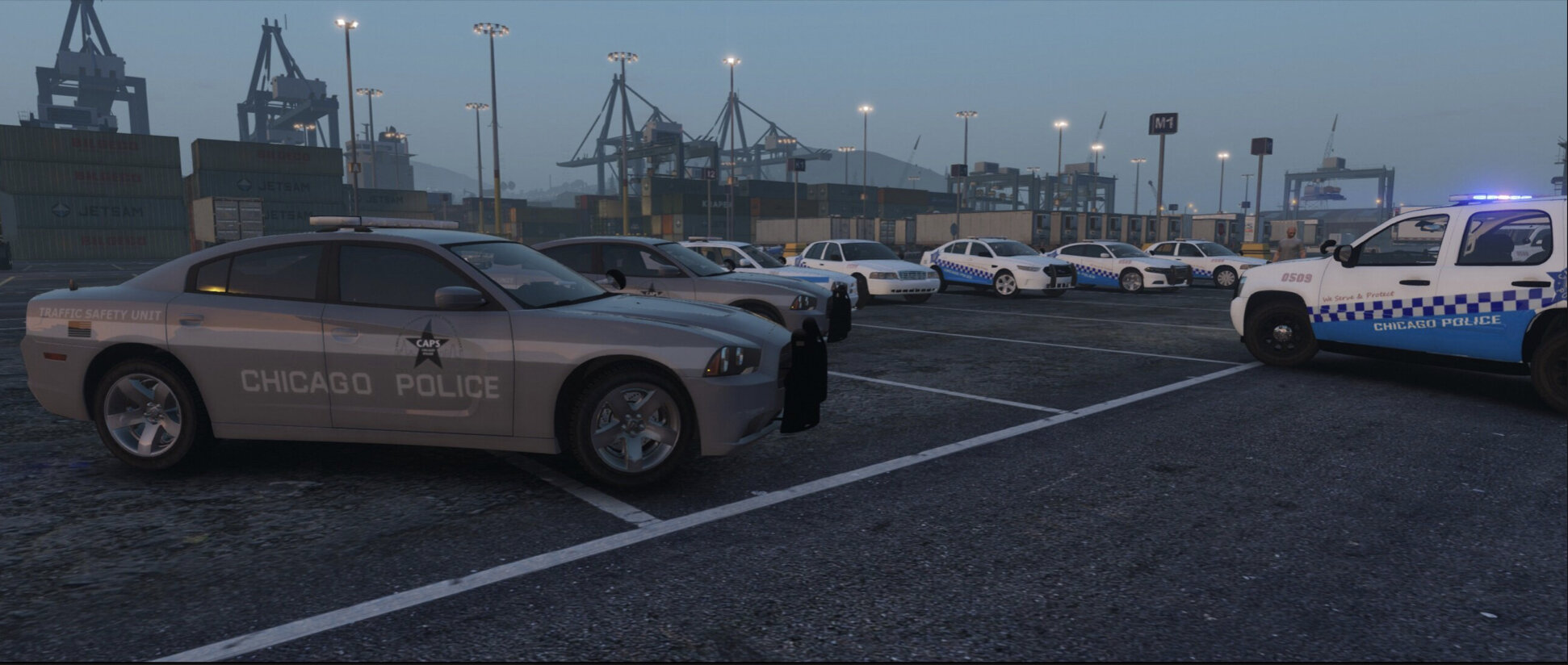
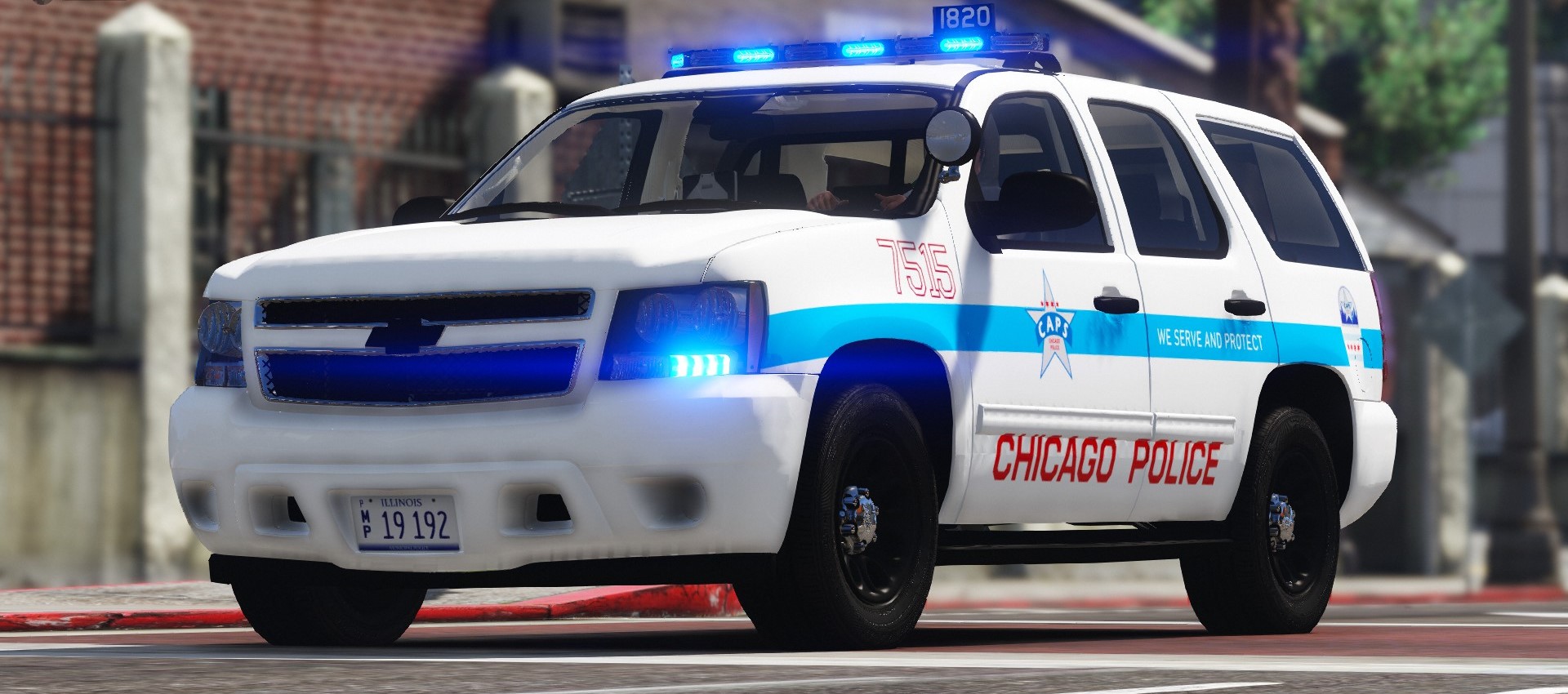
chicago police don't use taurus's
chicago police don't use charger's
chicago police don't use red/amber lights
chicago police don't use alloy wheele
chicago police don't use grey cars
chicago police use a beat number on the top of the lightbar (where is it?)
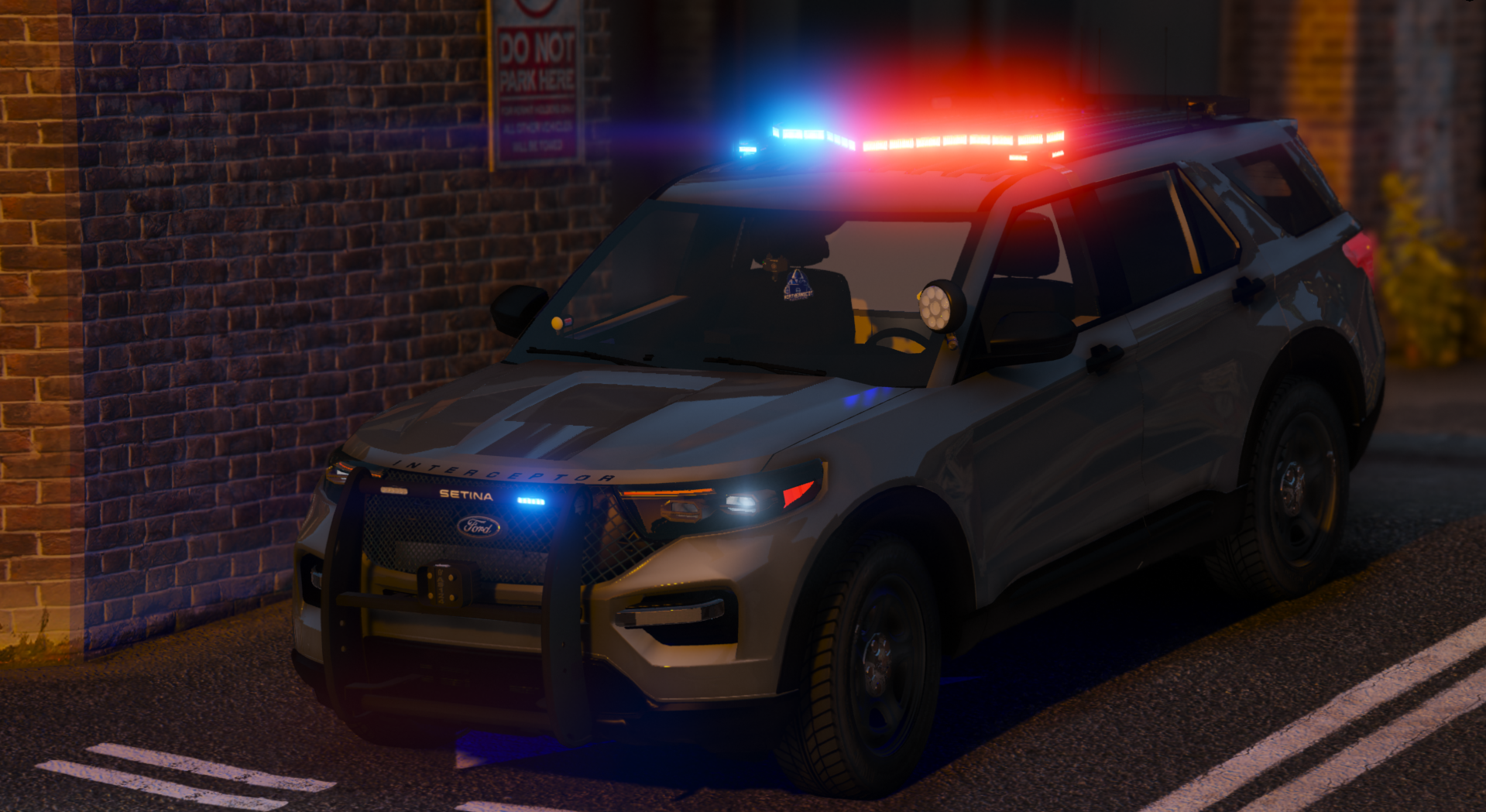
gonna give this a 0 out of 5 stars bro, totally wrong cars xD I'm gonna also take a guess that the flashing pattern is incorrect as well. -
-
-
-

-
 On 4/14/2016 at 11:28 PM, Cartres said:
Absolutely stellar job.
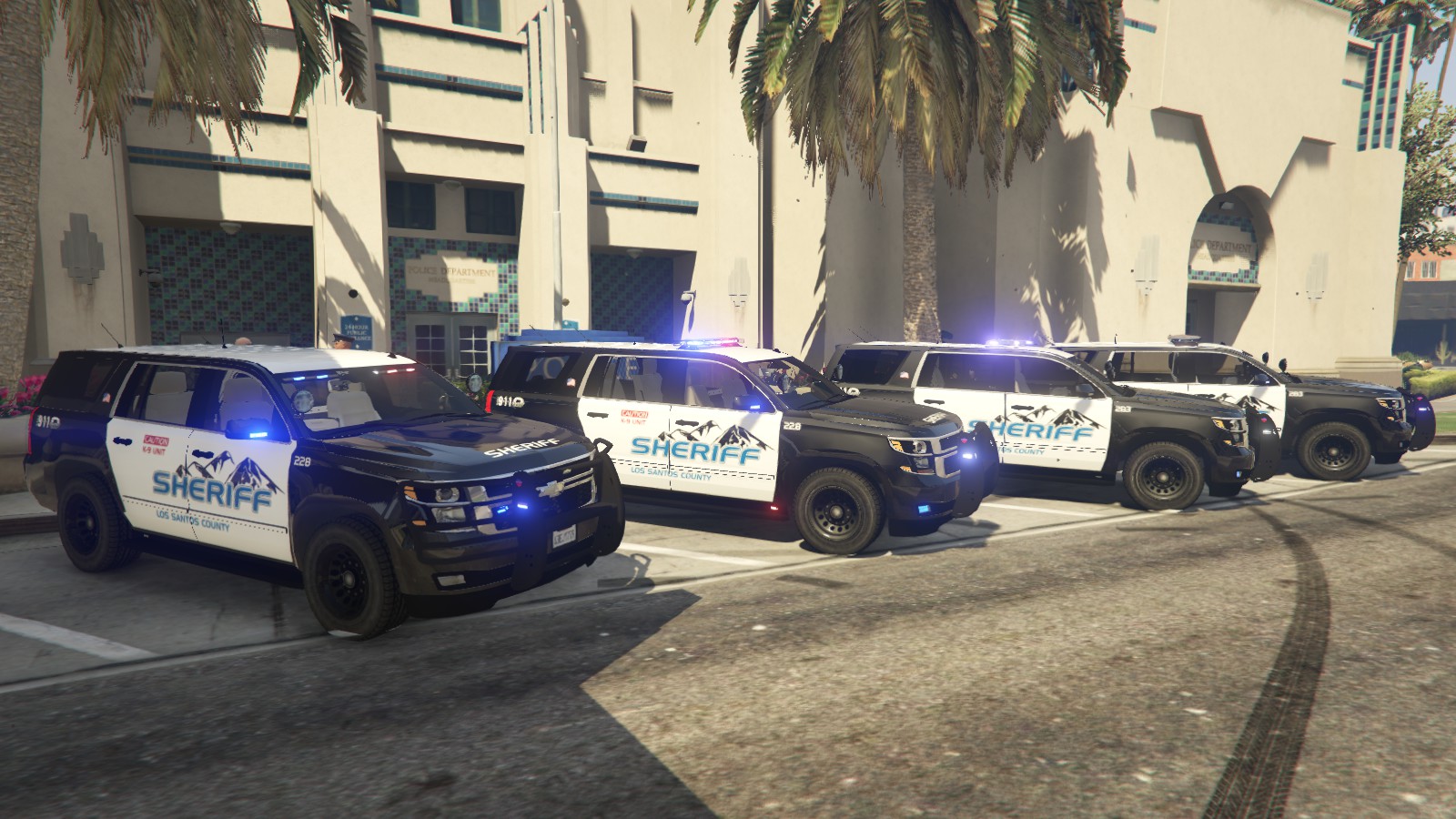
Is there any chance of this being released with an all blue light setup? That Valor would look stellar with all blues.
Just open the image file, find the picture of the lights and use a simple editing tool such as Ms paint and change it yourself.
-





Taser x26 (LAPD Based)
in Visuals & Data File Modifications
gotta work on your texture skills my guy. As someone who makes textures I can say this just honestly comes across as lazy. trigger and selector is green, should be black. Bottom of the taser handle has the same issue, dot in the center of the flashlight is green when it should be red to replicate the laser and the stripes on the x26 logo are far from straight and symetric.