StuntmanSam
Members
-
Joined
-
Last visited
Everything posted by StuntmanSam
-
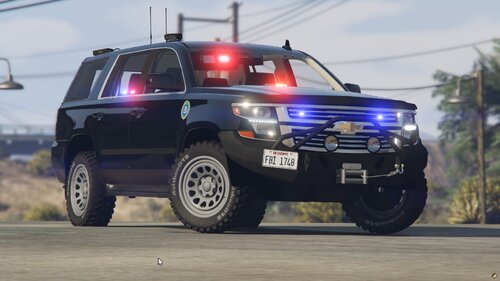 Looks amazing! I look forward to trying it out. Will you be making a ELS version in the future?
 -
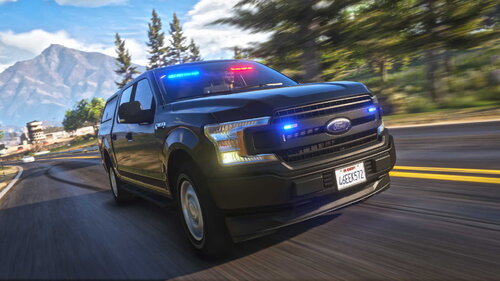 I did the add-on instead of replace and it now works great! Thanks for the help. I really like this vehicle!
- 37 comments
- 8 reviews
-
-

- 1
-
-
-
-
No worries, It's just a personal preference of mine. This truck looks like the swat trucks in my area except for the pushbars. I added a couple pictures of the issue with the lights. I tried using the different ELS files and renaming them but they all show the emergency lights in the center of the windshield and in the center on the back instead of where they are supposed to be,
- 37 comments
- 8 reviews
-
-
- 1
-
-
Awesome! But the ELS lights don't line up with the lights in the windshield and on rear tailgate. Also it would be awesome to be able to add a push bar in the mod components. I hope the lights get fixed but I will still use it in the mean time anyways.
- 37 comments
- 8 reviews
-
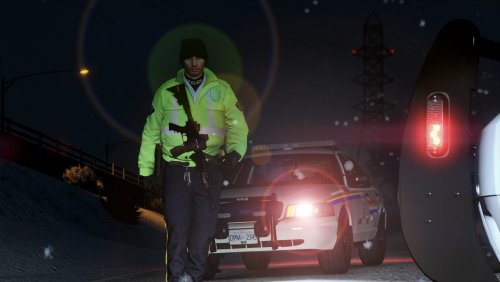 I can't find the EUP DLC folder in OpenIV with the uniform folders. Where is it located? Thx
- 23 comments
- 1 review
-
Thanks clayrock, I appreciate that! If it wasn't for the helpful community I would have never figured all this out. As of this morning I am now set up, all I have left is to add some more callouts, but I will certainty reach out when I get stuck next. Thanks Everyone!
-
Thanks! That's awesome! I'm not great with this stuff so this will help keep me making things worse haha. I'm slowly trying to figure out minor things like keybindings on ELS. ... I have no idea how I set everything up the first time haha
-
Update - I have successfully reinstalled the game with lspdfr and now I am working on setting up essential mods and soon will start on random mods
-
I already removed the game and all files. I am installing the game fresh right now. First time I installed the game my files were a mess, so at least starting fresh I can be organized. You make You-Tube videos right? If it's you, I have used your videos and will be using one of them tonight/tomorrow when I start setting it all back up again.
-
I am now trying a full reinstall of game and every associated file. I will start from the beginning and install everything one step at a time. I will update once I am done or if I hit any brick walls on the way. This is a pain in the butt but it's probably best to start fresh again. 🙂
-
Thanks for all your support everyone How do you update the mods folder? I tried deleting most Plug In files but no change Is this the file? RagePluginHook.log
-
I updated Script Hook and my game actually started loading!!! 🙂 ... ... ... but then now crashes during the loading screen 😞 You were right for that error. Thanks! But any idea what would now make it crash in the loading screen? I already got Steam to check the games files.
-
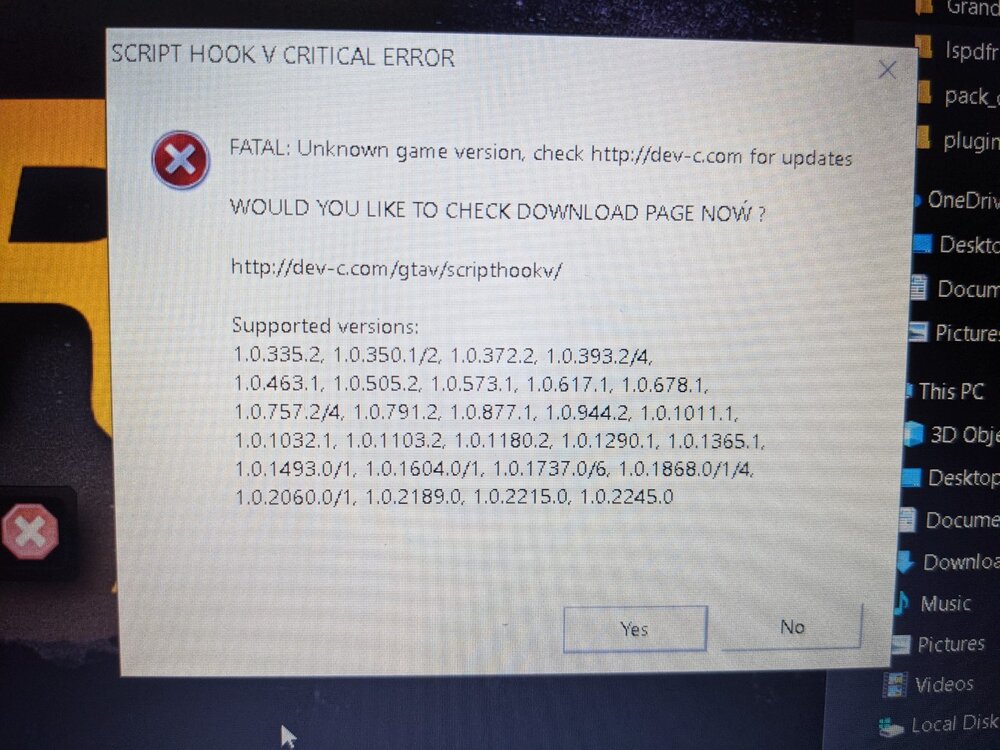
Please help me! Like many others, I am having issues loading into the game after recent updates. I made sure Open IV, GTA V, LSPDFR and Rage PlugIn is up to date. It just keeps getting worse! First game would go to loading screen but never start game Then I had the rage plug in error code for non compatible version Now I get this error message:
-
Same issue here too
-
I checked my Antivirus (Comodo) and it automatically blocked it. I unblocked it and now it works! Thanks for your help!
-
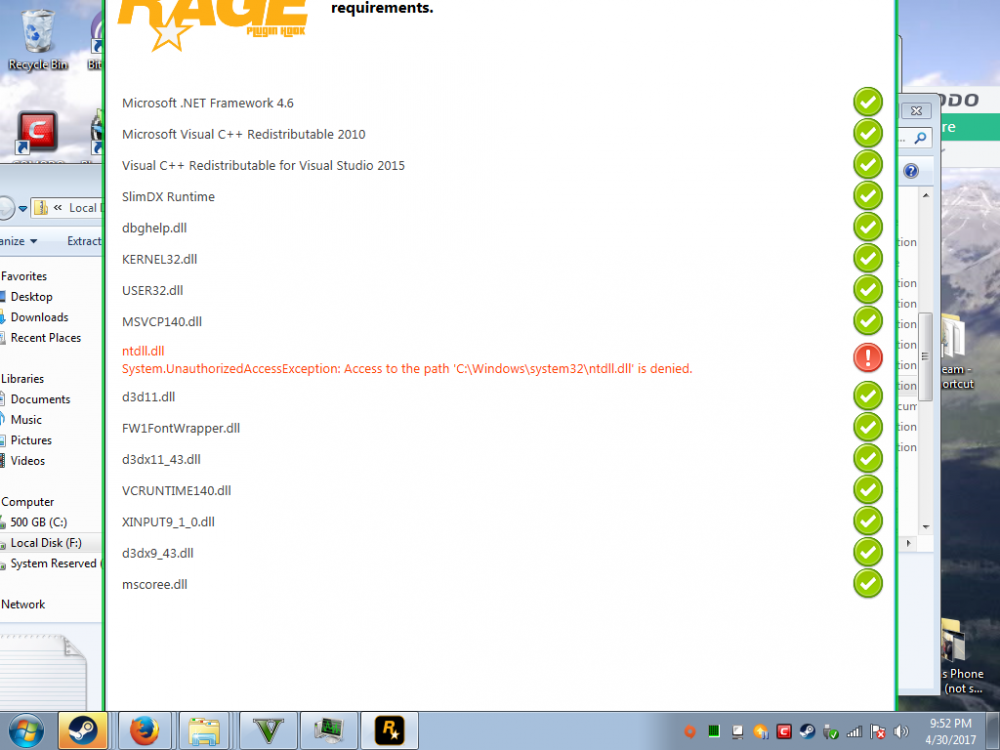
Hey so I am pretty shitty with computers and want to MOD my GTA 5. I have downloaded the RAGE Plugin and necessary requirements but when I open the RAGEPluginHook.exe. I get the following issue... ntdll.dll System.UnauthorizedAccessException: Access to the path 'C:\Windows\system32\ntdll.dll' is denied. Anyone know how I can fix this?