




JimJamPieMan
Members
-
Joined
-
Last visited
Everything posted by JimJamPieMan
-
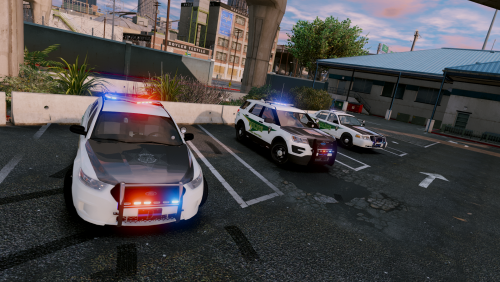 I absolutely love the 2013 Charger and the 2015 Taho and I am most definitely going to use it in my sheriff slots for a long time because they light up like Christmas trees and it just looks soooooo good. The only things in the cars disappearing after going a certain distance way from them. I hope a fix is coming soon. But nonetheless, an absolutely amazing pack. Well done!
- 44 comments
- 27 reviews

