.jpg.2d2897da0f2cb42a339e73493736fb46.jpg)

Mustang.
Members
-
Joined
-
Last visited
Everything posted by Mustang.
-
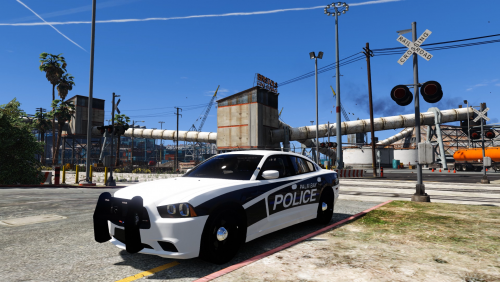
 just to let you know you have a police texture with a sheriff's Ram bar lol just a heads up
 -
-
-
-
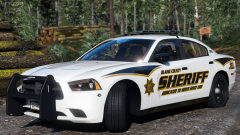 sexy !! skins i must say
 -
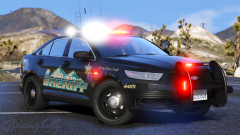 sexy ! are these Skins ever going to ever be released
 -
-
Thank you for the 411
-
thank you Lundy
-
am I allowed to change my profile name to match my account etc like my steam and youtube ? are all the same a friend of mine told me that you can change your name every 30 days but when I go into the settings I don't get this option
-
 you play dcsworld me too lol i love it f/18c comeing soon
 -
-