martinthor
Members
-
Joined
-
Last visited
Everything posted by martinthor
-
-
-
-
-
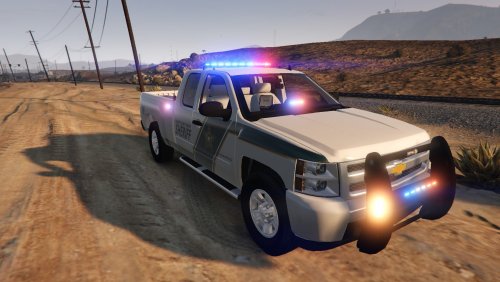 no this would not be considered for transporting subjects, as there is way too little space, and no partition
- 32 comments
- 9 reviews
-
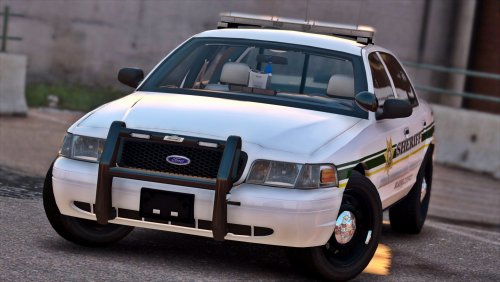
.thumb.png.debb2e8fd42b234303e9e2473fb894e8.png) why the heck would i want to install these silver cars..? Becuase they look absolutely amazing
why the heck would i want to install these silver cars..? Becuase they look absolutely amazing- 100 comments
- 39 reviews
-
-

- 1
-
-
-
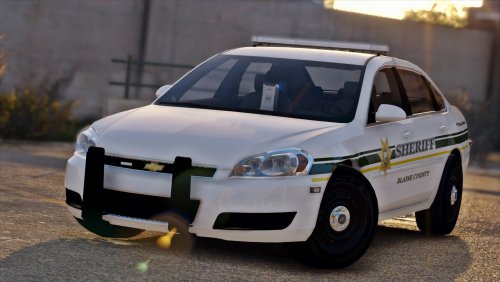 Love the lightbar, the model, and the pattern on the lightbar when you use the air horn
- 20 comments
- 8 reviews
-
-
- 2
-
.thumb.png.debb2e8fd42b234303e9e2473fb894e8.png)