




Trp. Keaton
-
Joined
-
Last visited
Everything posted by Trp. Keaton
-
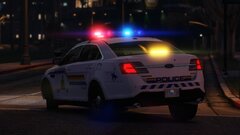
From the album: RCMP Rebuild Project
© 2021 Trooper Keaton
-
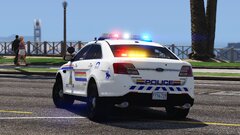
From the album: RCMP Rebuild Project
© 2021 Trooper Keaton
-
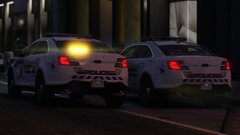
From the album: RCMP Rebuild Project
© 2021 Trooper Keaton
-
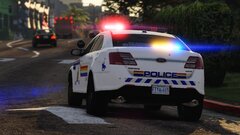
From the album: RCMP Rebuild Project
© 2021 Trooper Keaton
-
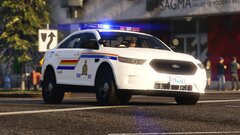
From the album: RCMP Rebuild Project
© 2021 Trooper Keaton
-
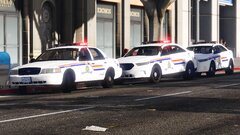
From the album: RCMP Rebuild Project
© 2021 Trooper Keaton
-
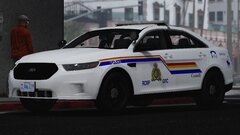
From the album: RCMP Rebuild Project
© 2021 Trooper Keaton
-
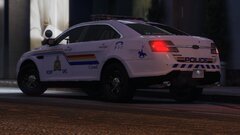
From the album: RCMP Rebuild Project
© 2021 Trooper Keaton
-
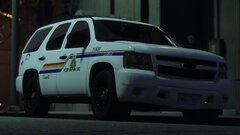
From the album: RCMP Rebuild Project
© 2021 Trooper Keaton
-
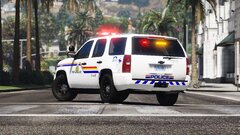
From the album: RCMP Rebuild Project
© 2021 Trooper Keaton
-
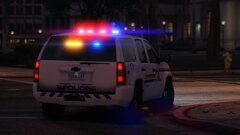
From the album: RCMP Rebuild Project
© 2021 Trooper Keaton
-
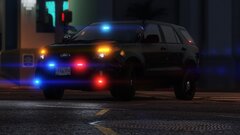
From the album: RCMP Rebuild Project
© 2021 Trooper Keaton
-
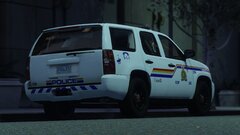
From the album: RCMP Rebuild Project
© 2021 Trooper Keaton
-
From the album: RCMP Rebuild Project
© 2021 Trooper Keaton
-
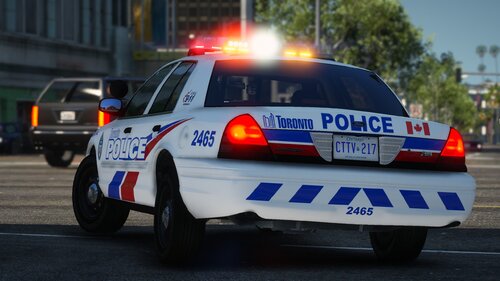 The new Federal Signal Navigator bar is not in there yet, I am currently working on testing on, and once I feel it is good enough to put on the car, it will be updated to include the new bar.
 -
Hello everyone, today I am releasing my TPS pack, after a while in development I want to state that this pack will only be available for download in a DLC form, as the lightbar used only works in once replace slot, so In order to have all the cars in working order, it is only DLC. Now I can't stop you from taking the cars out of the DLC archive and putting them in the replace files, but all I am going to say is that it may not work. This pack here is not a large as I thought it was going to be, but it is still an ok size, and has a good amount of cars to choose from. This pack Contains both marked and Slicktop/Unmarked variants, and a few supervisor cars. Now when I started working on this pack, it was just intended to be released once completed, but as with my RCMP NS back that I am rebuilding, this pack is now a memorial pack to honour the life of a TPS officer who was killed in the line of duty. Const. Jeffrey Northrup was killed in the line of duty on Friday, July 2, 2021 just a day after Canada day in a parking garage in Toronto's City Hall, so I am dedicating this releases to honour him, and the men and women of the Toronto Police Service
-
From the album: RCMP Rebuild Project
© 2021 Trooper Keaton
-
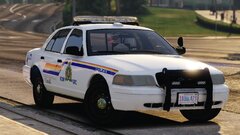
From the album: RCMP Rebuild Project
© 2021 Trooper Keaton
-
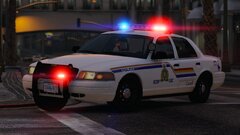
From the album: RCMP Rebuild Project
© 2021 Trooper Keaton
-
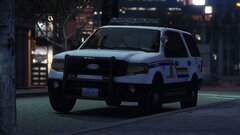
From the album: RCMP Rebuild Project
© 2021 Trooper Keaton
-
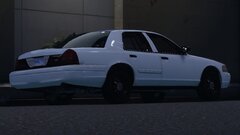
From the album: RCMP Rebuild Project
© 2021 Trooper Keaton
-
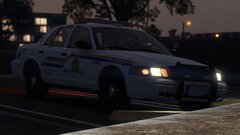
From the album: RCMP Rebuild Project
© 2021 Trooper Keaton
-
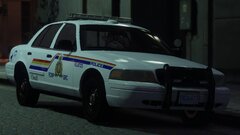
From the album: RCMP Rebuild Project
© 2021 Trooper Keaton
-
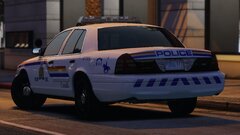
From the album: RCMP Rebuild Project
© 2021 Trooper Keaton
-
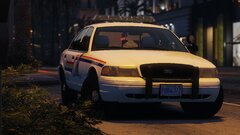
From the album: RCMP Rebuild Project
© 2021 Trooper Keaton



