




Trp. Keaton
-
Joined
-
Last visited
File Comments posted by Trp. Keaton
-
-
.jpg.3e9530c6422985cb32fd318b31e182db.jpg)
-
Edited by Trooper Keaton
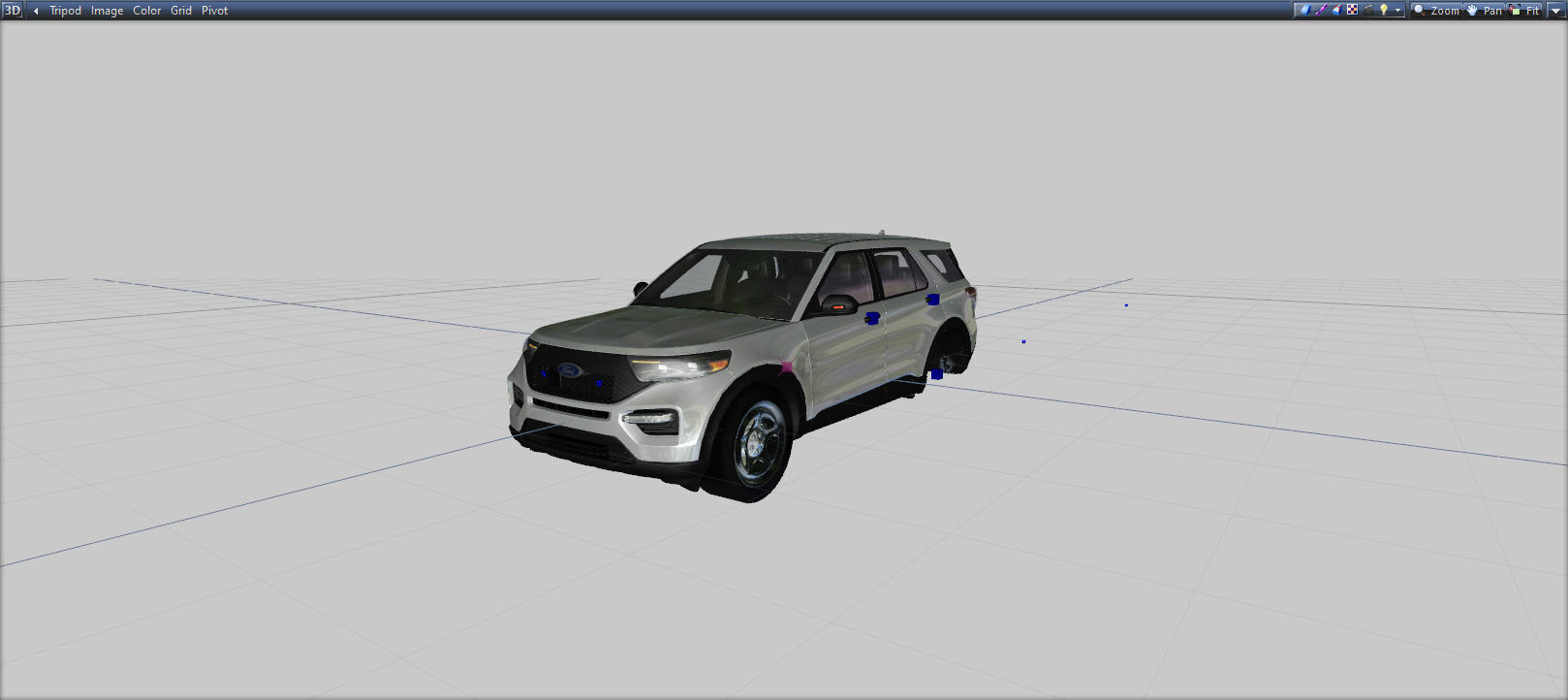
How would I go about fixing this, I have tried everything, even remapping and still nothing.

-
-
-
52 minutes ago, GeoffreyGamer said:
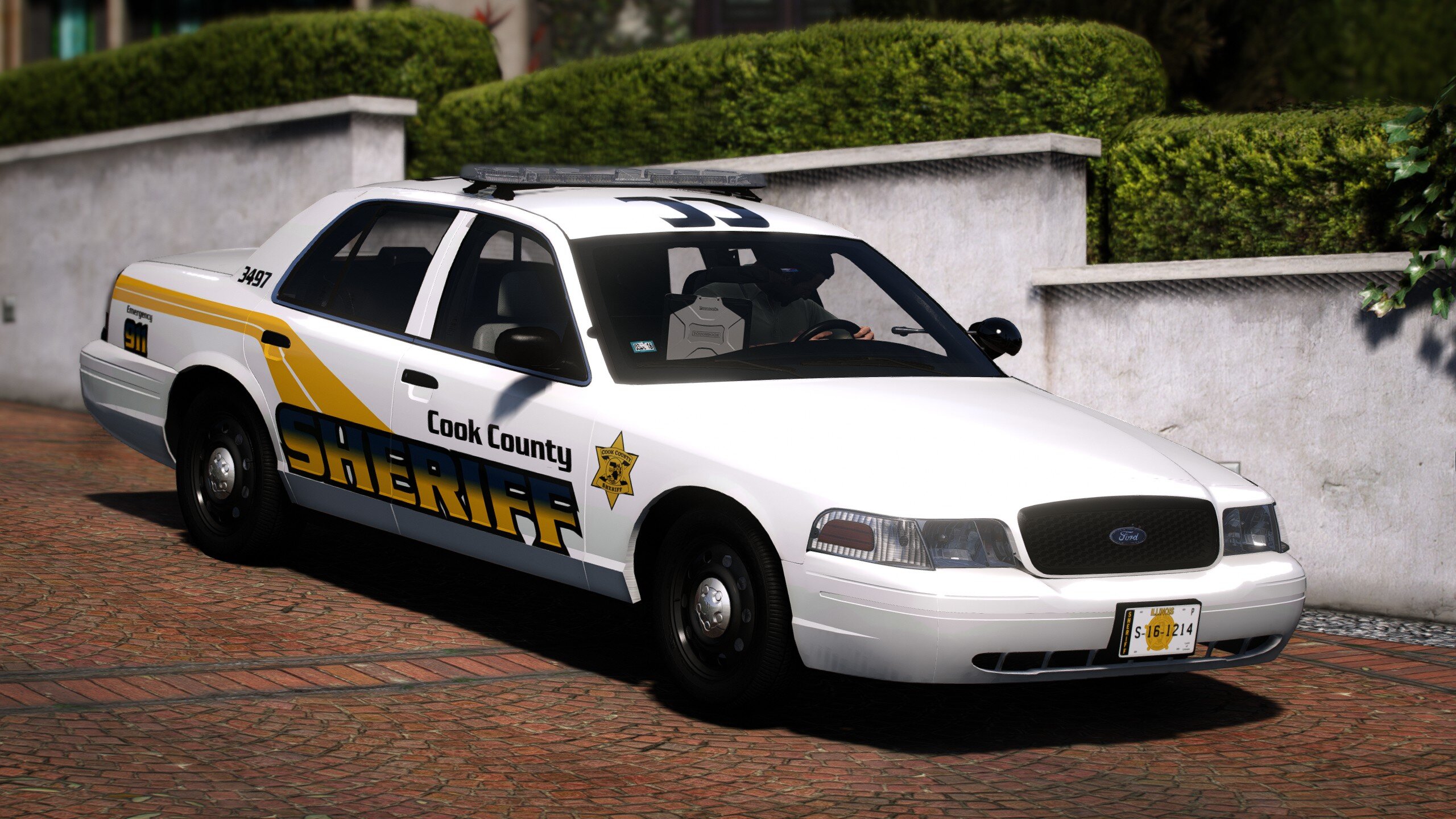
Would you mind if I used one of your screenshots?
I don't care go ahead bud
-
-
11 hours ago, quiney23 said:
mines not showing any els files when I downloaded it for the DLC install pack
7 hours ago, Syonco said:Same, no ELS files here either
I will update the file here soon to put the ELS files in, I didn't even know they weren't in so thank you for telling me
-
7 hours ago, hosein3d said:
THERE IS LATTERLY NOTHING TO REPLACE IN PATCHDAY24ng OR PATCHDAY22ng tried both didn't find any police.ytf or police.yft to replace or any other police2 3 4 cars!! I'm confused help me please!
You just drag the files into patchday24ng. It will replace the car in game once that is done.
-
-
3 hours ago, Chris Johnson8 said:
Thank you so much, I managed to change the handling. Out of curiosity, why are you rebuilding the pack? It already seems perfect.
I'm rebuilding the pack to fix things that are broken, such as spotlights and so on.
-
59 minutes ago, Chris Johnson8 said:
Love this pack! Very well made. I was just wondering if there's a way to change the handling on a couple of the explorers?
So you have to edit that in the dlc folder in carvariation.meta file. But when the pack gets rebuilt in January, all the handling will be fixed and what not.
-
-
-
-
2 hours ago, sam2312 said:
Looks great bro, just one problem, a few of the takedowns are facing backwards. Definitely worth the wait though!
Some of the new updates coming will hopefully fix that, and for the same on my other packs too
-
2 hours ago, Syther said:
looks good, you think u can have another version without the numbers on the lightbars?
So you can actually just replace the beat tag texture with a blank and it would look like it has been removed
2 hours ago, Lozano71 said:Hey man, nice work! Advice, put number for lightbar to car livery to have lightbar and car number same.
So the way this pack is and the way Chicago works is, The radio tag number is completely different from the cars number, but the beat tag is customizable so you can change it to say anything
40 minutes ago, Ryanm9629 said:Looks great man, anyway you could do a (Replace Version)?😄
Yes a replace version will be coming soon
-
-
-
-
1 hour ago, racinkid13 said:
By far my fav vehicle pack since LSPD mega pack. Love the models. My one thing, which i cant figure out is the plain jane expedition and 20 charger. the take downs face backwards on my charger and the expedition faces diirectly underneath the vehicle. have performed a wipe and re-install. running visual v and v remastered. same without.
I'm working on fixing the directions on the lights as to why they are pointing in the wrong direction
1 hour ago, chadc78 said:is anyone else having the issue of vehicles 14-19 not showing up in the trainer? I have 1 - 13 and 20-21 but not the ones between
Do you have other DLC car packs installed. The trainer I think only has a certain amount of spawn spot in it. You could always spawn it with the rage command as well.
-
-
-
-
.jpg.3e9530c6422985cb32fd318b31e182db.jpg)







[ELS] Vancouver Police Pack [DLC/REPLACE]
in Vehicle Models
Your Welcome