


Creators: Due to background reprocessing of files, approvals and file security checks may be delayed. Thanks for your patience.

Snowman94
Members
-
Joined
-
Last visited
Everything posted by Snowman94
-
-
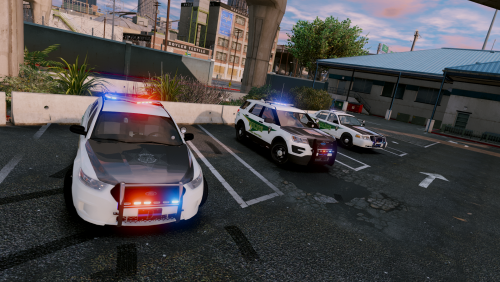 Absolutely love this pack, great work man. I am having a problem though. On the Tahoe the top light bar with blacked out and it doesn't activate with the rest of the lights. There are also no lights on the back expect the lights in the bumper. This is the only one I am having trouble with. Any help would be greatly appreciated.
- 44 comments
- 27 reviews

