


HaydenS222
Members
-
Joined
-
Last visited
Everything posted by HaydenS222
-
Makes sense I guess, but I'll just switch to the old vest for now.
-
Alright, good to know. Kinda weird, because the vests looked fine in the previous update.
-
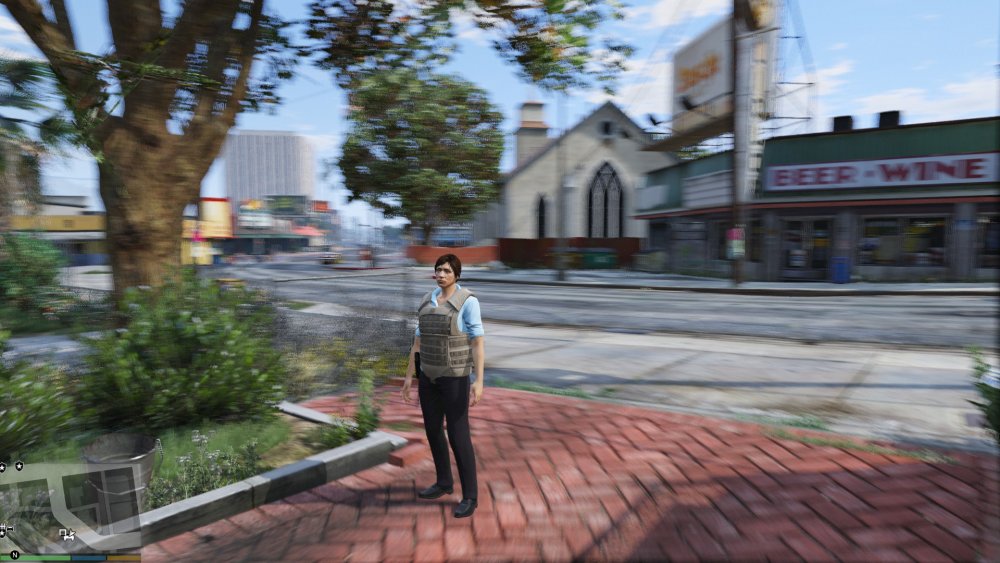
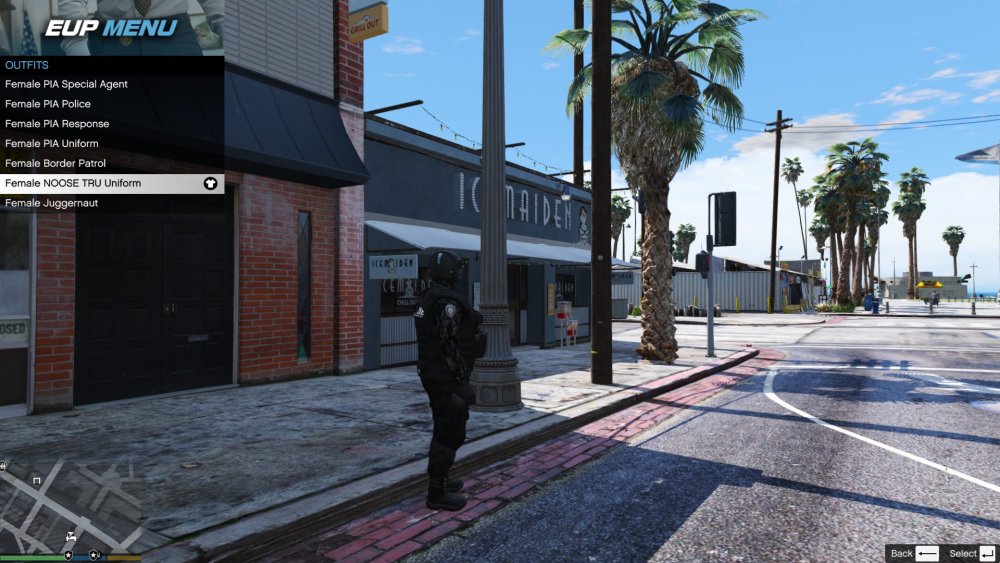
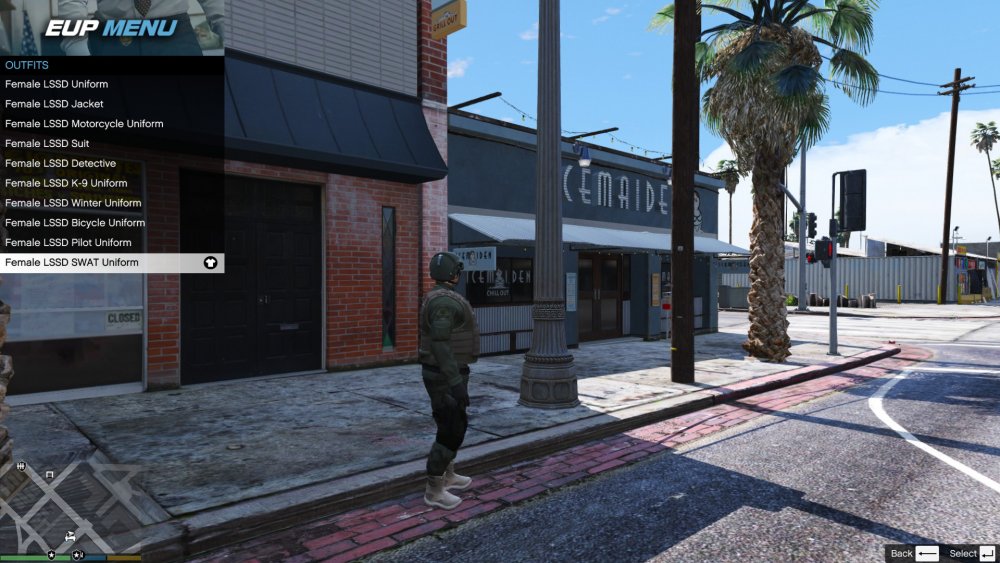
The female vests seem like they are way too big. Is this how they are supposed to look?
-
-
.thumb.png.04a1687a445e54a18a959b7926b87d7b.png) I downloaded another car to test and it has the same problem. I'm guessing it's a problem with ELS, even if I have no idea what it is. Thanks for the help. By the way, is there anyway to change the cruise lights so only the lights on the tip turn on? Right now two other lights turn on on the back of the lightbar. You can see it on the first pic I posted.
I downloaded another car to test and it has the same problem. I'm guessing it's a problem with ELS, even if I have no idea what it is. Thanks for the help. By the way, is there anyway to change the cruise lights so only the lights on the tip turn on? Right now two other lights turn on on the back of the lightbar. You can see it on the first pic I posted.- 217 comments
- 38 reviews
-
-
The vehicles' lights aren't working correctly for me. The cruise lights, take-down, and scene lights work correctly, but nothing else does. I can't figure out what is causing it. Any help is appreciated.
- 217 comments
- 38 reviews


.thumb.png.04a1687a445e54a18a959b7926b87d7b.png)
