



Fuxy
Members
-
Joined
-
Last visited
Everything posted by Fuxy
-
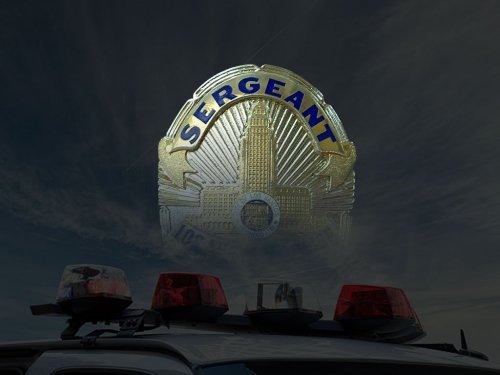 All commands don't work. Seems like it only works for a second, then the AI go back to their path before I interrupted. Go and Stop, and Go and Continue make the cars move an inch, but that is all, after that they do not follow my directions and move on. Stop only stops them for a few seconds. At a red light if I tell them to either Go and Stop and Go and Continue they will inch forward, if I continue doing so they will run the red light but not go where I told them to, they will go their own path, same for Stop. Now it says stop may not work due to a mod issue but I'm having issues with all commands, also, I downloaded everything Jeff on YouTube did and even didn't install all of his mods and his Sergeant works fine, so it can't be a mod issue or conflict. Mods Link: https://spoopylooppy.imgur.com/all/
- 101 comments
- 18 reviews
-
-

- 1
-
-
-
 me and many others have been getting issues with this one mod. every other updated albo mod works fine but when this one is installed lspdfr crashes everytime.
- 3,646 comments
- 306 reviews

