
ArrowXT
Members
-
Joined
-
Last visited
Everything posted by ArrowXT
-
-
-
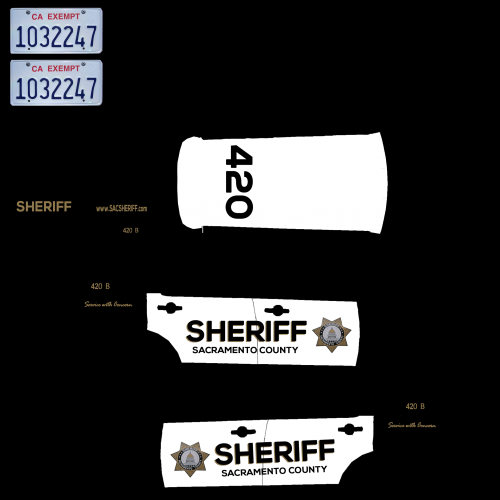 looks good 👍
 -
the text is straight, when on the car it's angled... and the 420 is blury. paint.net is free and can fix all of that with no plugins
-
Alright... where would I find the vehicles.meta? And would that change all the handling?
-
So I want to change the slots for these cars: Some cars feel like im driving a quite literal boat with the handling like slots allotted, im curious if I can change all the slots to handle like police3. Or possible make them an addon. Thanks! I know that I can put any car in any slot, but would prefer to not drive one vehicle that doesn't feel like a boat
-
-
-
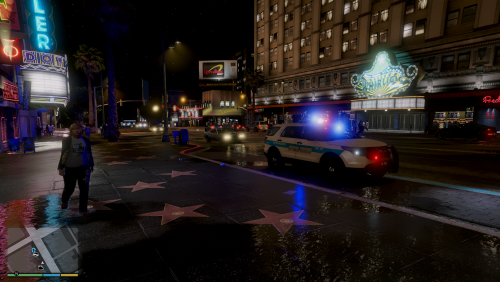 ELS.... removable lights.. ?
 -
 You don't need to put that in the title. Though not necessarily true. Some people may use the same model that uses the same template. Therefore making it useless; and on a texture file, looking pretty dumb
 -
ELS and texture pack don't do together in the title
-
-
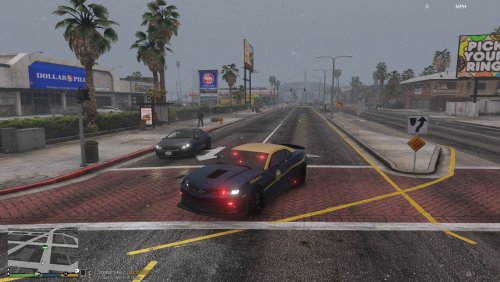
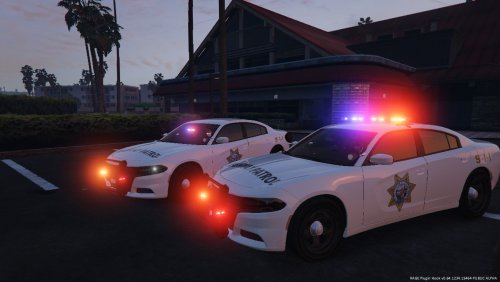 You say you're not basing it off CHP... then you reply to him as if you are... never seen a state anything like this remotely than California
 -
-
-
Were you basing this off CHP? Kinda confused here.......
-
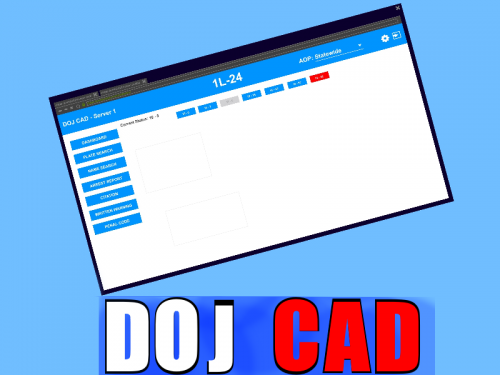 Cool... but uh, DOJ? Kinda uncreative....
 -
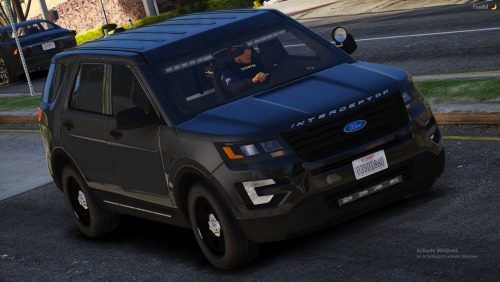
.thumb.png.b9ab3cb15cf0383977c505d474c925d2.png) The white isn't even lined up right... it looks like you gave a stylist to a 3 year old and said "draw on this line"
The white isn't even lined up right... it looks like you gave a stylist to a 3 year old and said "draw on this line" -
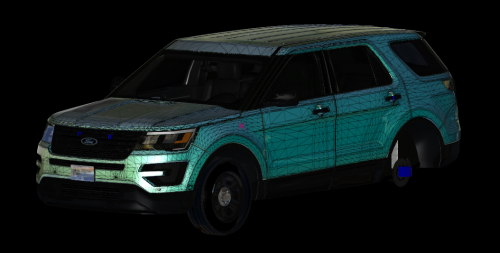 Looks nice
 -
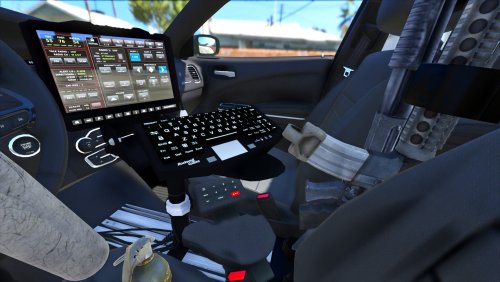 lol
lol -
-
 ^^
^^ -
-
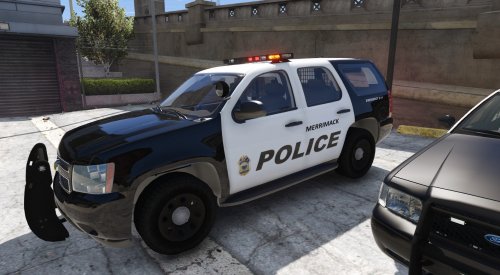 Few things, the Tahoe and Charger aren't used IRL, the roof for the CVPI should be white, and there isn't a FPIU.
- 1 comment
- 1 review
-






.thumb.png.b9ab3cb15cf0383977c505d474c925d2.png)