Skip to content
View in the app

A better way to browse. Learn more.

LCPDFR.com

A full-screen app on your home screen with push notifications, badges and more.

To install this app on iOS and iPadOS
  1. Tap the Share icon in Safari
  2. Scroll the menu and tap Add to Home Screen.
  3. Tap Add in the top-right corner.
To install this app on Android
  1. Tap the 3-dot menu (⋮) in the top-right corner of the browser.
  2. Tap Add to Home screen or Install app.
  3. Confirm by tapping Install.

GameandChill

Members
  • Joined

Image Comments posted by GameandChill

  1. 1 hour ago, Ezra said:


    If it's a picture of a model by Medic, it'll be released.  He releases almost everything he shows off, which is kinda rare for modders nowadays.  (I say "almost" because I'm sure there's been a time or two where something happened and it wasn't released).

    I was about to say.. NOT all the time just reading the preview of your comment lol. 

  2. ·

    Edited by GameandChill

    45 minutes ago, jcpse said:

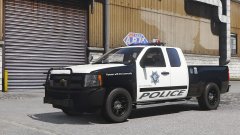
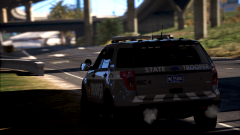
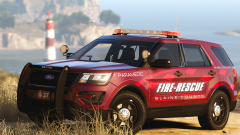
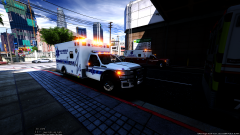
    Looks nice! I miss skinning 😛

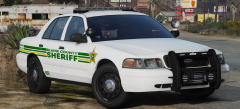
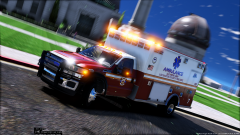
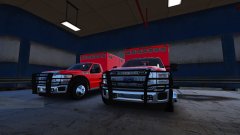
    It's Sinnisa's Skin, and Maurices model lol.   I haven't skinned myself in awhile.. kinda got frustrating lol. 

  3. 1 hour ago, TravisGB96 said:

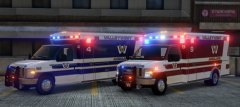
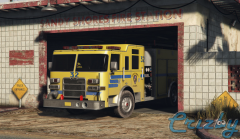
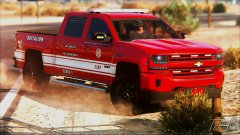
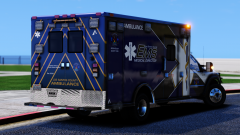
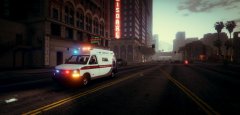
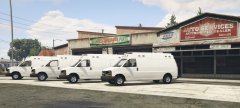
    When should we expect to see some of these done? Also, do you have any other Lore Friendly, Non-ELS Fire Trucks, Engines and anything LSFD/EMS related?


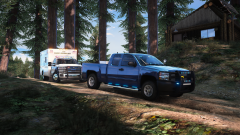
    Trucks aren't mine, but are released by Medic4523.. Only thing here that's mine are the skins which have also been released. 

Account

Navigation

Search

Search

Configure browser push notifications

Chrome (Android)
  1. Tap the lock icon next to the address bar.
  2. Tap Permissions → Notifications.
  3. Adjust your preference.
Chrome (Desktop)
  1. Click the padlock icon in the address bar.
  2. Select Site settings.
  3. Find Notifications and adjust your preference.