


181Dispatch
Members
-
Joined
-
Last visited
Everything posted by 181Dispatch
-
-
-
-
^^^^^^?
-
 i have the same problem, wont let me cycle through the glasses and hats and dosnt come up in even if i do randomize ped. i use thios trainer any chance you can do a showcase video and use the trainer?
- 273 comments
- 61 reviews
-
-

- 2
-
-
-
-
-
-
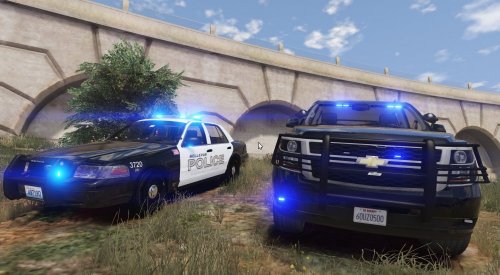 Any plans on doing the back seat window emblem to make them even more realistic?
- 21 comments
- 9 reviews
-
Absolutely beautiful, simple and elegant . love it!! do you plan on doing the window emblems ?
- 21 comments
- 9 reviews
-
-
- 2
-
-
im confused which light set up is it gonna be this or this?



