



Fells
Members
-
Joined
-
Last visited
Everything posted by Fells
-
80s-90s federal signal unitrol 480k and 90s-00s federal signal omega 90
-
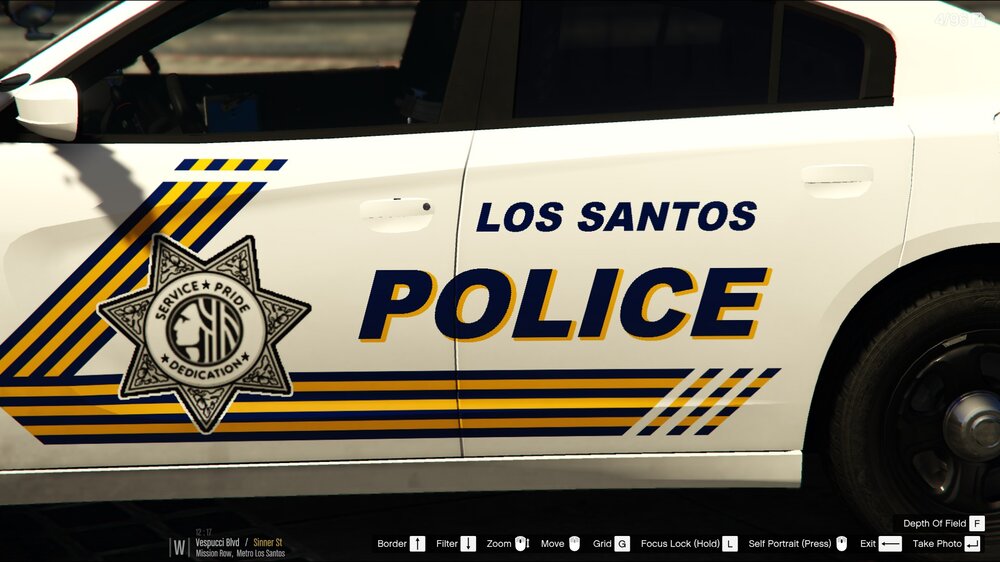
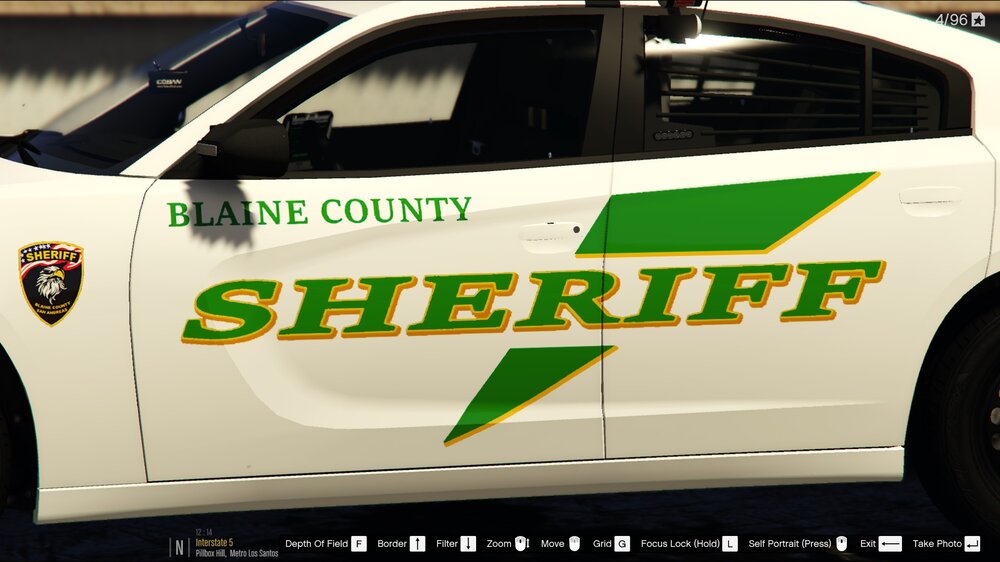
Lil' late answer but really there isn't a single end all be all font. Though pretty often for original designs I tend to favor Arial Black for big and generic texts, then Commercial Script or times new roman in bold for stuff like mottos. A good way to make it interesting is adding drop shadows and outlines, and a tilt of a few degrees, examples below! Example of drop shadow + tilt Example of Tilt, then outline, then dropshadow Examples of typical texts on police cars in various fonts For US fire/medical, i would use times new roman style fonts in bold, and for euro style I'd use more Arial type ones

-
 The main concern is GTA's engine not working well with cars of total file size over 25mb, meaning .yft, _hi.yft and .ytd added up together. Anything above 25 and you start to get texture loss more quickly. I personally fix this by shrinking a lot of the textures by 50%, but some textures refuse to import after that, while others will simply not apply to the model correctly. Some have so complex models that shrinking textures wont help. It's really just nice when cars are shipped not needing the extra work, thats all
- 11 comments
- 5 reviews
-
scripthookV isnt updated yet for current GTA patch
-
You mean in your mods? You have to copy it from your unmodded GTA directory
-
-
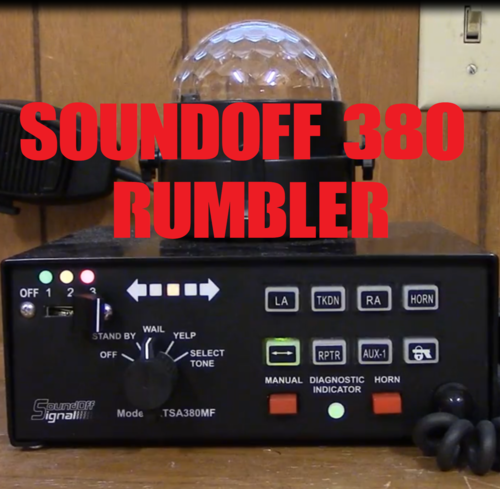 Theyve worked in the past but not this time for some reason I dont suppose you could use shadowplay if you have it? You'd still have to dragndrop to youtube but its reliable
- 14 comments
- 1 review
-
It has to be in mono
-
1. Looking at your ragepluginhook log it looks like youre not using ScriptHookV by Alexander Blade. This is the gold standard for .asi plugins, HIGHLY recommended to use this over anything else. 2. Reading your ELS log I found the following at the end of the log: This means exactly what it looks like it means. The log ends before the line "(OK) ALL CLEAR -- Configuration file processed." is output for policeold2.xml, therefore it crashed due to a faulty .vcf file. The value that should be OK'ed after 'INTERFACE' is 'EOVERRIDE'. Go into your policeold2.xml, and check the EOVERRIDE section for typos, missing symbols or other syntax errors. For the future, try learning to understand the logs. Scroll down to the bottom, and start reading line by line until you think you've found reference to an error that might've caused your crash.
-
some callouts are hardcoded to spawn "s_m_y_cop_01". replace that ped as well. Or you have references to the vanilla lspd ped in your lspdfr data files or custom backup if you use that. Your post is quite vague as to referencing what this british ped pack adds and/or changes
-
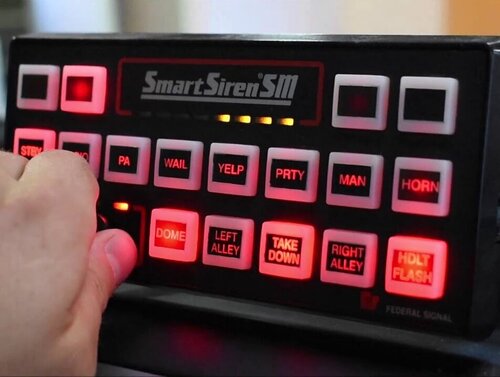 The sirens are high quality and well recorded, but lose a star due to file size. These may not need to be 44000hz, and the yelp and priority tones absolutely dont need to be longer than a whole second. Thinking about the muted siren issue that happens when vehicles.awc is larger than 16mb
- 32 comments
- 10 reviews
-
 Are you planning radioless versions? or a regular duty belt with no radio? im looking for a good vest that a patrol cop would put on only when its needed, sadly all the good custom duty belts already have a radio and taser and all yours seem to have a radio as well
- 552 comments
- 44 reviews
-
Yes, see this thread
-
 A few problems: Import from LSPDFR -> Export to UltimateBackup doesn't just work that simply for EUP peds. Props won't get picked up, and some components are interpreted incorrectly. Under CustomRegions.xml, comp_shirtoverlay is what controls their uniform top, not comp_shirt, which for some reason picks up "Upper Skin", the setting for whether arms are visible
- 11 comments
- 1 review
-
-

- 1
-
-
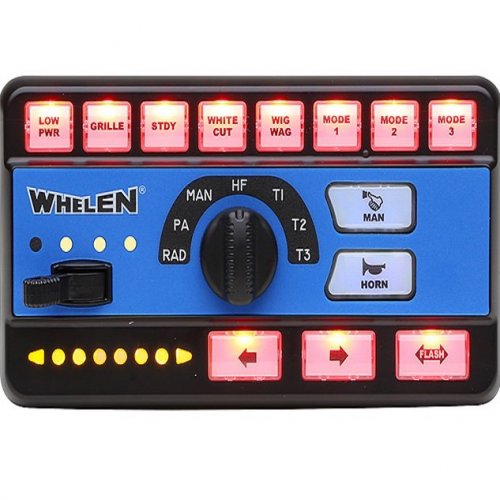 Untrue. There's a list of strings you can use in VCFs in this thread. You only need to know the filenames of the sirens you want to replace.
- 26 comments
- 4 reviews
-
-
- 2
-
-
>[3/22/2019 7:11:58 PM.316] LSPD First Response: Exception message: Operation is not valid because the specified Rage.Vehicle is invalid. Thats the only clue I found from that log, if your crash really is related to audio then could you post the line from the log you think is related to audio?
-
 Paleto Bay Crown Vic looks funky when it gets dirty My guess is the game is trying to make the car dirty without a properly set dirtmap
- 95 comments
- 32 reviews
-
-
- 1
-
-
 in my review I meant that I recommend changing the audioNameHash to regina or tornado, under vehicles.meta. in mods\update\update.rpf\common\data\levels\gta5\vehicles.meta Or the vehicles.meta file in whichever dlcpack you installed it if you made it an addon like I did <audioNameHash>regina</audioNameHash>
- 8 comments
- 2 reviews
-
-
- 1
-
-
-
 Thanks for the guide. At first it generated an empty outfits.xml but turns out your script doesnt like outfits with apostrophes in their names. Works now
- 195 comments
- 24 reviews
-
Could you write us a guide on how to use your script to generate an outfits file?
- 195 comments
- 24 reviews
-
-
 You forgot to make one thing blue in tir33.dds for all blues. That part under the left taillight is what was affected. I've also attached the fixed texture
- 15 comments
- 11 reviews
-
 So I wanted to make my backup show up with revolvers but since LSPDFR keeps forcing cops to have the standard pistol on them, would the "BEST" drawmethod force them to draw the revolver? standardissue is set to WEAPON_DOUBLEACTION
- 378 comments
- 23 reviews
-
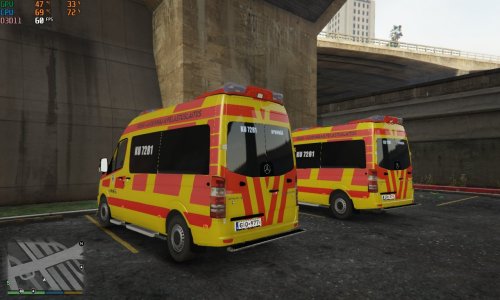 Homely looking skin, even though I'm from the capital region




