sheepdog6024
Members
-
Joined
-
Last visited
Everything posted by sheepdog6024
-
I apologize in advance if this is in the wrong place. I’ve been having problem with my computer+. Upon loading LSPDFR there is a red error at the bottom of my screen stating “Vehicle definition” (I’ll updated the full error when I play again. Next is the center box on the computer where you type license plates, names, ect. Lags it will like flash on and off. Last is that it says there is an update but I just updated. Any help?
-
 Everytime I log into the computer the box where you type all of the information lags plus a "vehicle definition'' error upon starting up LSPDFR on the bottom of the screen in red. It also says there is an update available but I just updated.
- 1,742 comments
- 172 reviews
-
You too!
-
Thank you very much.
-
I want to download the new LSMPD vehicle pack but it is required to change the carcols.ymt and carvariations files. Doing so if I change vehicles in the future will I have to edit those files or will the vehicle files I replace them with fix it?
-
 Does changing the carcols.ymt and the carvariations files effect any cars i replace these (LSMPD) cars with?
- 114 comments
- 37 reviews
-
-
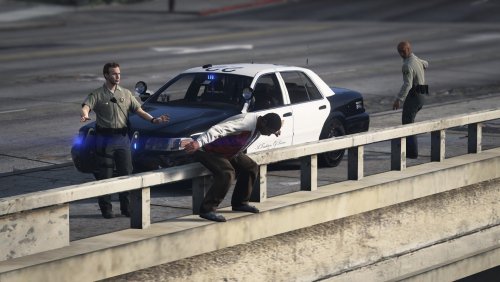 I’m not supposed to be changing my character in eup am I? I put the files in patchday 13, 15 and 16 and nothing but I was changing my character in the eup menu
- 20 comments
- 6 reviews
-
For some reason my sheriff peds are still the same, I installed it correctly. Any help?
- 20 comments
- 6 reviews
-
Thank you
-
Does anyone know the keys for changing the corona pattern on the patrol cars? Couldn't find anything in the els text document. I watched Jeff F. do it here but idk what button he pressed to change the pattern. https://youtu.be/fwOPRQN83OQ
-
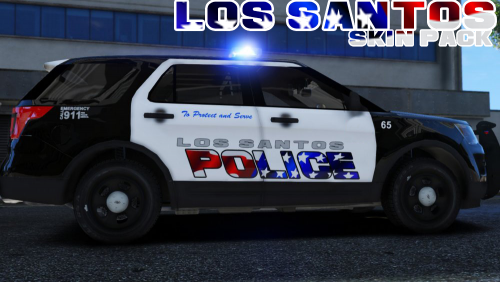 Awesome skin, Only flaw I noticed is for BradM's LSPD pack is for the 15 fpiu the skins are a bit off on the right side and the roof.
 -
Worked, thanks man.
-
Oh I thought 0 meant disabled, thanks I'll try it
-
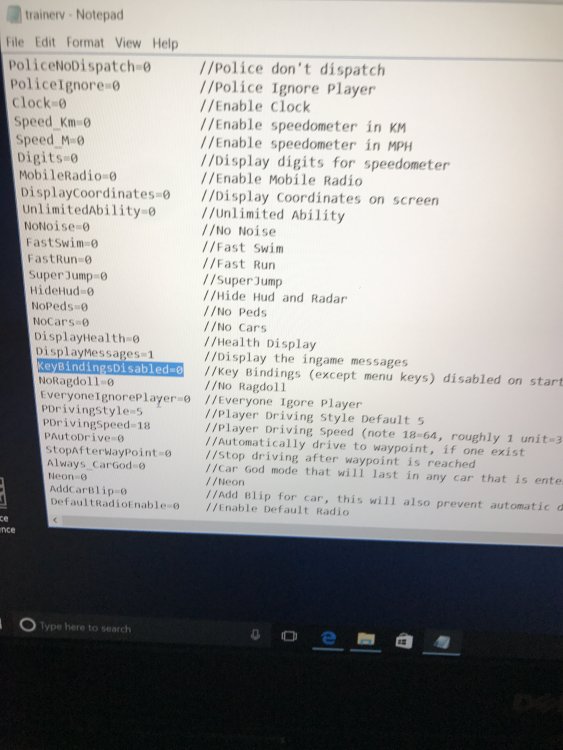
My key bindings were already set to 0.
-
When I go up to a vehicle and press L ctrl + page up to issue the ticket people with guns in red sports cars spawn and try to kill me. I saw the other post on this but I do not have simple trainer, I have another trainer from gta5-mods.com and can't find it in the configuration settings. Any help?
-
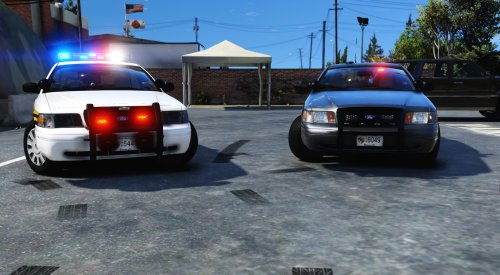 Awesome cars man 5/5. A few suggestions that are just my opinion but I would add the same reverse light strobes from the unmarked to the marked unit and add an extra dash light on the unmarked unit maybe blue.
- 46 comments
- 17 reviews
-
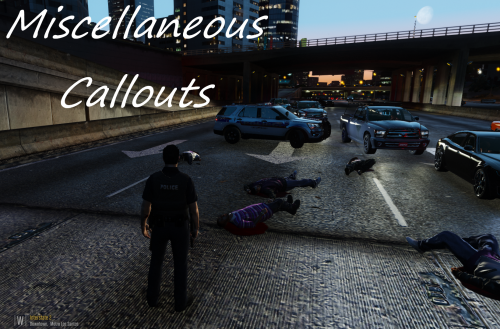 Awesome callout pack. Only 2 cons I noticed. - for the gang activity the last gang member I kill; his red dot stays on my map after the callout ends. - as per the hit and run, after I get the information on the vehicle it says there is an APB on the vehicle that's it idk if there is supposed to be more.
- 68 comments
- 21 reviews
-
-
-
-
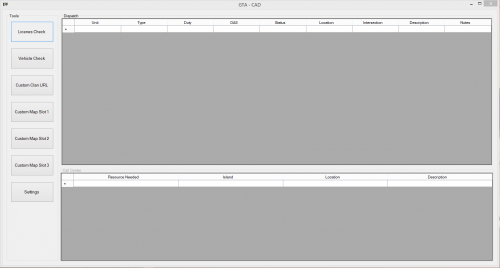 I got it to download and had to download a file extractor from the app store but it won't extract the files. are you telling me this program won't work on a mac?
 -
how do i get this to download to my mac book pro?