



Riki.PR.15
-
Joined
Everything posted by Riki.PR.15
-
From the album: GTA V P.R. Emergency services
-
From the album: GTA V P.R. Emergency services
-
From the album: GTA V P.R. Emergency services
-
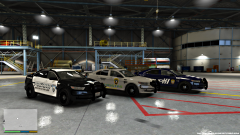
From the album: GTA V P.R. Emergency services
-
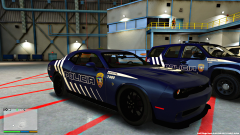
From the album: GTA V P.R. Emergency services
w.i.p. -
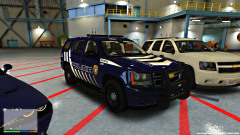
From the album: GTA V P.R. Emergency services
-
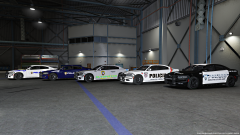
From the album: GTA V P.R. Emergency services
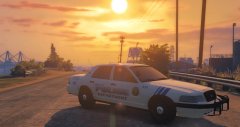
P.R. state police new and old highway patrol Carolina P.D. San Juan P.D. -
 .
. -
From the album: GTA V P.R. Emergency services
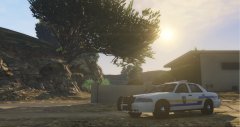
hello! A colleague is doing these textures, I do not know how many days will be available. -
From the album: GTA V P.R. Emergency services
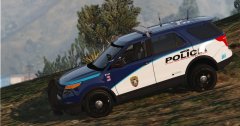
Patrulla de vivienda pública del Estado Libre Asociado de Puerto Rico. -
From the album: GTA V P.R. Emergency services
-
-
From the album: GTA V P.R. Emergency services
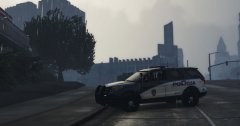
Coming Soon... -
From the album: GTA V P.R. Emergency services
-
From the album: GTA V P.R. Emergency services
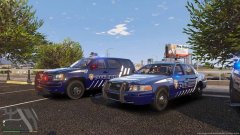
Look good is just in the PRPD pack Se ven bien está justo en el pack PRPD -
From the album: GTA V P.R. Emergency services
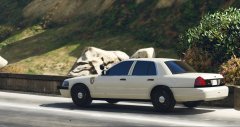
Here is that amazing vehicle, right? Aquí está ese vehículo increíble, ¿verdad? -
From the album: GTA V P.R. Emergency services
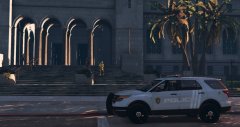
Coming soon - Próximamente It does not have all the emblems so I can not put it public, I say, no? No tiene todos los emblemas por lo que no puedo ponerlo en público, digo, no? -
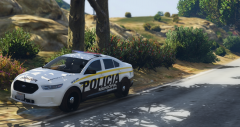
From the album: GTA V P.R. Emergency services
you like? , Well here you have the link -
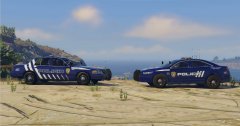
From the album: GTA V P.R. Emergency services
-
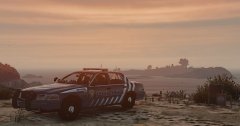
From the album: GTA V P.R. Emergency services
P.R.P.D. 4K Remastered cvpi -
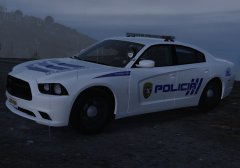
From the album: GTA V P.R. Emergency services
-
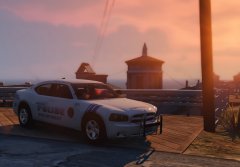
From the album: GTA V P.R. Emergency services
Coming soon for those interested. -
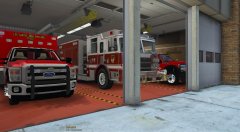 very good bro!
 -
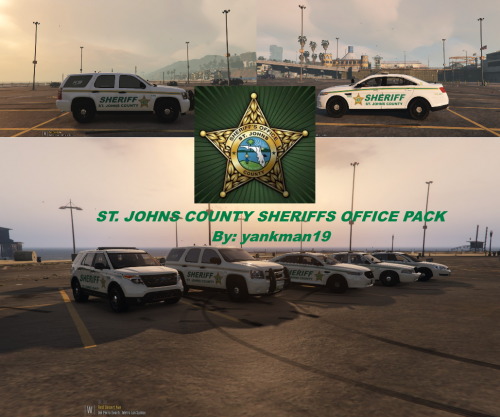 good job! my friend!
 -
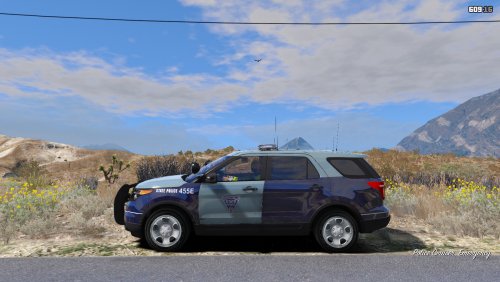
.thumb.png.81b1229f1fbbd127e3991ed0f81581ac.png) As a suggestion, I recommend that you make fictitious or reality-based packages, it costs more to do but when you finish and you see people download it, knowing they will have several options and not just one is quite nice and of course If done correctly it will be more supported ,a greeting! :)
As a suggestion, I recommend that you make fictitious or reality-based packages, it costs more to do but when you finish and you see people download it, knowing they will have several options and not just one is quite nice and of course If done correctly it will be more supported ,a greeting! :)


.thumb.png.81b1229f1fbbd127e3991ed0f81581ac.png)