




Poofyfinger
Members
-
Joined
-
Last visited
Everything posted by Poofyfinger
-
UPDATE - folder was missing the ALBO file. Fixed ! thanks
-
I tried assorted callouts as well. Nothing. Never had this issue. 100% fresh GTA V install too. I'll fool around with RPH and load the plugin hang on...
-
Try running RPH as an administrator
-
Hi, does anyone know why I am only receiving two types of callouts? Doesn't matter what agency I am using. Robberies, and pursuits. That's all.
-
Grand Theft Auto VI will be out before 0.4 😛
-
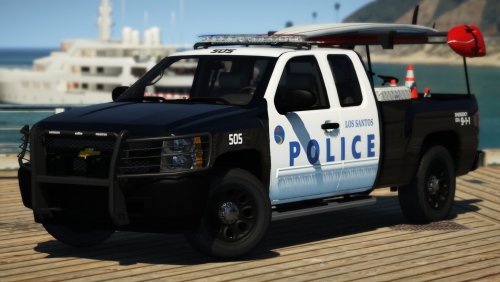 I followed instructions and extracted to the latest patchday folder, but OpenIV says a few of the files are corrupt. Anyone have this issue ? EDIT sorry didnt know I wasn't allowed to post this. Delete as required.
- 29 comments
- 11 reviews
-
-

- 1
-

