thewiz
Members
-
Joined
-
Last visited
Everything posted by thewiz
-
I fixed it going into the visualsettings. Changing the car.defaultlight.emissive.on value. I have it on 6000 in daytime and 1500 in nighttime. It is very bright now.
-
You can turn it down by going into the visualsettings file. Edit it, and change the value on car.defaultlight.emissive.on. You have one for daytime and nighttime. The value goes from 0-9999. When installing bright lights it is pretty much maxed out, and it is way to bright. I had to turn it down ALOT. My settings are 6000 on daytime and 1500 on nighttime. It is bright as hell even with these settings.
-
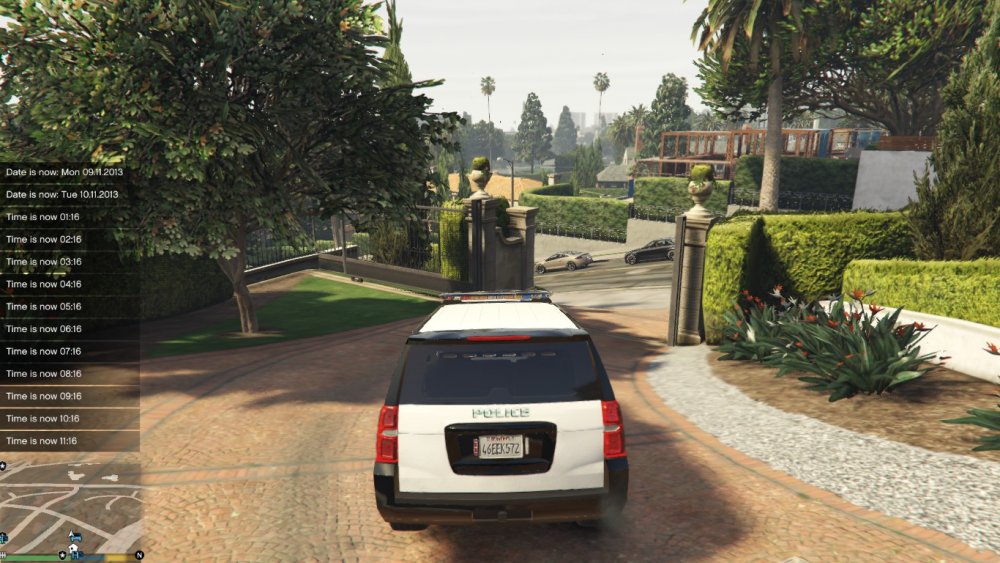
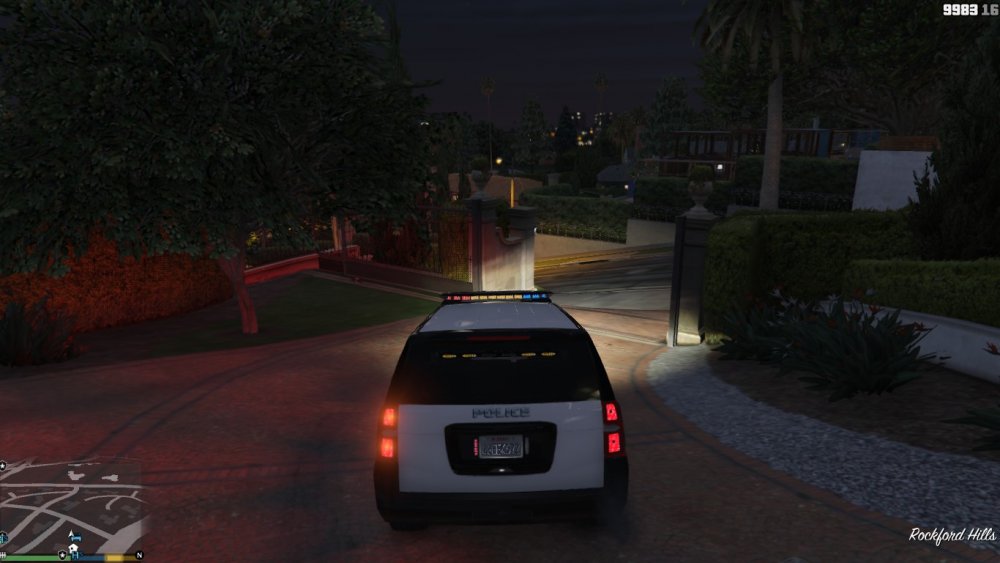
Hey guys. My ELS lights are very dim, to the point were i cant see them almost in daytime. What is going on? What can i do about this? All my police cars are like this, expect for my Crown VIC, that has very good lights, but it has not ELS .. Some screenshots so you can see.