Louie456789
Members
-
Joined
-
Last visited
Everything posted by Louie456789
-
If you have done everything correctly and the game is still giving you the issue, most likely its being caused by NVIDIA In-Game overlay which you can disable in the Geforce Experience Application.
-
YOU ARE A LEGEND THANK YOU! Been trying to figure this out for months seriously much appreciated!
-
Not quite to sure what you mean by real-time scan excluded aswell, could you possibly show me an example if possible?
-
Yes.
-
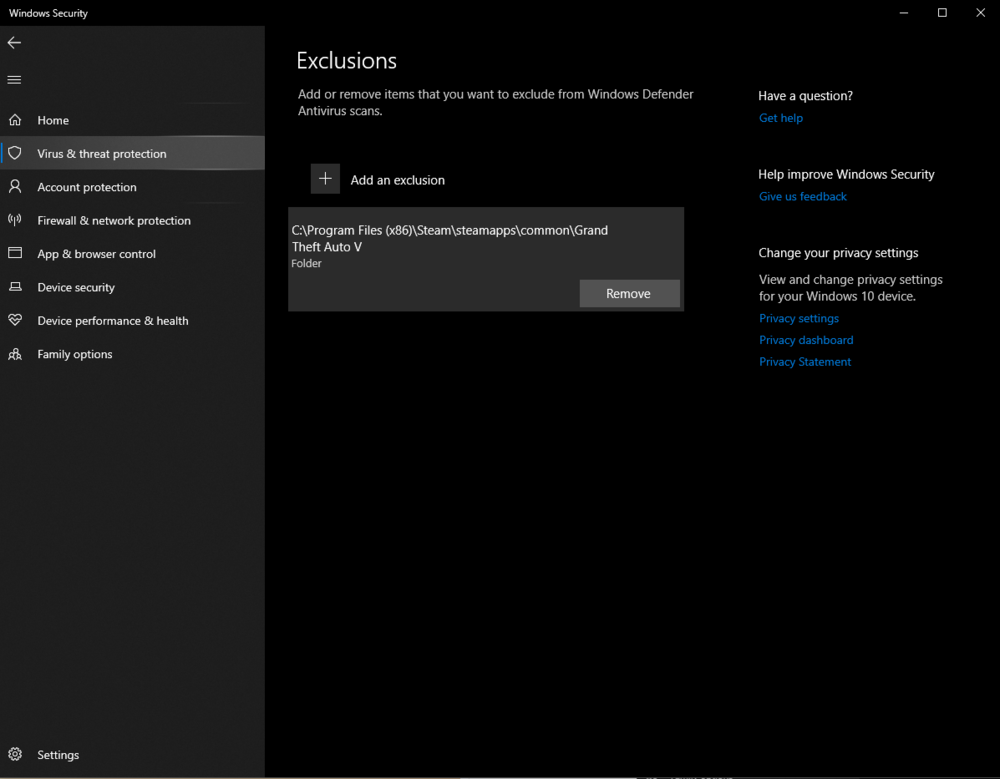
I've re-enabled Windows Defender and added my Grand Theft Auto V Directory as an exception but still getting "insufficient permission or bad anti-virus"
-
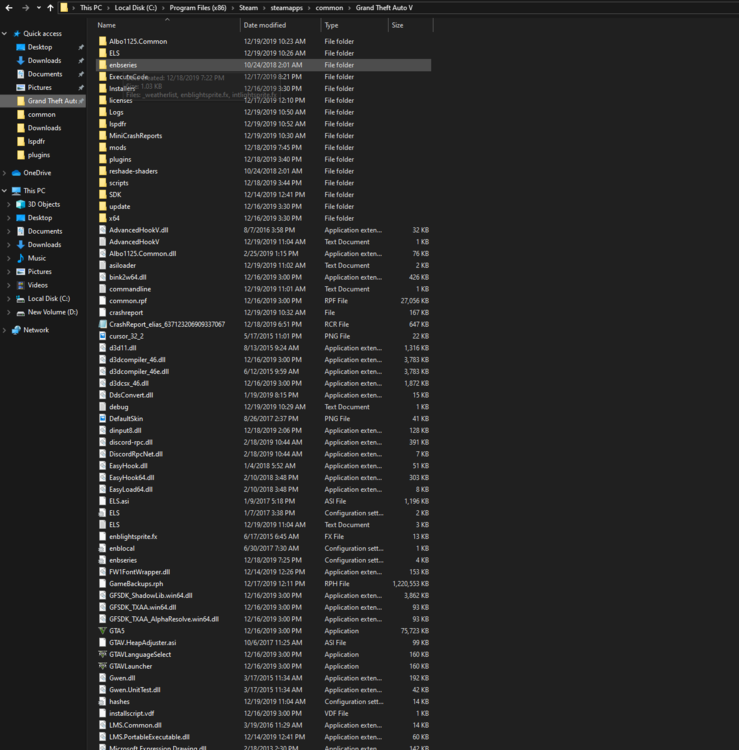
I have windows defender permanently off so I'm not sure if I should turn it back on and than add exceptions. Also my directory should be right.
-
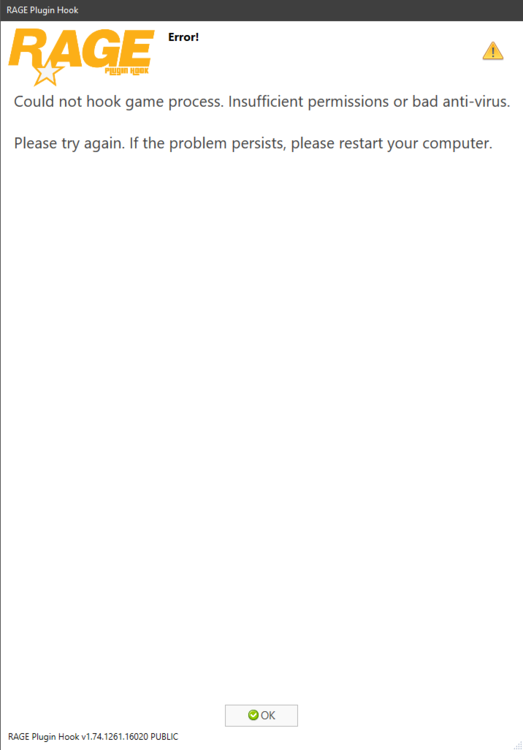
I have this issue with my Rage not hooking, I get an error saying "insufficient permission or bad anti-virus" I run Rage in admin mode and I have "Forced Windowed Mode" Ticked in game settings but the issue still persists. I also have Windows Defender which is the only anti-virus I have on my computer disabled and I have inbound rules within Firewall for both RAGEPluginHook.exe and GTAV.exe I've also attached my RagePluginHookLauncher.log if that is any help. Thanks! RagePluginHookLauncher.log
-
Does anyone have the Stop the Ped and Ultimatebackup downloads that they can possibly provide because I just can't stand LSPDFR without those mods. If you have the files for the mods please reupload them! Thanks!
-
So while I play GTA V primarily with mods but that's irrelevant because while I'm running the game in full screen I get the same FPS while I'm in full-screen the game seems to be choppy with 60-70 FPS but when I'm in Windowed Borderless the game gets the same amount of frames but the game runs so much smoother does anyone know why this happens I have a 144hz monitor and that doesn't even get utilized while in Windowed Borderless and its still smoother.
-
What’s your Mod list if you don’t mind sharing.
-
GTX 980ti that’s OC’D to about 1468.1 on Benchmark and yes I have ELS vehicles
-
So I have this Mod list set up and I was wondering because I'm running an i7-4770k 4.5gHz and still running 60-70 FPS and I know with my system I should be getting more so I was wondering what I should remove out of my list to get more frames. Arrest Manger - Installed ComputerPlus - Installed LSPDFR - Installed PoliceSmartRadio - Installed Rage Plugin Hook - Installed Traffic Policer - Installed Script Hook V - Installed Assorted Callouts - Installed Player Location Display - Installed Stop the Ped - Installed Better EMS - Installed StickyWheels - Installed Make Ped Calms Again - Installed Assorted Callouts - Installed CheapCallouts - Installed PeteruCallouts - Installed RelasticSounds - Installed Max Payne 3 - Installed Relastic Tire Skids - Installed Tacco Highway Callouts - Installed EUP & EUP Menu - Installed Spike Strips Assist - Installed Traffic Control - Installed Simple Trainer V - Installed
-
Hey guys can anyone identify what plugin/mod this is? Thank you in advance