WiseGuy455
Members
-
Joined
-
Last visited
Everything posted by WiseGuy455
-
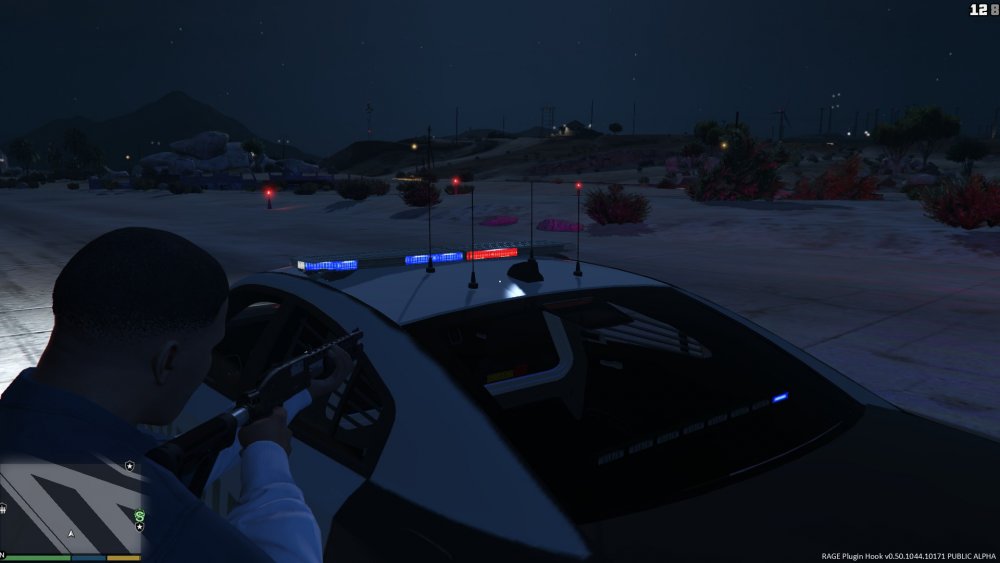
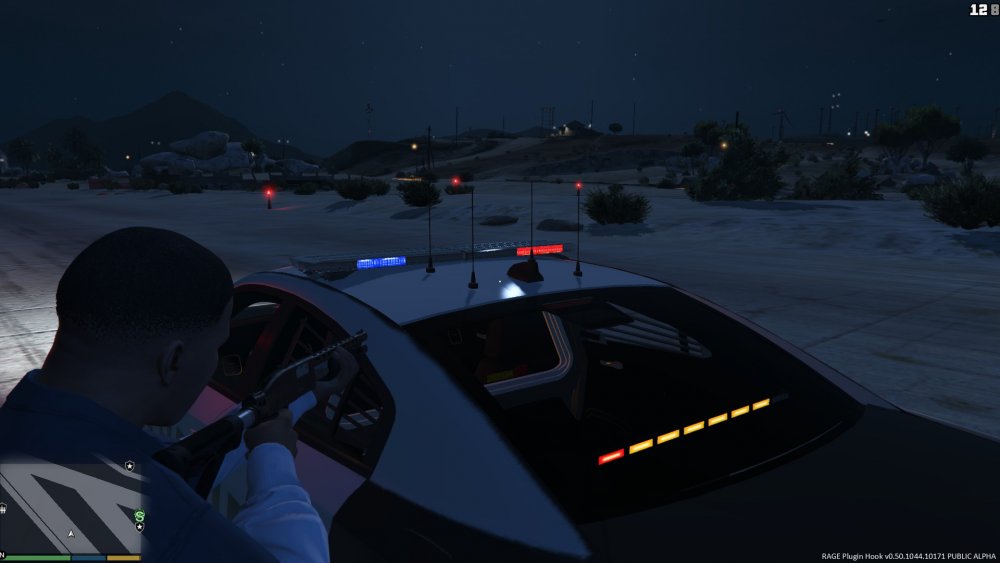
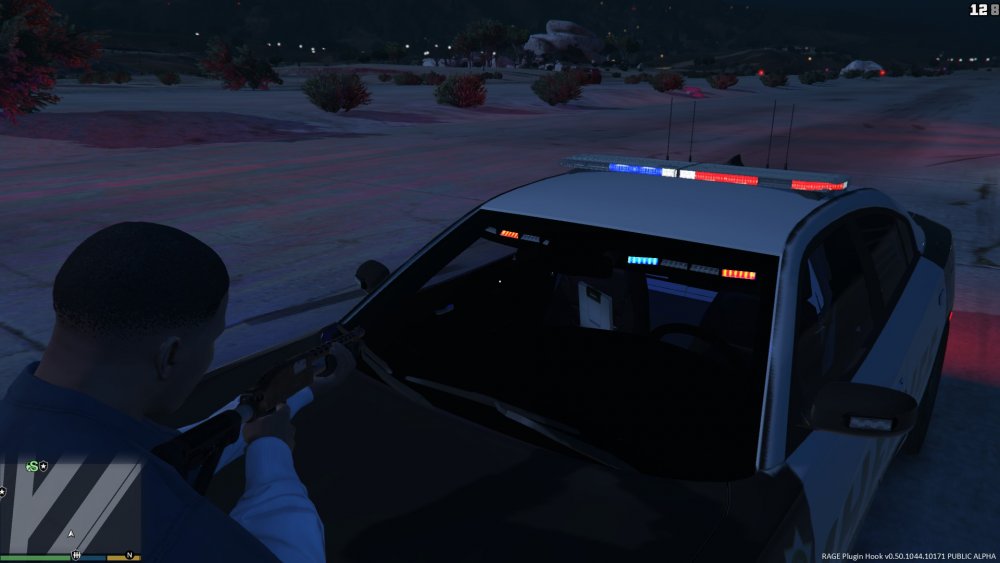
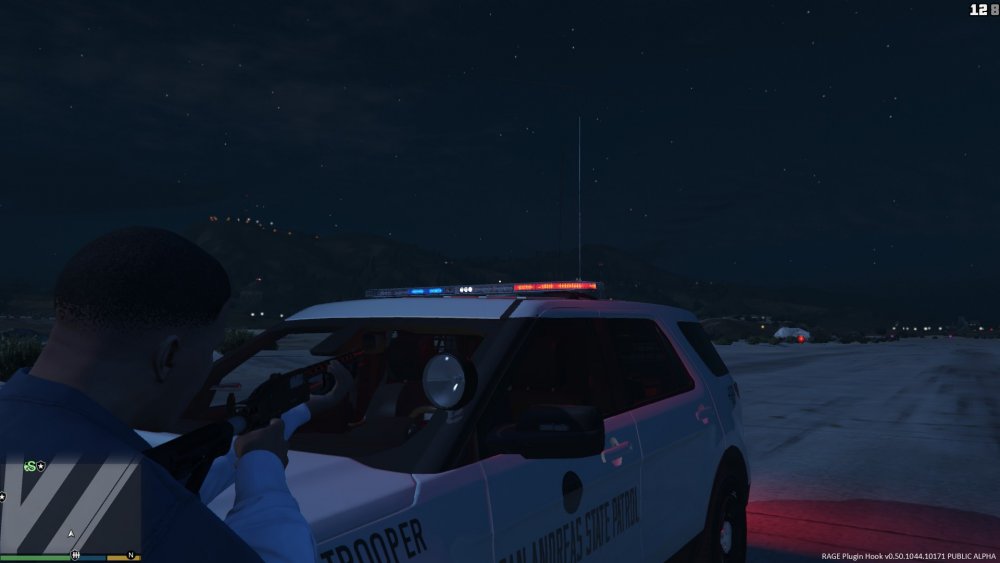
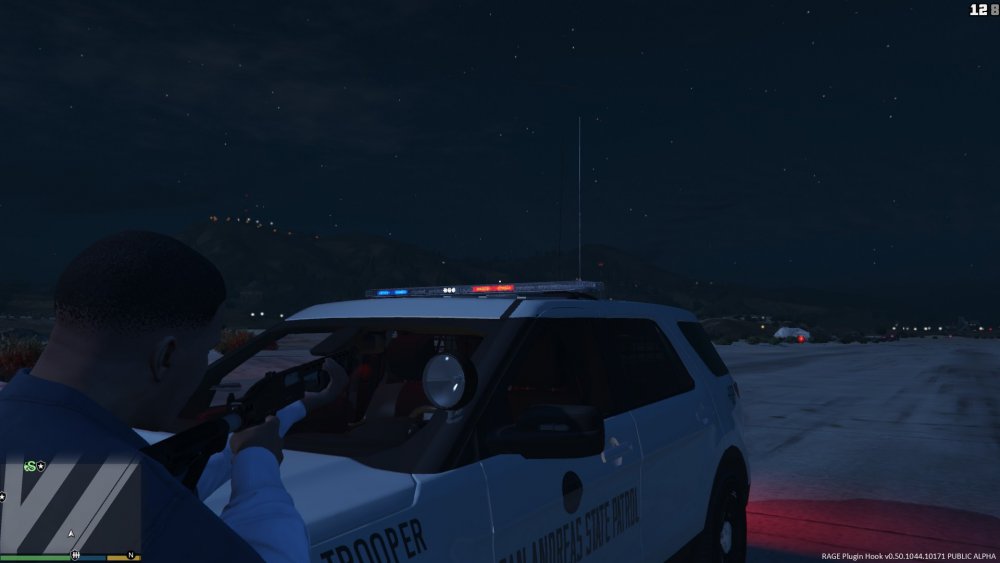
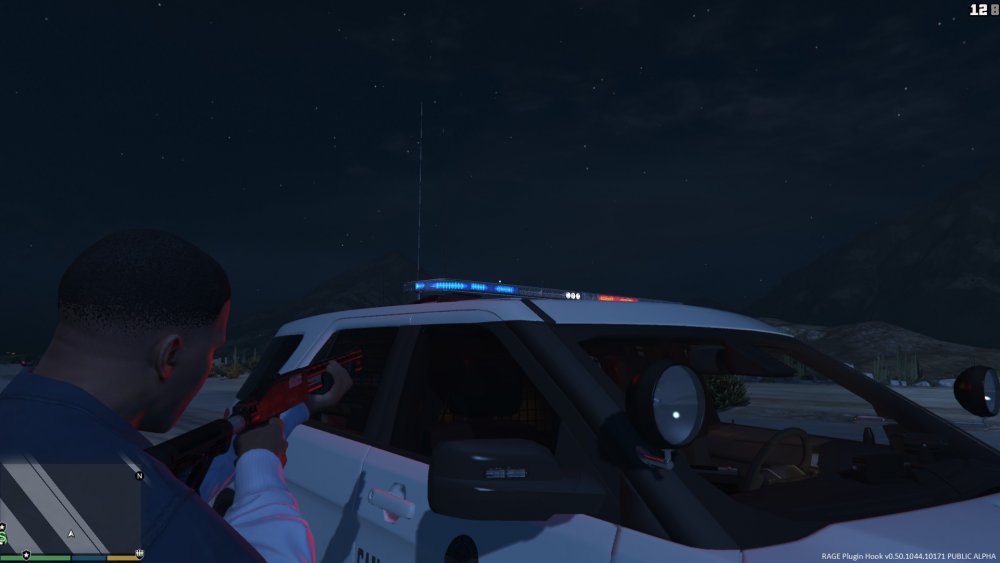
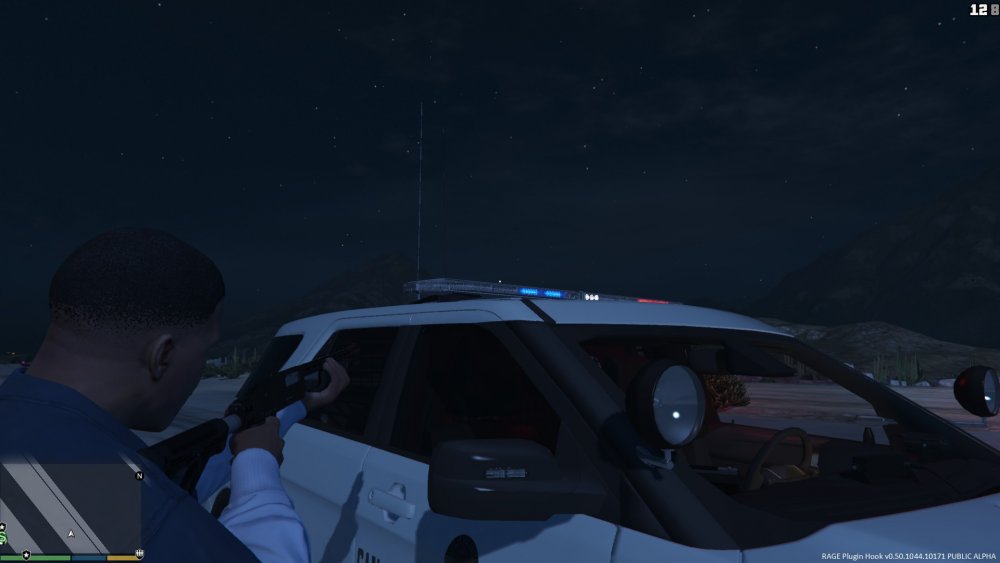
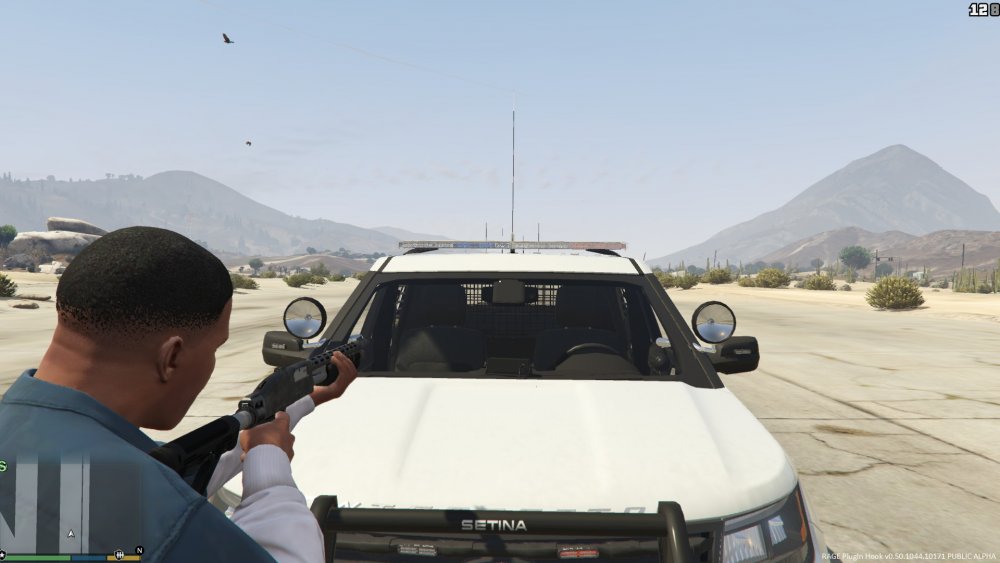
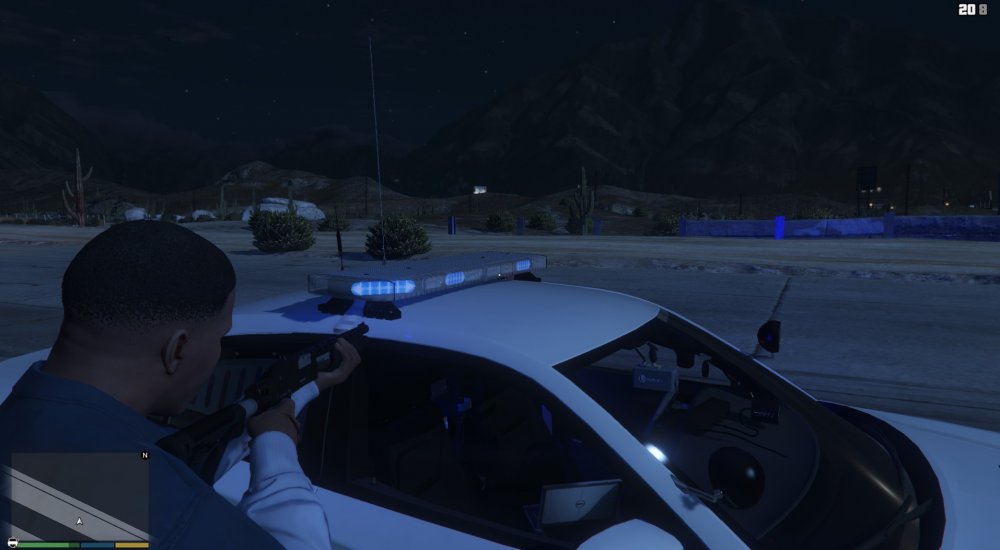
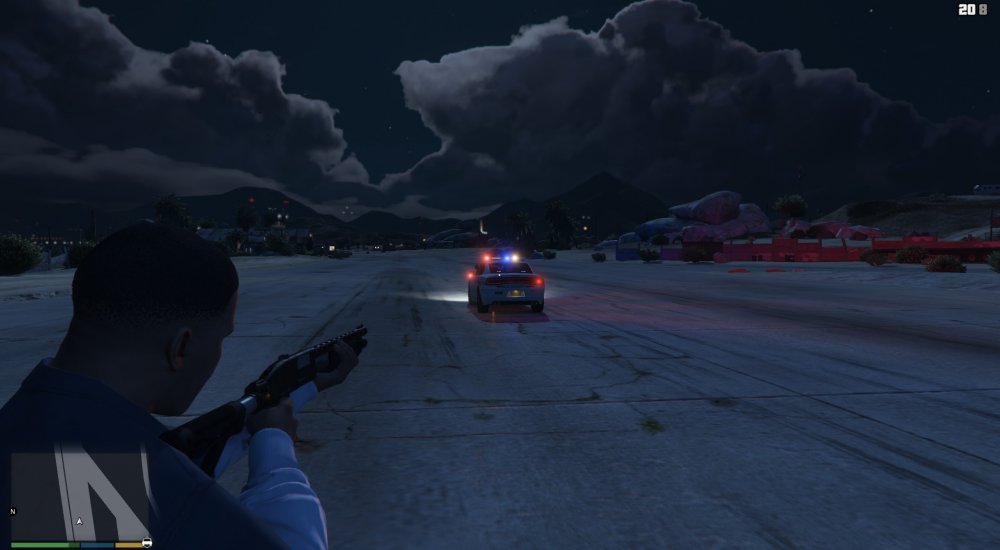
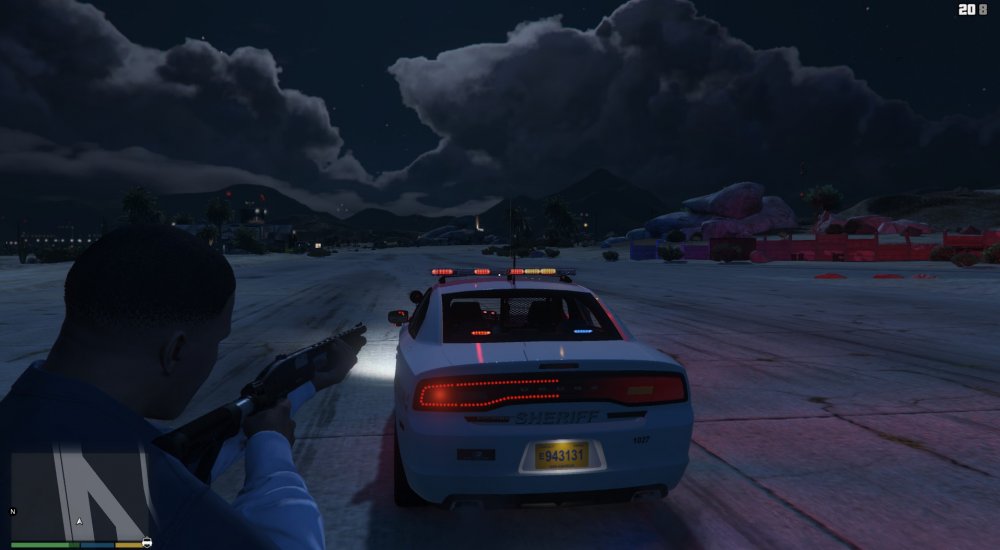
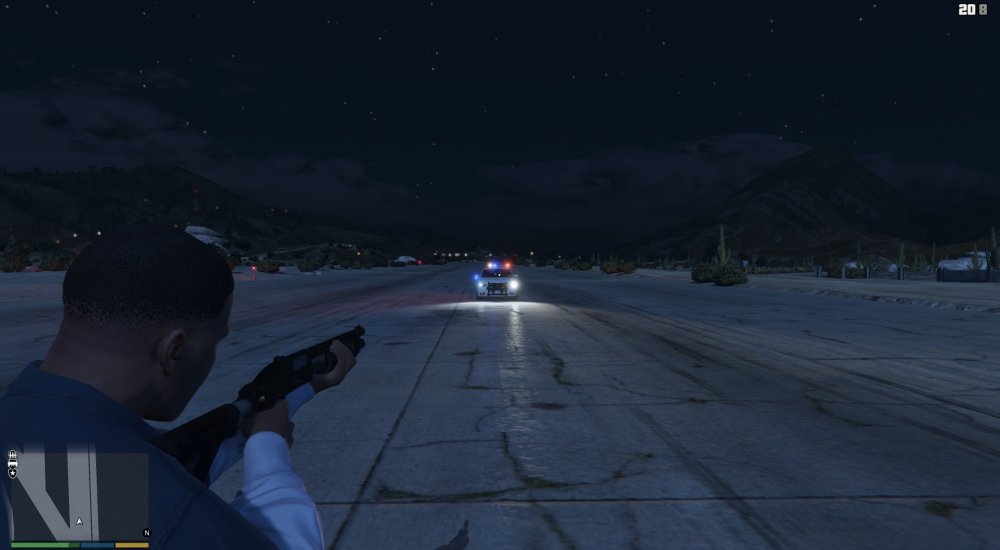
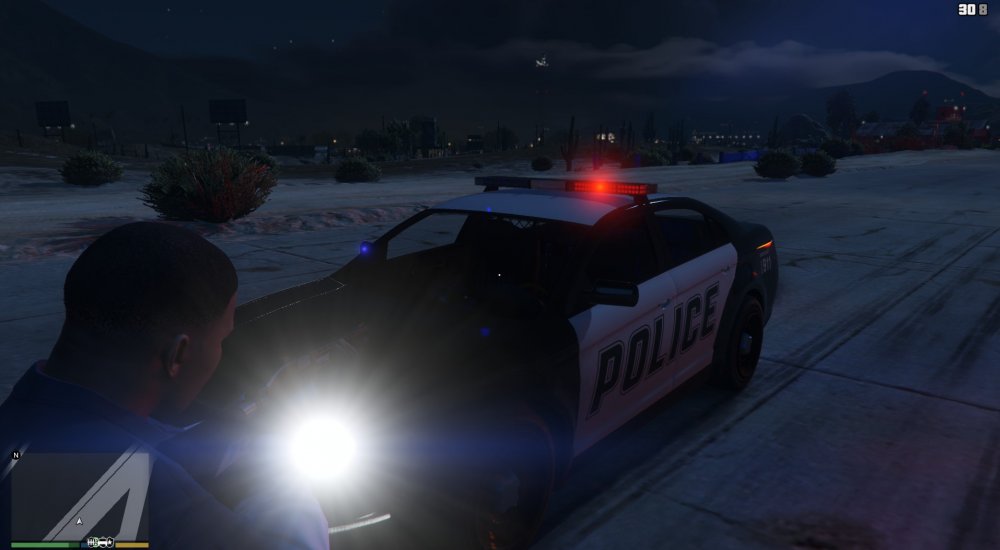
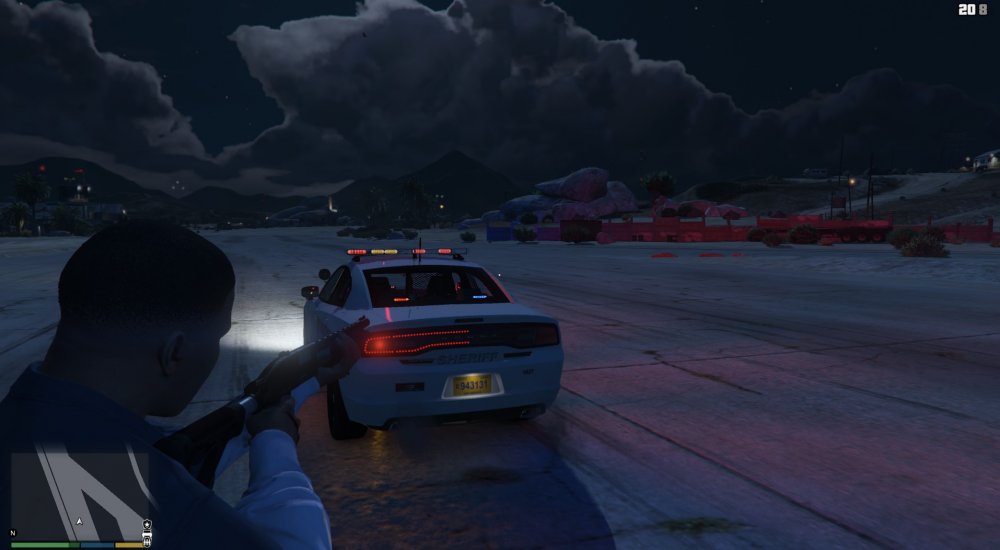
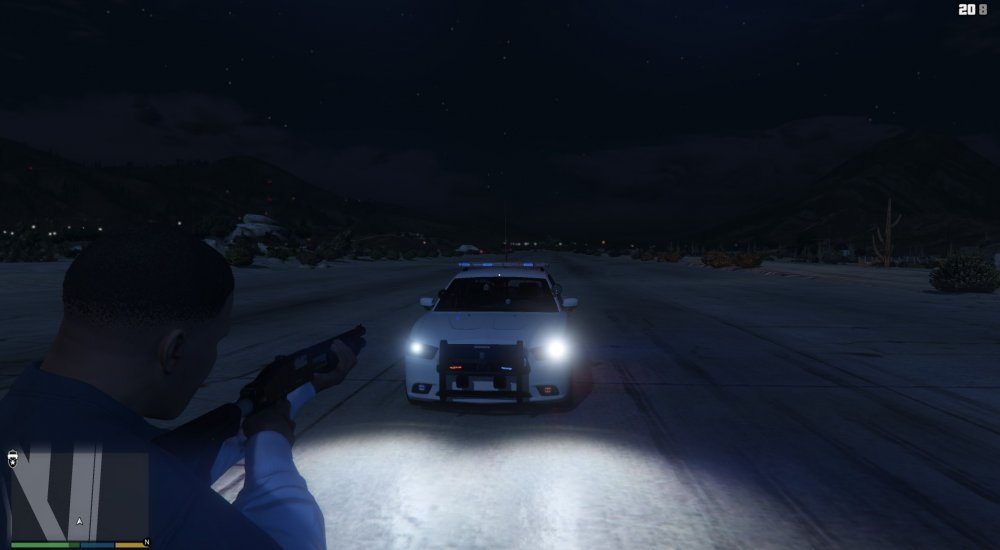
Hi, if anyone could help me that would be awesome! So for some reason my LSPDFR lighing on my MODDED POLICE CARS ONLY are acting up... I attached some pics to help. when you are close to or in the vehicle, the lights light up but they dont "Shine" the reflect off the ground like they are supposed to but you cant see them if you are looking at the lightbar, unless you are far away... It also seems that the "reflection" on the ground is opposite of the light the lightbar is giving off, for example, if you are looking at the car and the left side of the lightbar is blue and the right side is red, when the left side of the bar lights up blue, the right side of the car will light up blue and when the right side of the bar is red the left side of the car is red (not the side that should be lighting up). I have some light enhancement mods and I have my settings where they should be (like my post fx and all that stuff). I have looked everywhere but havent found the answer... If someone could help me with this, that would be much appreciated! (This problem does not happen to my normal/not modded police cars). Thanks!
-
Thank you both for your help!!!! It seems to be working now!
-
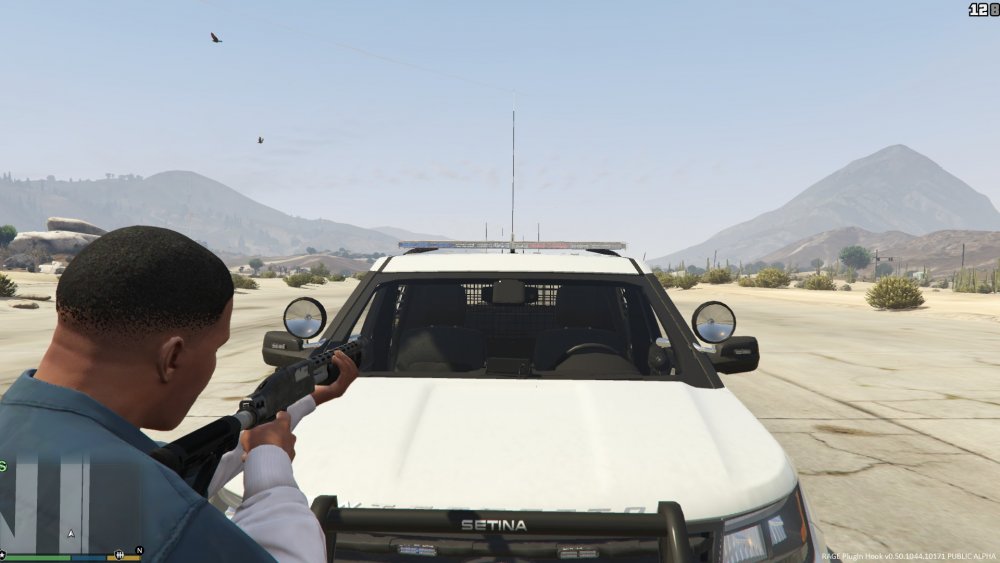
For some reason whenever I turn on my lights in any moded car the lights turn on but they don't actually look lit up... The color is there but they are not giving off any "light"... PLEASE HELP All of the pics that I included are of a Charger and Explorer with the lights on. Even the pics of in the day time...