Slim202
Members
-
Joined
-
Last visited
Everything posted by Slim202
-
-
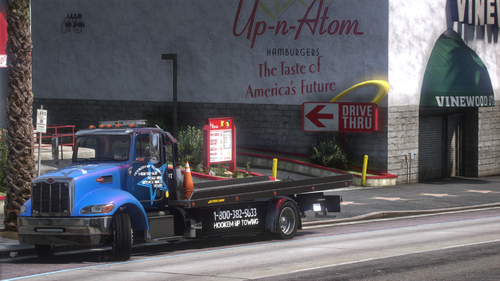 Didn't see an answer to this question. How can you get it to arrive with lights on?
- 28 comments
- 5 reviews
-
Great truck!! I havent seen an answer for this question, but how do you get the light to turn on when you request a tow?
- 28 comments
- 5 reviews
-
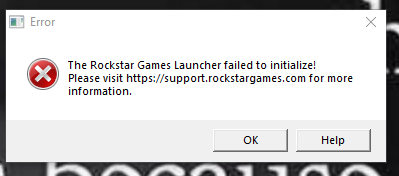
I still get Rockstar games launcher failed to initialize. I have no clue as to what I'm doing here. Before I see this I get Windows 7 and 8 has ended please visit rock support for more info.
-
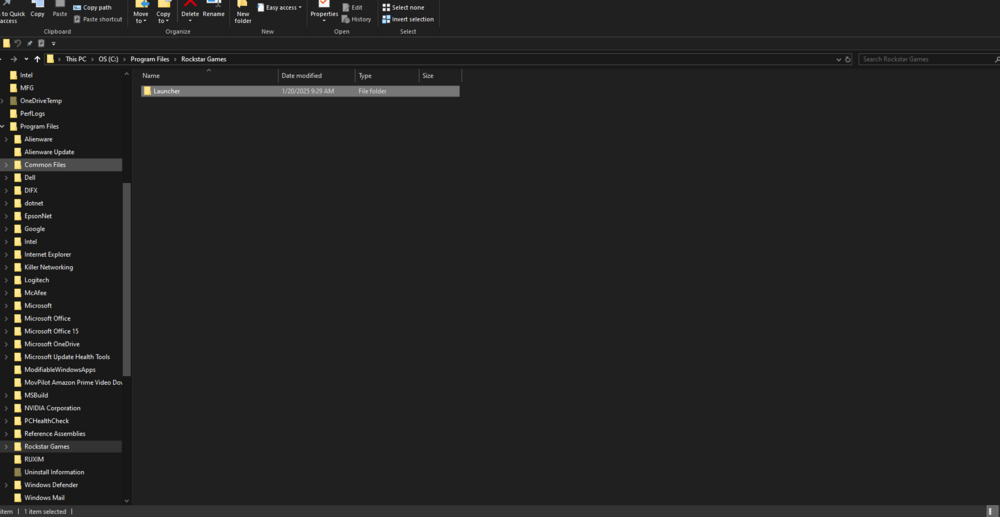
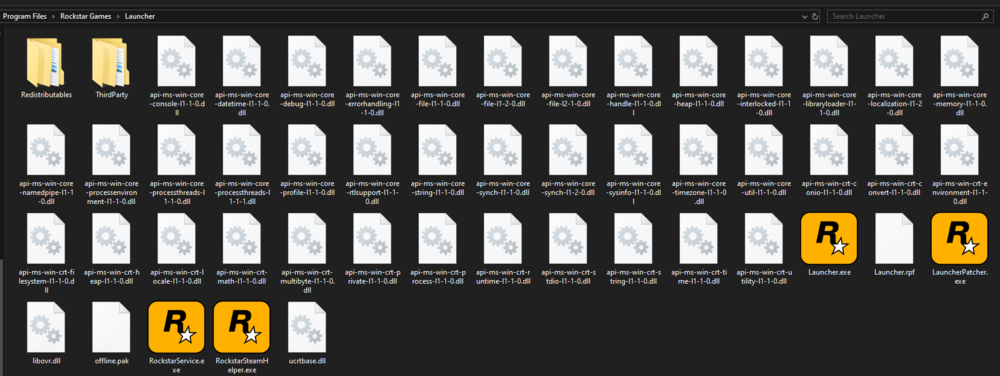
I hope this is the correct location for these questions. I tried to use LSPDFR for GTA 5 and the mode was blocked by battle eye. I have looked around and found that I can turn it off by going to my rockstar account but I get an "rockstar games launcher failed to initialize". Now I have uninstalled the rockstar launcher/social club numerus time after looking for answers about that and none of those have worked for me. It also seems that the launcher and social club are to together in the rockstar folder but they are not there or in the launcher folder. I can login to my rockstar account through the internet but I can't find anything about battle eye to shut that off under the settings or anyplace else there. Should the rockstar folder be in the program folder or the program 86 folder? I can play GTA 5 in story mode with no problem. I'm using windows 10. I'm not very tech savvy. I just want to play LCPDFR!
-
 I'm most likely putting this in the wrong place but need a hand. Where do I put the .dll .ini. and .pbd files at? I have been putting them in GTAV5 > plugins > LSPDFR. When I do this it doesn't load.
- 191 comments
- 7 reviews
-
-

- 1
-
-
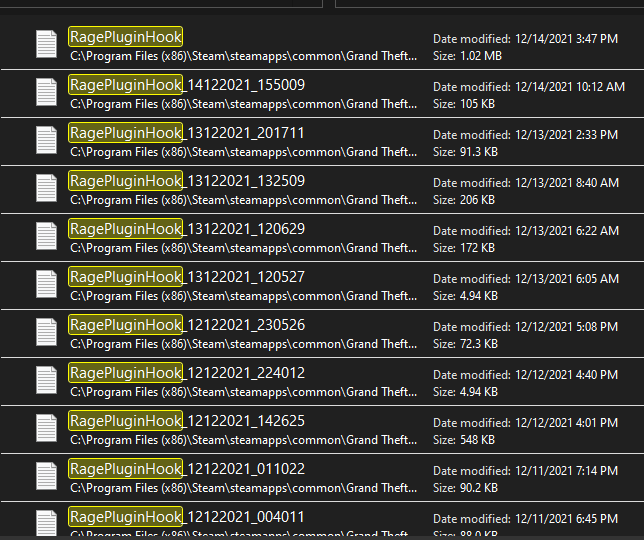
I reloaded GTA V along with LCPDFR w/ RPH and Script hook all the most recent versions, today. While the game loads (showing the still shot pictures) I can see it loading the spotlight LSPDFR and license plate randomizer. it just stops and goes back to my desk top. This started (beginning of May) just before the update so I removed everything, and waited until everything was updated. I have Spotlight, STP, PDL, License plat randomizer, ultimate backup, Speed radar lite, compu lite, and ALPR lite. The same "crash" happens when I try story mode. I'd like to not have to uninstall everything again and loading things back in. I have also messed up with the backup and there is none. RagePluginHook_31052022_184050.log
-
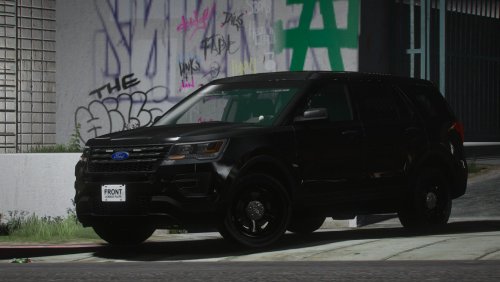 It's a great unmarked. Minimal lighting. I do wish there was a way to have a few more lights added. I like using it for patrol so that is why I would like more lights. This is the first time that I have writen a review so it is worth it in every way!
- 16 comments
- 9 reviews
-
-
- 1
-
-
 Just installed everything today. New file of GTA V, LSPDFR, Rage, Open IV, and Scripthook.
- 637 comments
- 75 reviews
-
Hey all. Im looking for a HUD speedometer. I'd also like to have a ghost graphics Sherriff squad. Last with STP everyone I stop on foot or cars has illegal items. Is there a way to make it so people don't always have illegal items?
-
So it seems like a few other people are having this same or similar problems. LSPDFR is crashing shortly after entering the locker room. EUP is crashing every time I hit F11. My spotlight crashes right when the game comes up. When I reload all pugins my guy wont move with controller or keyboard. I have redownloaded the updated LSPDFR 2 times and had that install Rage. All pugins are checked and when loading it says they are. Any help is appreciated!
-
Two different come up at the same time. Seems like on is for original and one is STP. Because of RS update I have gone and reinstalled everything.
-
I'm getting the 7002.1 error also! Driving me nuts because I can actually play today!
-
Two different come up at the same time. Seems like on is for orginal and one is STP.
-
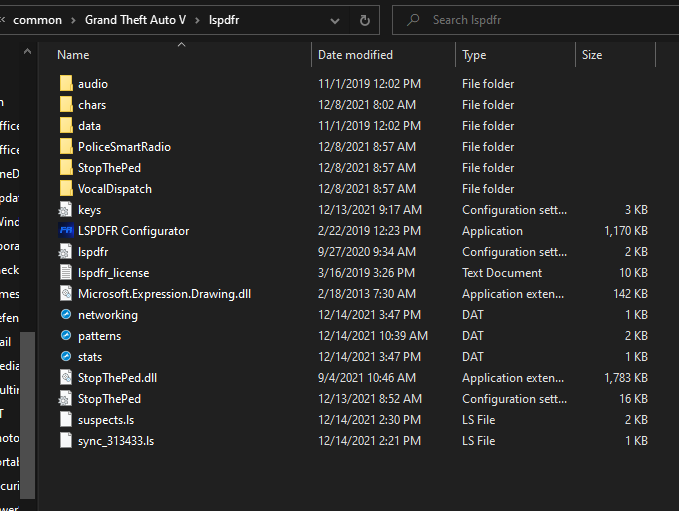
WithLithum: So I double tap E. I use an Xbox controller and can also use the Right arrow of the controller. I don't use the keyboard for aiming. The double menus happen on pursuits also. Another goofy thing is once I have someone get out of thier car I have to either hold the right arrow or double tap E. OfficerChris: See attached please.
-
So do you know how I might fix this? Sorry I really don't know what I'm doing.
-
I keep getting both interaction menus while using stop the ped. This is how I have things set, which in reading seems to be correct. I must be doing something wrong, please help. I'm new to all of this. I really don't know crap about computers TRAFFICSTOP_START_Key=LShiftKey TRAFFICSTOP_START_ModifierKey=None TRAFFICSTOP_START_ControllerKey=A TRAFFICSTOP_START_ControllerModifierKey=None TRAFFICSTOP_INTERACT_Key=None TRAFFICSTOP_INTERACT_ModifierKey=None TRAFFICSTOP_INTERACT_ControllerKey=DPadRight TRAFFICSTOP_INTERACT_ControllerModifierKey=None