

TaurusSilver
Members
-
Joined
-
Last visited
-
TaurusSilver changed their profile photo
-
 sorry noob question but when i use my mod cars i mean the police cars and i use my high beam headlight its more on focus on the right side i mean my right side its not correct angle and my siren colors for the moded cop cars are all white.. sorry im new so dont know where i went wrong or is there something thats not compatible? sorry noob question but when i use my mod cars i mean the police cars and i use my high beam headlight its more on focus on the right side i mean my right side its not correct angle and my siren colors for the moded cop cars are all white.. sorry im new so dont know where i went wrong or is there something thats not compatible?
- 246 comments
- 40 reviews
-
-
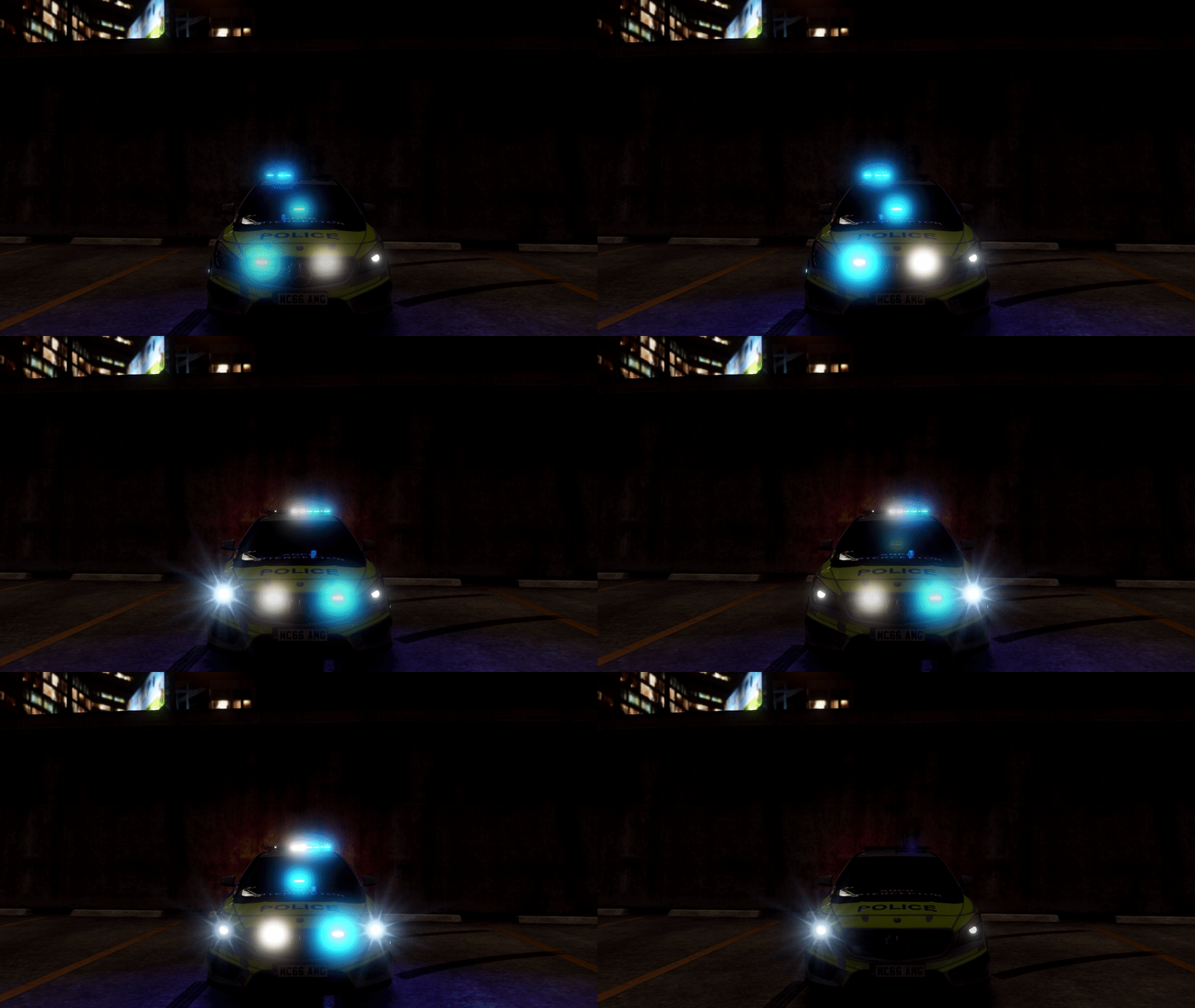 hi im new.. i know its a noob question but how do i change the lights and pattern? XD
- 143 comments
- 12 reviews