


auky
Members
-
Joined
-
Last visited
Everything posted by auky
-
I did they told me that I am lying and I just want free money and they wont even send a refund :|
-
So I dont know where to post this to, I need advice because Im pretty pissed. I bought the Golden Whale Shark Card which gives you 3,500,000 In game money. I bought it and I am still waiting and Have received nothing. I have waited a fair 4 hours and I still do not have my money I bought. What Do I do?
-
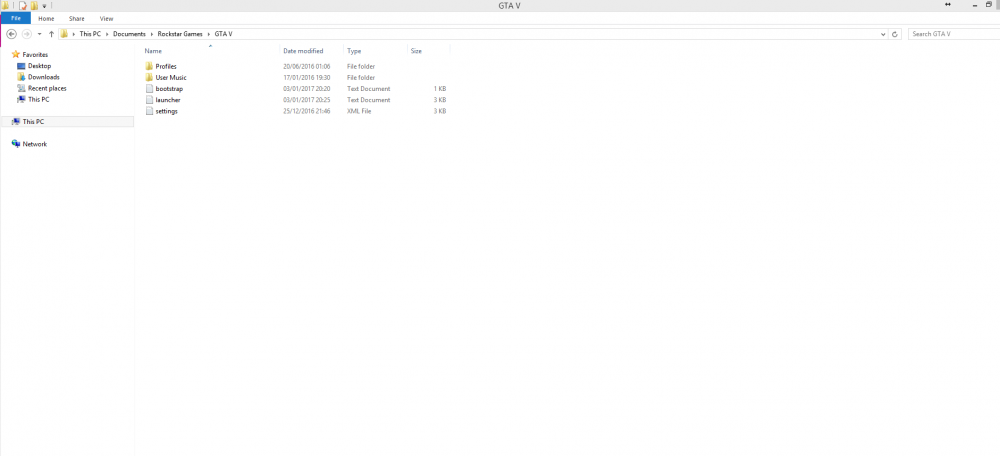
Yeah I found that but where do I put the mods in? I uploaded an Image of what the GTA V Folder looks like Yeah I found that but where do I put the mods in? I uploaded an Image of what the GTA V Folder looks like never mind I did it thanks for the help :)
-
So I downloaded GTA 5 from CD and I cannot find a folder on my PC To put the mods in. All the tutorials are showing how to do it from steam but I did not buy it from steam its on Disk. So How do I access the folder?
