
Dozel
Members
-
Joined
-
Last visited
Everything posted by Dozel
-
-
Or That, you right. But I turn it off becouse in RDR 2 case that ain't was helpful. So I thought that I should try to turn off it
-
Hi officers, I have a little problem. When I try to Launch RPH with LSPDFR, PRH launching RGL, every time. So I can't do nothing with that. I tryed launch GTA first, then on intro screen launch RPH, but still nothing. RPH just launch new launcher and RGL says that my game already laucned. Then I tryed to launch RPH, but I had the same. RPH startes new launcher, and RGL starts GTA. Then I tryed to launch RPH, I open settings menu, and I waited untill my game gonna start, and then I launch RPH again. Still doesn't work. And I tryed to launch PRH in menu of GTA, still nothing. Please Guys, Help me! P.S. Sorry for my bad English. But I hope you understand what i write. P.S.S RPH - Rage Plugin Hook, RGL - Rockstar Games Launcher Laucnher UPD: Seems Like I solved that problem... I just turned off my Windows Protection. I off all setting of Windows Protection. If you, guys, still have that problem like mine. I hope I was help you to solve this by turning off your anti-virus.
-
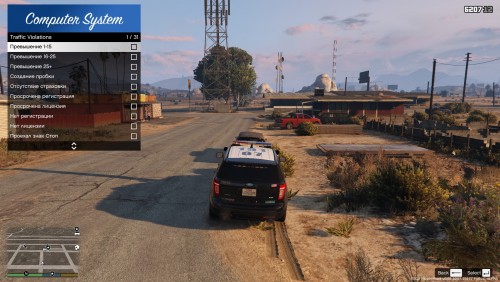 Молодец, уважение за то что принялся русифицировать мод. Вот бы ещё конечно всю сборку))