


DukeFrizzle
Members
-
Joined
-
Last visited
Everything posted by DukeFrizzle
-
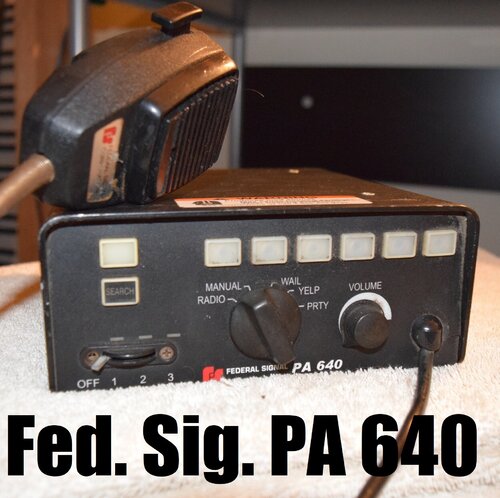 Damn BxD... didn't realise you were in on the LSPDFR/FiveM scene. Nice siren audio btw. Sh*t's AREEEEEAAAAL clean! Keep it up man, CHEAH! 👌
- 16 comments
- 3 reviews
-
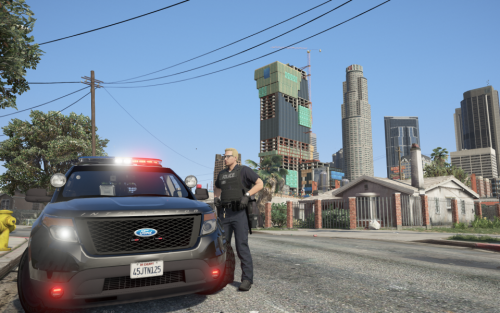 Well I'm glad that that's figured out. Thanks for the update too after all this time. Looking forward to what's to come.
- 78 comments
- 12 reviews
-
-
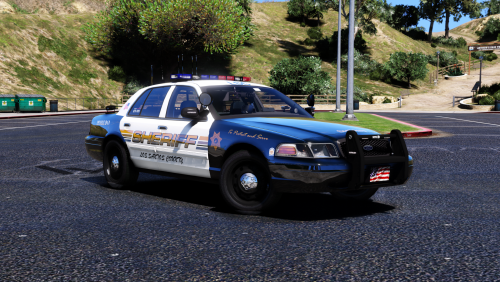 Probably a long shot, but how hard would it be to convert this to a non-ELS model?
- 23 comments
- 18 reviews
-
-
@Thero So I tried this.... and the handlebars/front wheel still doesn't turn. Does it work for you?
- 78 comments
- 12 reviews
-
Hmmm... ok. I could possibly try the carvar and vehicles.meta out of his CHP Addon pack, since that works for the one he put in that pack... cheers for the reply though.
- 78 comments
- 12 reviews
-
-

- 1
-
-
@Thero ^^ This.. I noticed this with someone else's BMW they put in their pack and its so annoying. Is this a model issue? Because the only one that I've seen where the handlebars work properly is the one out of TheHurk's CHP pack...
- 78 comments
- 12 reviews
-
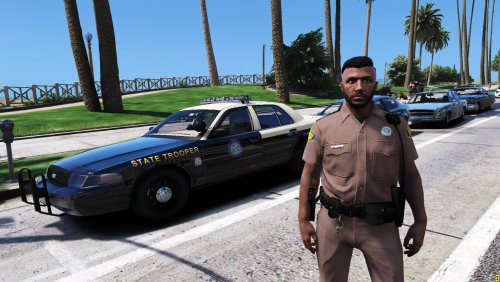 Awesome re-texture! Even did female uniforms as well after request. We need more EUP reskins on this site.
- 17 comments
- 4 reviews
-
-
 @DannyA3L any chance you could make the red lights in pricefields MX7000 mini pack redder? I love the rotator bars but they're too orange for my taste..
- 16 comments
- 4 reviews
-
@badass22 Looks fantastic.. been wanting to change my EUP uniforms for ages. However, is there any chance you can do the same for the female EUP uniforms as well??
- 17 comments
- 4 reviews
-
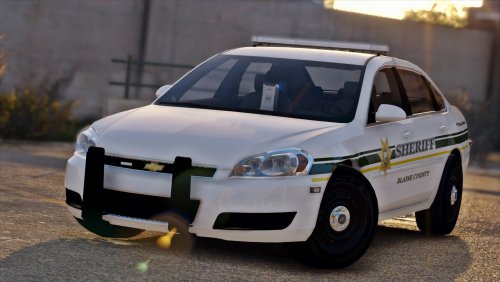 Downloaded the first version and the update and both don't have animated doors. Don't know if that a model issue or an install issue...
- 20 comments
- 8 reviews
-
-
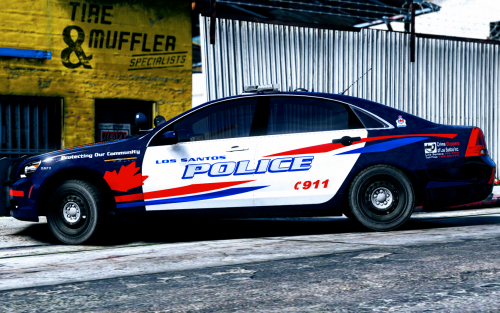 These look fantastic man!! Love every skin pack that you release! BTW, can I ask who's slicktop Impala model that is with the white hubcaps in your screenshots??
- 23 comments
- 12 reviews
-
-
- 1
-
-
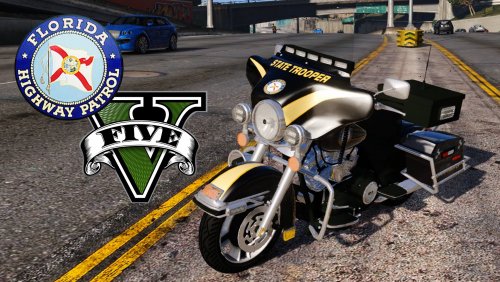 Amazing bike! Top notch quality! Love the windshield lightstrip! Keep it up!!
- 34 comments
- 27 reviews
-
-
- 1
-
-
Finally!! An ELS harley without the steadyburn red! Love the lightstrip under the windshield man!! Keep it up!
- 34 comments
- 27 reviews
-
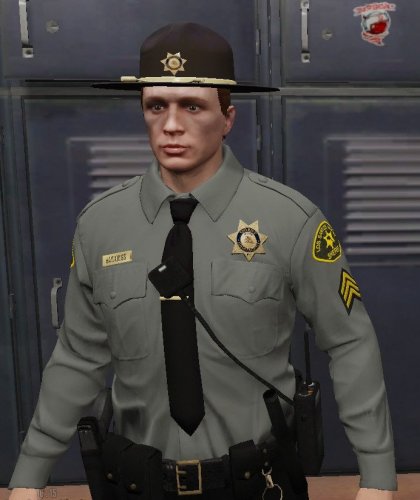 Been meaning to change the textures in my game myself for a little while now so you've saved me the effort. Nice simple colour scheme, I do like them a lot and it will suit my black and white themed LSSD vehicle fleet, although I'm knocking a star off as I do wish you had done the female EUP uniforms as well.
- 23 comments
- 5 reviews
-
-
 All Blue on t0y's City of Paleto (PBPD) pack with those old lightbars would be mint!
- 380 comments
- 31 reviews
-
 Because the way you have it setup there, you have to hold down F11 and press F5. A "ModifierKey" is usually set to something like a Ctrl or Shift key. Set ToggleSpeedCheckerModifierKey=None and it should then work by just pressing F5. (if you're wanting a modifier key, you would set it to ToggleSpeedCheckerModifierKey=ControlKey for LCtrl or RCtrl or ToggleSpeedCheckerModifierKey=ShiftKey for LShift or RShift)
- 3,646 comments
- 306 reviews
-
-
- 1
-
-
 What can I say.. Wow! Had a lot of the Hit and Run callouts which are amazingly detailed and very immersive. Only just had my first Disturbance callout which sent me to a biker party, and man oh man was it tense. Even though nothing kicked off.. I was expecting it too! (Called in a few backup units before I went into the backyard that's for sure!). Amazing idea and immersive dialogue! Can't wait to see where this callout pack goes man. Keep it up!!
- 166 comments
- 75 reviews

