
Venomshot5
Members
-
Joined
-
Last visited
Everything posted by Venomshot5
-
 Thank you for your help! I turned the tint off in the trainer and it worked perfectly! Thank you!
- 68 comments
- 13 reviews
-
-

- 1
-
-
-
It all depends on what GPU you have already. I run SLI 2x GTX 1080 and can range from 80-145 FPS.
-
 I have tried several times to install this MOD and all I get is an "Game Memory error"
- 1,524 comments
- 85 reviews
-
-
-
So I arrived on seen and heard a very faint "Ughhhhh" sound and I turned my camera and saw half of the truck covered in blood and an officer stuck into the frame.
-
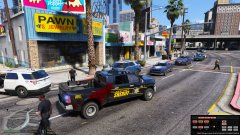
From the album: Ram and Slam