
Vanny
Members
-
Joined
-
Last visited
Everything posted by Vanny
-
How do i change the id for my non els arrow board someone put that i need to change the id under the properties tab in vertex mode i click on all of the options but i cannot change the id any where except "External state which did not work for me.
-
I attached the lights on the arrow board to the right and left indicators. but the light is just solid.
-
I am making a off road silverado and i put sandking wheels on it and when i put it in game the wheels dont rotate properly. I centered the wheel dummy i centered the hub dummy and its still doing it. I posted a gif showing what it does.Wheel Rotation GIF
-
-
-
-
-
-
-
 Thank you for this!
 -
-
-
-
-
-
-
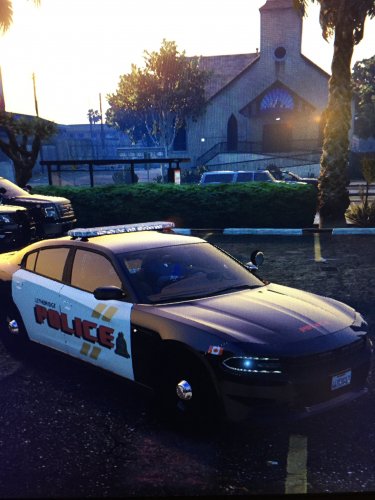 you should make a part two and make the totally blacked out trucks that u see pulling people over and i saw this this taurus that was marked but was really faded that would be awesome if you did that
- 6 comments
- 1 review
-
-
 Please help me, els is installed properly but the box in the bottom right corner isnt there. if there is a key to press then tell me!
- 2,706 comments
- 242 reviews

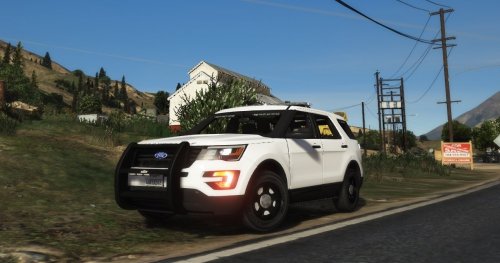
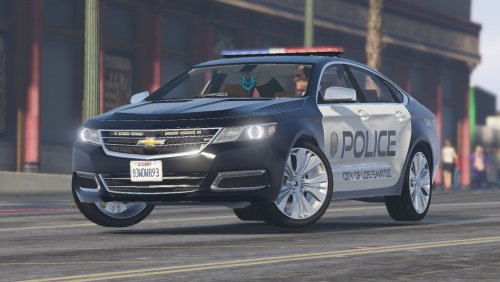
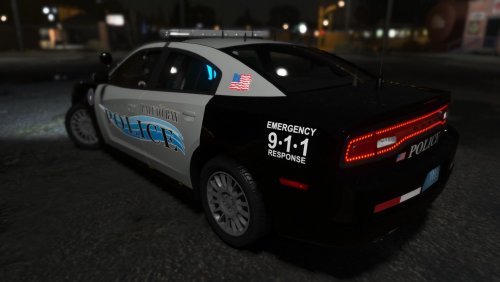

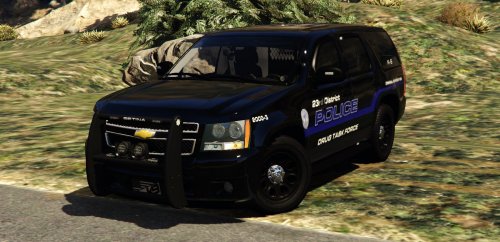
.thumb.png.8a90e88657ac02d35798ab49d1a03e6c.png)

.thumb.png.023fdc4b09944780933cd18e0942e064.png)