.jpg.9c5621969af21fa928984d7fb5767b8e.jpg)
Nick Dillon
Members
-
Joined
-
Last visited
Everything posted by Nick Dillon
-
-
-
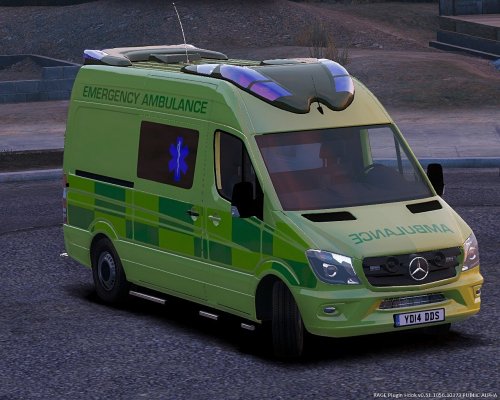 Its a good start but you need to add black bumpers to emulate plastic, black side plastic part and extend the batten-burg to the bottom of the side:
 -
-
-
-
The FPIU looks really good. I would probably recommend doing a skin for a 2009 Charger as it would be more realistic
-
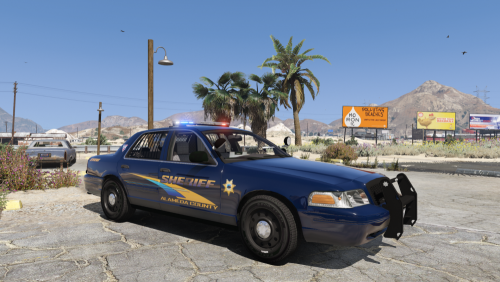 Please make more models or skins and make a pack that would be great, maybe like a tahoe and a charger?
- 33 comments
- 3 reviews
-
-

- 2
-
-
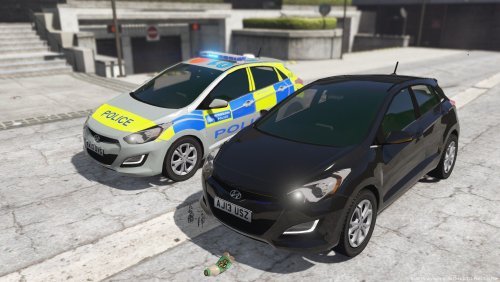 where is the carvariations and vehicle.meta for this vehicle in openiv?
 -
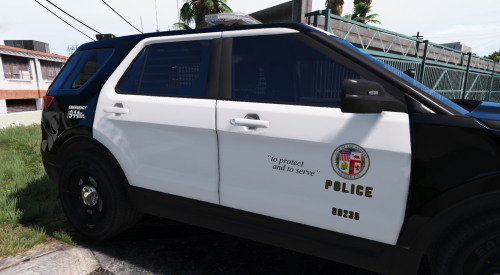 ok thanks. i was literally looking for an lapd skins for the hurks FPIU and im very glad youve made this
- 24 comments
- 4 reviews
-
.thumb.jpg.0bf850e9f18728511851a4a223151d94.jpg)