
CallumW
Members
-
Joined
-
Last visited
Everything posted by CallumW
-
-
-
From the album: Delboy
This is shit, no one cares. Stop uploading. -
From the album: Delboy
I'm shit -
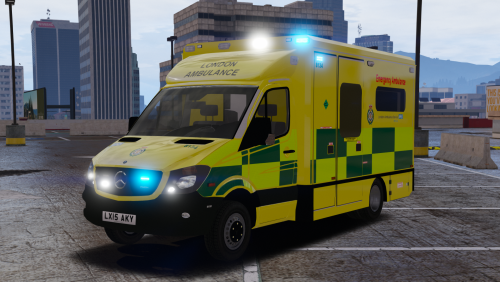 A brilliant model, hopefully first of many Met and London associated mods. Nice to see the quality from IV has been continued to V.
- 17 comments
- 8 reviews
-
-

- 1
-
-
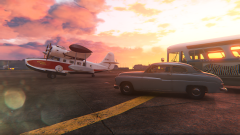 Sweet!
 -
-
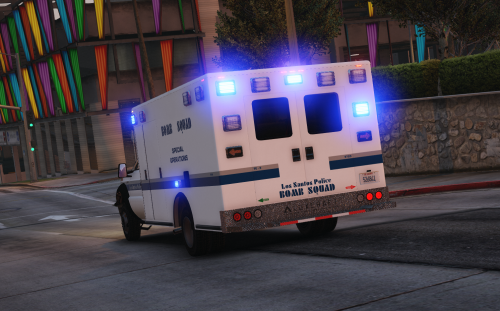 This texture is part of Special Operations Series. Although not many will find any reason to have a bomb squad, it's still a cool thing to have. As you may be able to tell, the texture is largely based on the Boston unit, including the actual unit number as well. This is not an identical representation, so don't expect to find inch by inch being the same. Lastly, this is of course a lore-friendly texture. Installation is in the ReadMe file. Blue lighting is included. Consumer Feedback: Would chevrons on the back doors look good, or should I just forget about that? Do not redistribute the file. You may edit for personal use.
- 7 comments
- 2 reviews
-
-
- 3
-
-
-
-
-
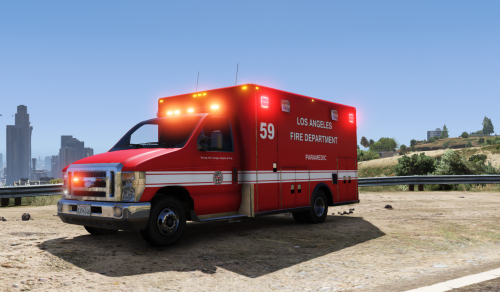 Really nice, been waiting for this. Only thing for me is the left scene lighting is floating unlike the right side which is fine.
- 29 comments
- 9 reviews
-
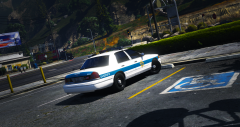
From the album: Delboy
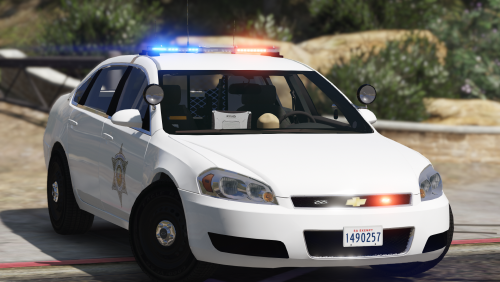
BCSO logo is property of Alex Von Shep. Model is by Officer Unlimited/Lundy. -
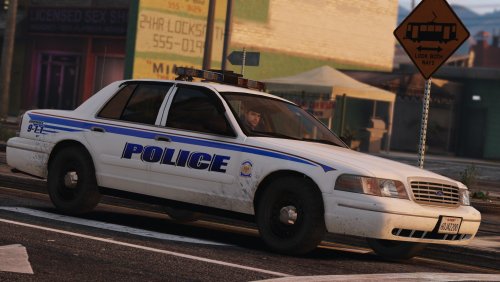 Will there be an update to fix the mapping, I see the DEV version has been updated to fix this?
- 31 comments
- 13 reviews
-
I have to say, Officer Unlimited and Lundy have really pulled one off here. It's a well constructed model and features some really awesome properties. The lighting set-up is clean, simple and also a bit sexy. I do like the simpleness of this model. Welldone.
- 31 comments
- 13 reviews
-
-
- 1
-
-
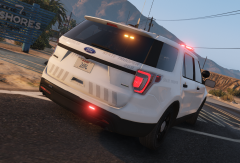
From the album: Delboy
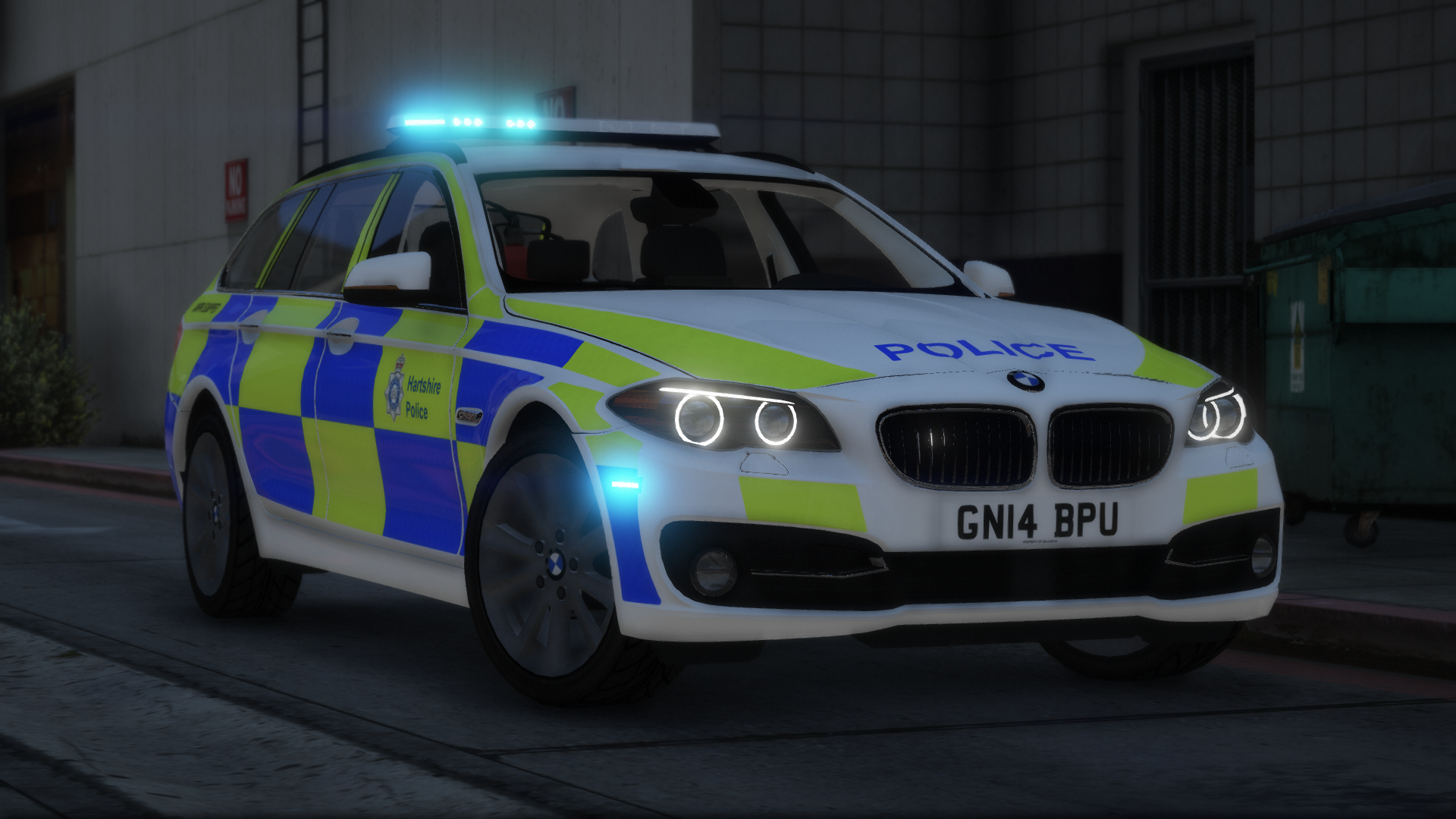
Credit to TheHurk for the model. -
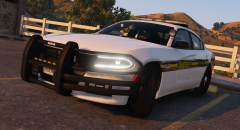
From the album: Delboy
Available now: Credit to ablaze for the model. -
All it really does is reduces the throttle power in cars, and perhaps prevent the player from firing a weapon. I used to have an Xbox 360 controller, which was fine. An Xbox controller is probably better for performance, all you need is the correct wires/Bluetooth. PS4 needs the wire/Bluetooth and downloaded software to use it.
-
 To those having the problem with installing, the file needs to be updated. You can install it manually, but if your lazy like me, you'll have to wait.
- 45 comments
- 14 reviews
-
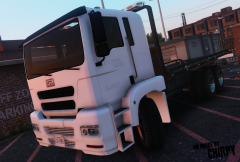
From the album: Delboy
Just a small texture for @snit's tow truck. If anyone does want to add this to their game, I'll probably upload it soon. Due to limitations, I am unable to create a texture for the whole truck, hence why only the doors have anything on them. -
The side decals look like they could do with a little rotation. It's just personal preference, but try both and decide what looks better.
-
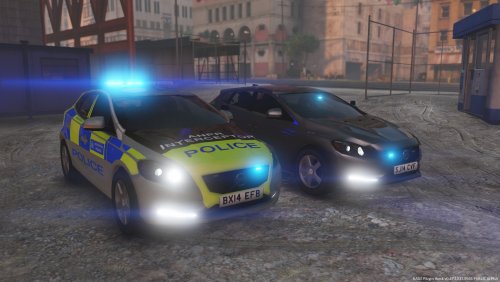 Congrats Bleep, you beat Doppler to it. No but seriously, welldone for getting a model out this early.
- 12 comments
- 2 reviews
-
-
Hello everybody! I use a PS4 controller to game on PC, since I have a PS4. So anyone who does use this set up is likely to also use some sort of software like DS4. However, I have come across some sort of issue, or atleast I find it an issue. The controller lacks power in the RT, but when using an Xbox controller, it has full power (I don't have a working/playable Xbox controller, so don't just suggest that). I have tested it on multiple software, and whilst it might just be my controller, it doesn't seem to affect the performance on PS4. The image below shows what I mean. As you see, L2 has full power, but R2 doesn't. Has anyone had this or has this, and if so did you find the problem? Appologies if this is in the wrong section.

-
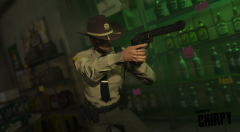 Maybe Mr Marston?