L1MITED
Members
-
Joined
-
Last visited
Everything posted by L1MITED
-
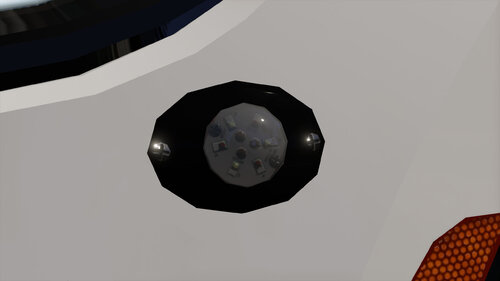 How do I put this in RDR2
 -
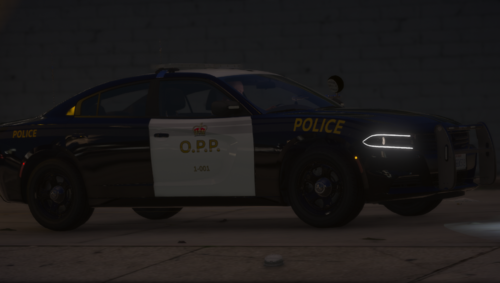 - First of all, your Legacy is mounted way too far up compared to how it would be mounted in real life, it also looks like you used the Low-Profile mount which the O.P.P does not use. - It also seems like you decided to use the DUO ION when they in reality use the regular ION. - You're also using the wrong ALPRs. - The two antennas you are using are also incorrect, you are also missing an antenna. - You used TIR takedowns and alley lights when they in reality use DUO modules. - Your Legacy pattern is nowhere near accurate to how it looks in real life. - Your Charger is also RWD, which I know they have IRL but it is very rare. Out of my 50+ reference photos I have only seen three O.P.P Charger's that are RWD. - I would not even go as far as calling your interior "semi-accurate", because the only thing that is accurate to the real life car is the tablet. - Skin is also quite off when you look at the finer details. In general the model feels very rushed, with little to no attention to detail. There are plenty of parts clipping and/or floating etc. This review may come off as me being very harsh, but in reality I just want to give you constructive criticism to help you improve in the future.
- 8 comments
- 1 review
-
-

- 1
-
-
-
-
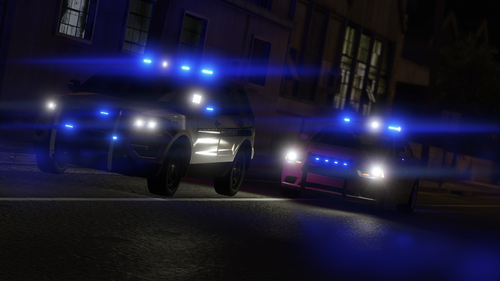 If you use your eyes it clearly says that you are not allowed to use it for FiveM under any circumstances
- 33 comments
- 18 reviews
-
-
- 1
-
-
This site has been in desperate need for some high quality vehicles for a long time, very proud of you for finally releasing this.
- 33 comments
- 18 reviews
-
-
- 1
-
-
 I dont wanna see stuff that I cant have!!!
 -
sTOp shOwcASinG stUfF thAt iSNt reLEasED
-
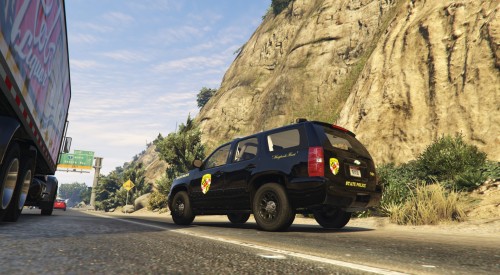 Alright, due to me not having too much time I'm just going to review the crown victoria and not the Tahoe. Feel free to message me on discord if you got any questions or want some reference photos etc. L1MITED#1798 1. Skin is very inaccurate. Font is wrong Placement of text is wrong It doesn't say state trooper on the rear bumper in real life. Size of the badge is wrong Placement of badge is wrong Very poor quality on the license plates 2. The Whelen Liberty on the CVPI You used an LED liberty when in real life they use a halogen. The liberty, in general, is very low quality On the real-life liberty, they have the blue on the left and red on the right meanwhile you put the red on the left and blue on the right. 3. Misc items Antennas on the crown victoria are inaccurate and placed incorrectly to the real-life equivalent. The only interior equipment on this vehicle is an incorrectly scaled siren controller in a very, very odd placement. The speaker in the grille is not there on the real life vehicle, at least to my knowledge. There are some other issues that I can't be bothered to list but as I previously mentioned, feel free to contact me on discord.
- 15 comments
- 4 reviews
-
-
- 1
-
-
-
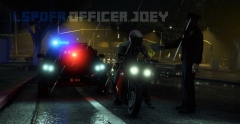 Also, its really, really, really easy to remove watermarks in photoshop. This took me less than 5 minutes to do.
 -
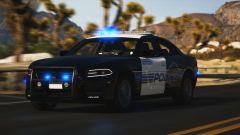
From the album: Work In Progress
-
-
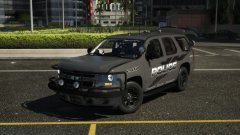 Uhhhh, you might wanna.. idk rescale almost everything?
 -
My money is on the 3'rd of February since that's when 0.4 was first announced
-
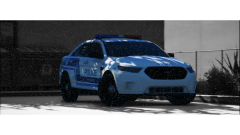
From the album: Random Screenshots :shrug:
SPVM pack by t0y -
-
Snowyyyy
-
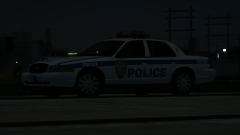 Pride - Service - Distinction
-
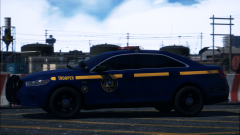 Excellence Through Knowledge
-
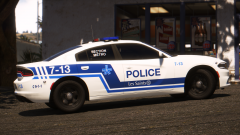 Service de police de la Ville de Montréal
-
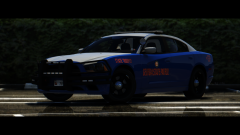 Wisdom, Justice and Moderation
-
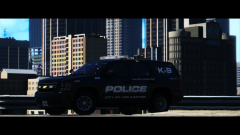 Taking a quick coffee brake
-
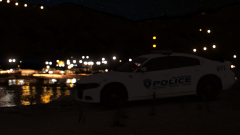 Late night radar
-
 Dark nights
-
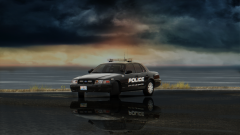 Reflections
-
 16664289511546552320_20181103194959_1.png
-
 What do you think you are doing?!
-
 Dealing with kids
-
 Suspect at gunpoint
-
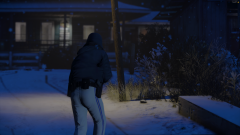 Cold
Cold
-
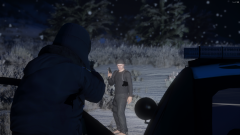 Uncooperative suspect
-
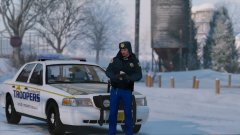 Coffee
-
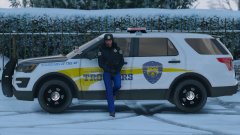 Taking a quick break
-
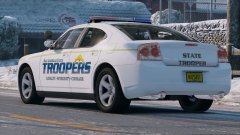 06 Charger
-
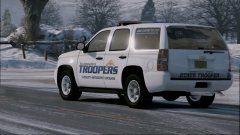 14 Hoe
-
-
From the album: Random Screenshots :shrug:
Pack by @t0y -
From the album: Random Screenshots :shrug:
NYSP Pack by @t0y -
From the album: Random Screenshots :shrug:
SPVM Pack by @t0y -
From the album: Random Screenshots :shrug:
GSP Pack by @slendis -
From the album: Random Screenshots :shrug:
LSPD Pack by @t0y -
From the album: Random Screenshots :shrug:
GPD Charger by @t0y -
From the album: Random Screenshots :shrug:
SSPD Charger by @RobertTM -
thank you very much