



IanKC
Members
-
Joined
-
Last visited
-
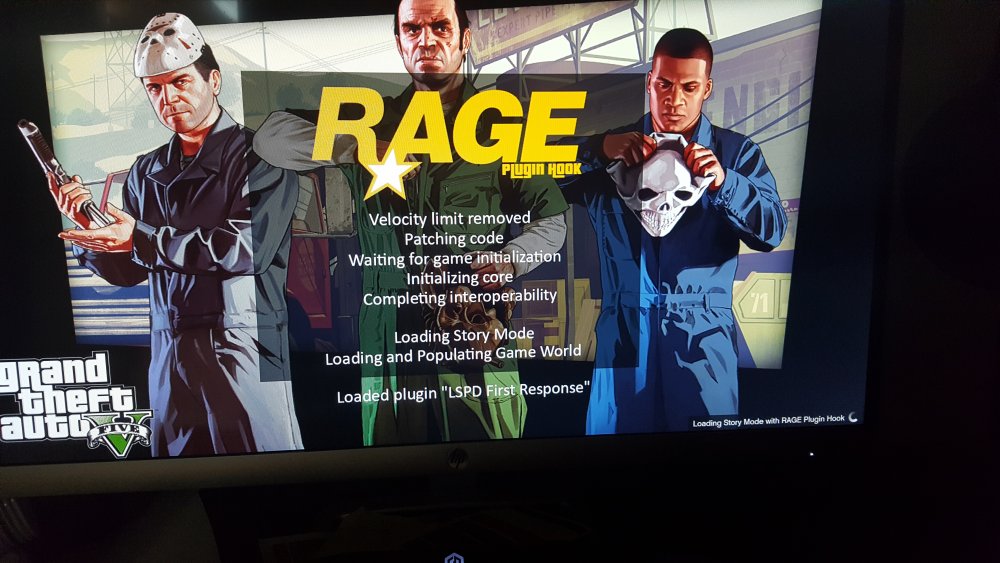
Not sure mate. I think it was one of my plugins that was doing it now I'm stuck in the RPH loading screen and I for the life of me cannot figure out how to get past it!
-
I got rage and LSPDFR to work finally, except now I'm finding a new bug where my car doesn't drive! it doesn't move an inch when I press the accelerator...argh
-
Not sure who you were talking to but I have the latest version of everything
-
-
I still haven't been able to get it to work either
-
-
Now its telling me "Dependency BINK2W64.DLL is missing. Please re-install the game."
-
IanKC changed their profile photo
-
Well its good to know I'm not alone! I really would like to figure this out. so frustrating.
-
I have RAGE Plugin Hook - Open Alpha - 0.47.1037.9935 - pretty sure thats the most recent version? I can get other mods to work, but not this one. My game version is 1.0.877.1 I've been trying for a few days to get this to work and nada. do you know if there's only certain types of the game (e.g. retail/steam) that it will work with? thanks for the response.
-
Hello, I hope this is in the right place. I cannot for the life of me get LSPDFR to work on my computer. When I launch ragepluginhook it tells me "Unsupported game patch! The current game version is not supported." At the bottom of the window it says "Grand Theft Auto V v1.0.877.1 Retail NOT SUPPORTED. Does anyone know of a way I can get this to work? Thanks for any and all help! Ian


