



AdrianMonk28
Members
-
Joined
-
Last visited
Everything posted by AdrianMonk28
-
-
-
-
-
-
-
-
-
-
-
-
-
-
-
-
-
-
-
-
-
-
-
The lighting looks awesome on all vehicles but the Explorer model needs more work on it to be a proper Police Interceptor Utility .
- 15 comments
- 7 reviews
-
-

- 1
-
-
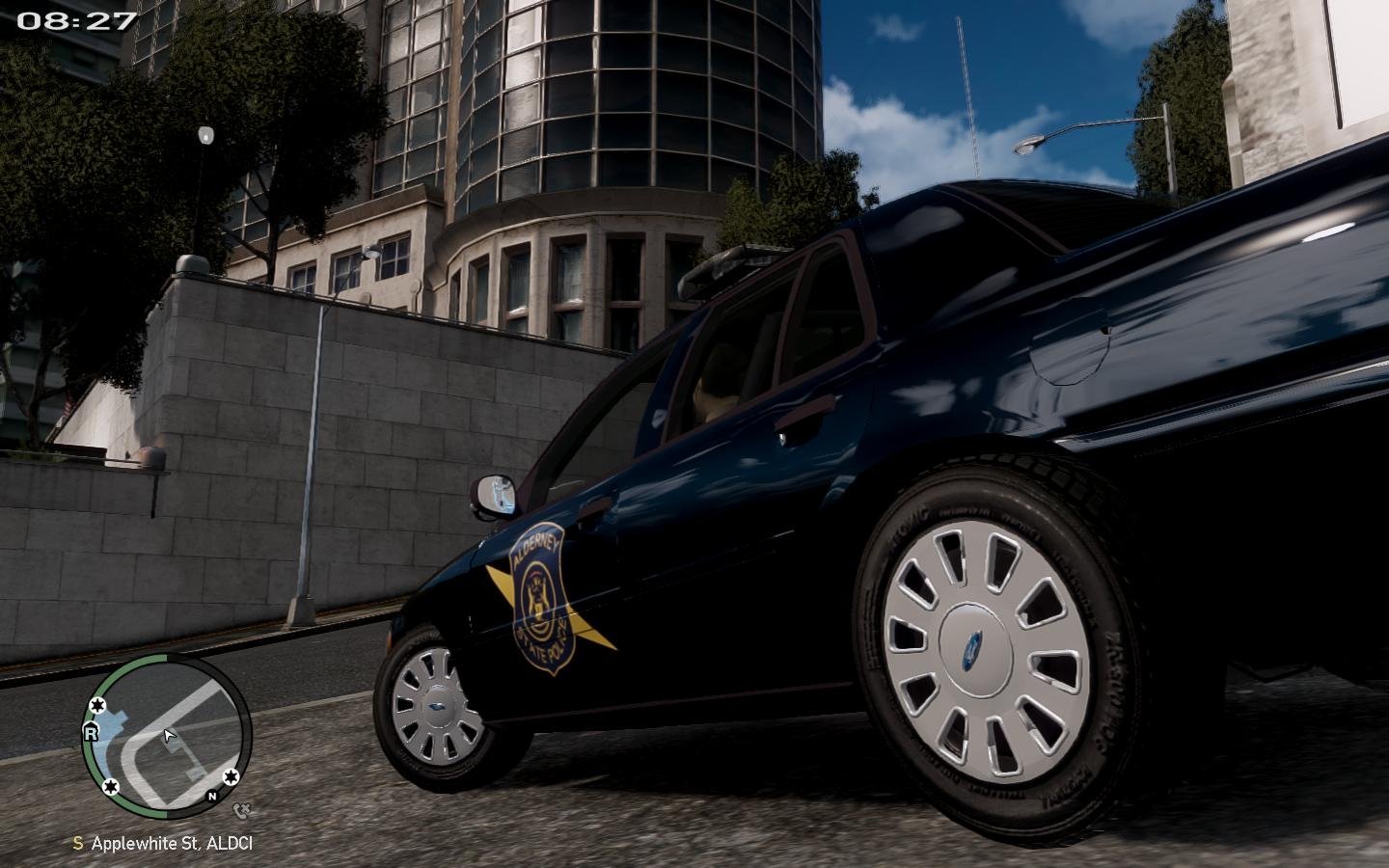
First off The Good - The lighting on all the vehicles came out great well done . The Bad - The Explorer model your using is not the best , the wheels need fixing and the grill should be black . Result 4/5 Recommendations for future updates Redo the Explorer with a better base model , a good one is on GTAPolicemods and on GTA Modification Center . Remove the rambar from the FS Vision CVPI as non of the other cars has a rambar . Add the same rear lights as the FS Vision CVPI to the Charger to make them match . Maybe add a Ford Taurus in there with the same lighting setup as the Explorer . An unlocked one is on GTA Modification Center . Your mods are looking good cant wait to see what youll make when GTA V modding is possible .
- 15 comments
- 7 reviews
-
