
kahlandir
Members
-
Joined
-
Last visited
Everything posted by kahlandir
-
From the album: Charger, FPIU, CVPI, Silverado & Bearcat (So far!)
-
From the album: Charger, FPIU, CVPI, Silverado & Bearcat (So far!)
-
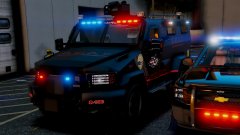
From the album: Charger, FPIU, CVPI, Silverado & Bearcat (So far!)
-
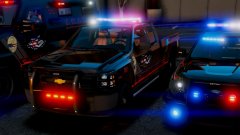
From the album: Charger, FPIU, CVPI, Silverado & Bearcat (So far!)
-
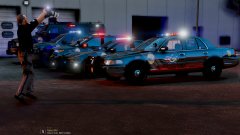
From the album: Charger, FPIU, CVPI, Silverado & Bearcat (So far!)
-
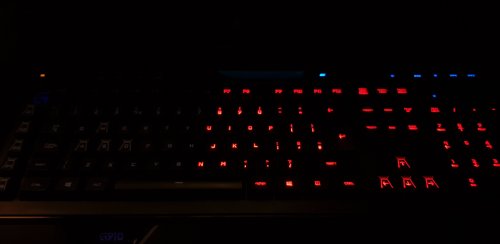 I love the concept of this. Unfortunately I'm running a ThermalTake Challenger Prime RGB keyboard and can't give it a shot. Would be an awesome setup for a streamer 😉
 -
 Haha, I just saw the most recent version of this being used on a stream and recognized the skin immediately as the Tippecanoe County skin I made a while back, and modified for the Durango. Looks good on the Jeep as well! Just surprised me to see it in use :P
- 85 comments
- 40 reviews
-
-
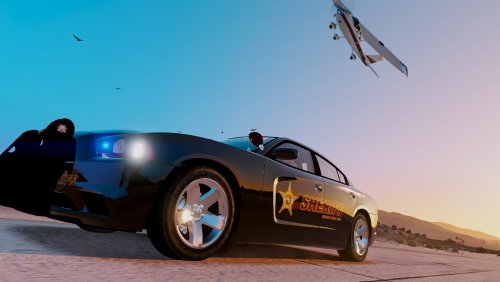 UPDATE! A vehicle was recently released that was in the original request. I wanted to finish what I started, so... stay tuned as there will be an update to this file soon :D @troud38 this is mainly out to you btw.
- 13 comments
- 4 reviews
-
-

- 1
-
-
Thanks GoldenBuffy! Hope you're doing well :) It's been a while haha.
-
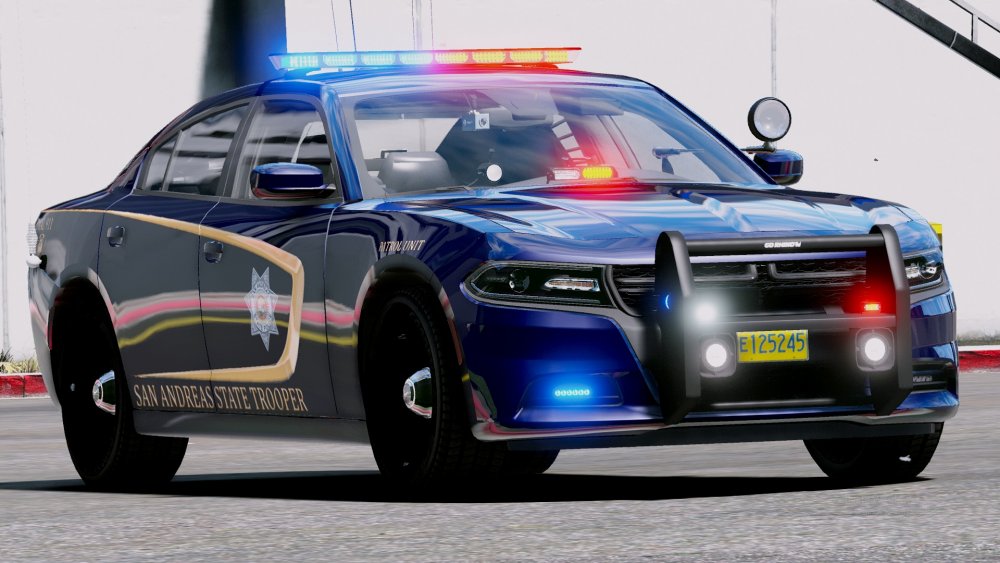
skin for a pack I'm making for a good friend of mine:)
-
I realize it's a bit early but it really is the Christmas season! Even the LSPD is getting into the spirit of the holiday. This is based on the emergency lighting light shows over the last couple years done by fire departments across the country. No agency in the state of San Andreas had done it until this year, check it out!
-
 Thanks! Hope your vids are going well @best cop ever :)
 -
Late on posting this here, but enjoy a 4th of July episode :) Here is the most recent episode! Hope you guys enjoy it :)
-
 That sounds great! I'll be out of town throughout the end of the week. I'll definitely be interested in using the skin early next week :D
 -
These are beautiful looking skins. I've got some requests for a Transit Patrol video... these would be perfect for it haha. Any chance they're coming out soon?
-
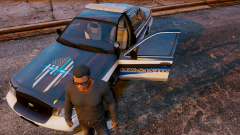 Thanks! :D I scouted around a while before finding this one with the glowing eyes, Much prefer this one over the standard one without the eyes.
 -
Yeah, the decal on the hood wouldn't likely make the cut for a public release. Maybe as an alternate. :) I also put my number on this just for reference for number locations, etc. \
-
Here is a collection of the latest projects, separate from specific WIP projects :)
-
From the album: Latest Projects
This is a project I recently started. Custom design with the Spartan "Thin Blue Line" logo on the hood. Rough draft, may change along the way. Lemme know what you think! :) -
From the album: Latest Projects
This is a project I recently started. Custom design with the Spartan "Thin Blue Line" logo on the hood. Rough draft, may change along the way. Lemme know what you think! :) -
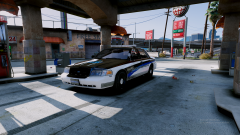
From the album: Latest Projects
This is a project I recently started. Custom design with the Spartan "Thin Blue Line" logo on the hood. Rough draft, may change along the way. Lemme know what you think! :) -
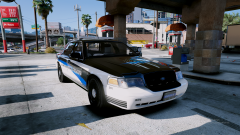
From the album: Latest Projects
This is a project I recently started. Custom design with the Spartan "Thin Blue Line" logo on the hood. Rough draft, may change along the way. Lemme know what you think! :) -
New episode with real cars (both replace and add-on) spawning in traffic. X2 traffic and peds and a mustang GT350R! To add to all of that, this episode was action packed :) enjoy!!
-
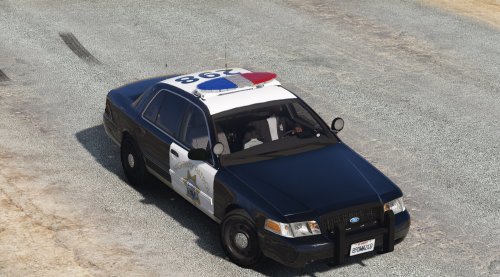 California Highway Patrol is a great agency to practice with. And practice is really the only way to get better. There is definitely improvements that can be made, but that said, it's hard to stand out when so many people have done CHP, LAPD, LASD etc... One thing I learned was to look for a vehicle model that matches with the agencies vehicles. This includes accurate lightbars, pushbars, spot lights and even antennas. What I find helps a lot is to take in what people suggest in comments and even reviews. If it's a reasonable request, or you can see that the suggestion will improve the realism... give it a shot :) By updating the vehicle skin, you continue to learn new techniques and improve the overall reception of the community when you show the effort and interest in providing the best content of your ability. Another trick I use is once I feel like it's getting close to ready for release, I will put a picture of the finished product side by side with the model I made it based on and compare. helps make the differences stand out :) The closer you can get to the same profile of the vehicle the better. (BTW I'm pretty sure I've seen you on some live streams ) For a first public release, I would say it's a good starting point.
- 7 comments
- 1 review