



kahlandir
Members
-
Joined
-
Last visited
Everything posted by kahlandir
-
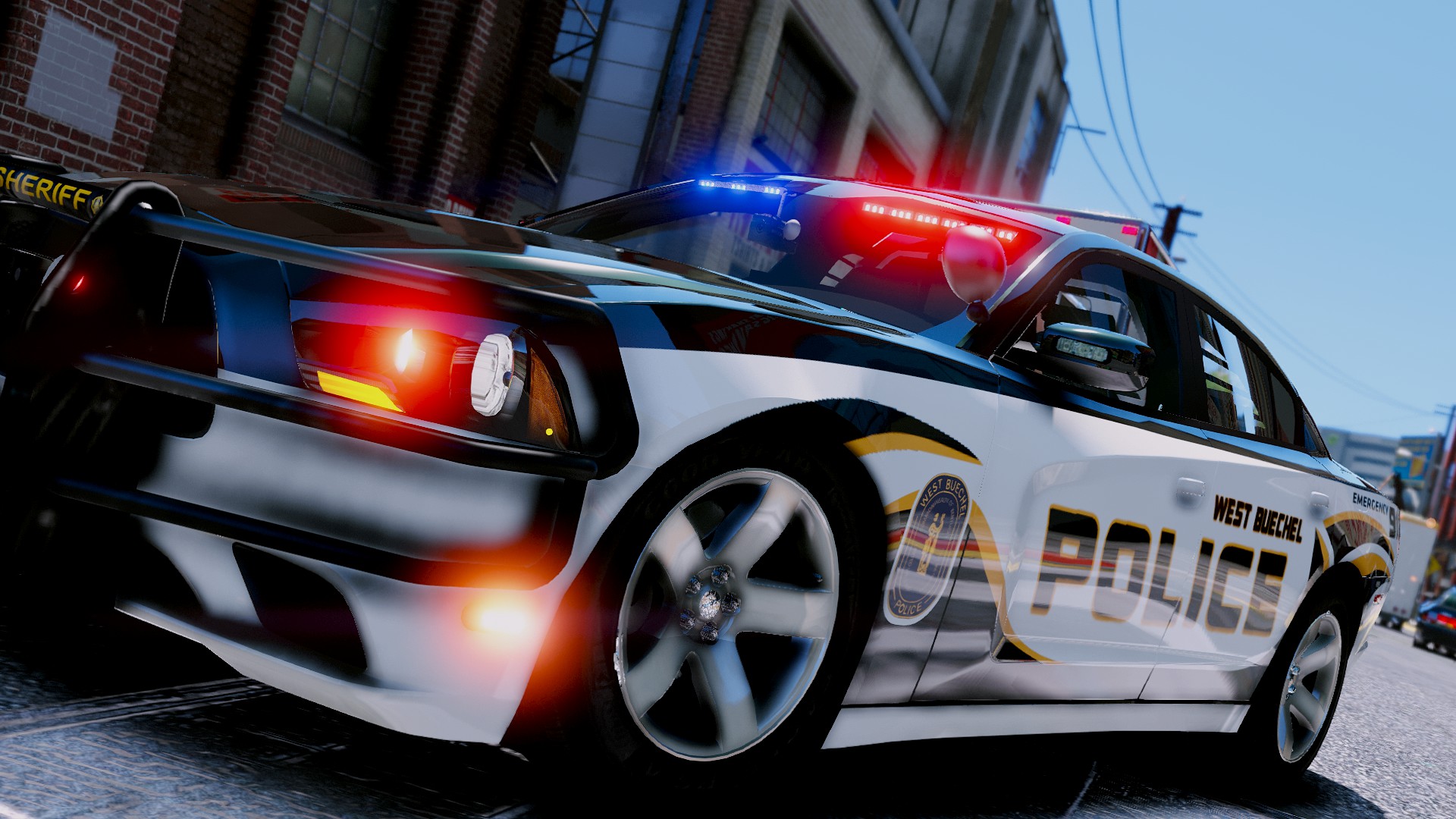
 That explains everything! Well, being fairly local to the BPD jurisdiction, it's great to the the area so well represented 😁👍
 -
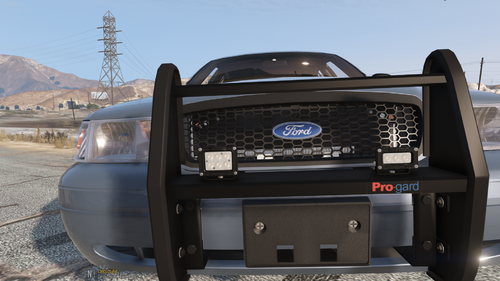
Thanks for releasing this. I've been looking at the Beaverton Police 2020 Tahoe setup recently and they use these exact lights on the bumper. Didn't expect to see anything similar. Can't wait to try them out!
-
 I had the same thought a while back. While working on the right wording for things, opus49 answered somebody else with the right xml file to use. " If you have Forcforce_a_callout.xmle A Callout, you can now do this. Drop this into plugins/LSPDFR/GrammarPolice/<language>/custom/action" I use this all the time 😉 I customized it and usually say "Dispatch, do you have any calls holding?" If you need any assistance in installing it the way he showed above, check out his tutorial on modifying the xmls which you can find in his description 👍
- 1,365 comments
- 86 reviews
-
-

- 1
-
-
 This definitely has my interest. As I've been learning zmodeler this year, I've only experimented with ELS vehicles, but if non-els will have this kind of customization available... <.< I might have to dive into non-els lessons for a while! Not to mention try these out for patrols/streams. Looking forward to it!
- 281 comments
- 22 reviews
-
-
- 1
-
-
 This is actually what I was searching for when I found this upload. I'll definitely be checking this one out, and I'd be very interested in the transitions if you're still considering the project :)
- 17 comments
- 2 reviews
-
-
Does the ini config file remain the same between the versions of the file? Since the manual review is still holding it up, I'd like to download the most recent available version and customize it while I wait.
- 1,365 comments
- 86 reviews
-
Haha, I was just about to download, but I did the speech recognition through windows first. Then I went to download and it said the file was pending a manual review (last updated 8min ago) What timing! 😉
- 1,365 comments
- 86 reviews
-
-
- 1
-
-
Went to pretty exclusively live streams for a while but here is a WIP 2012 (2011-2014) Charger I've been working on both model and skin. We did a patrol with it and it went pretty well overall. Lemme know what you think 🙂
-
 I absolutely love the idea. I've had a similar mod for a while, but it doesn't include a lot of the different driving scenarios, such as pursuit, etc. I have loved the idea of something like this while streaming patrols for the exact reasons you mention. Reading chat and driving never ends well haha. I will for sure try this one out! 🙂
 -
 Just want to apologize for not responding to you guys! I never received a notification of the messages. <_< mike3D, I did add the Social Media thing while working on the project as well as adjust the blue line/adjusting text size, after these screenshots. thanks for noticing though! GunnDawg! That's awesome, I have family in La Pine myself 🙂 I still have the files, however, it was never released. 😛 I made the pack for personal use initially with the Charger, Durango and Ram 1500.
 -
-
.thumb.png.a2df7ac0e93406f7b6c7f78fd4e70987.png) Sounds like a happy accident then 😉
Sounds like a happy accident then 😉 -
 To those having the issue of the gray ambulance. check the ambulance_hi.yft file for templates and replace them as well as the regular ambulance.yft. EDIT: By replace, I mean either add your own skins, or at least delete the livery that is the template texture in both files.
- 209 comments
- 40 reviews
-
I use Make Visuals Great Again with the optional ReShade included in the mod. 🙂 and Thanks! Glad you enjoyed it 🙂Hello everyone! I've been working on skins for about 3 years now. Some of you have enjoyed the Halloween skins I released for 2018 + 2019, along with several other packs. I've also done tutorials and lspdfr patrols during that time, and recently started a series of Paint.net Speed Art videos, showing the creation of some various skins for different vehicle models. Since there is a community here that make the skins and models, I thought perhaps there would be some out there that would enjoy these videos as well. I will try to keep this updated as videos are released. These have also been added to a playlist on my channel if you're looking to watch them all. 😎👍 Have a great day!
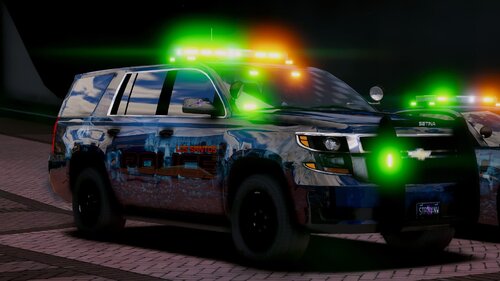 I would like to give a shoutout to some awesome people who featured my Halloween skins in LSPDFR videos this year :) GMAntonZ Ry Wilson Acepilot2k7 mikegolden Games(x2 videos!) GAMING 4 LIFE Criminal Justice (Install tutorial featuring my skins). If I missed anyone please let me know and I'll get the list updated
- 19 comments
- 3 reviews
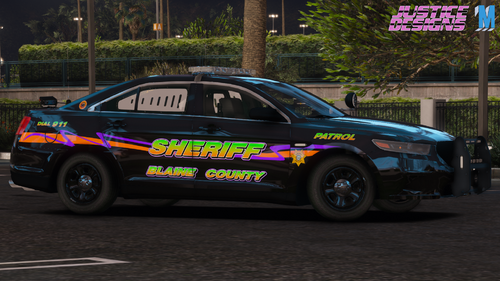 I see mention of skeletons in the review. Can't see them in the screenshots and I'm at work, hence why I'm not able to test these, but I do like the use of the bright orange & purple colors. This gives a more subtle Halloween feel and I believe would be more likely used by a real agency as a special unit design for the holiday. Nicely done!
- 2 comments
- 2 reviews
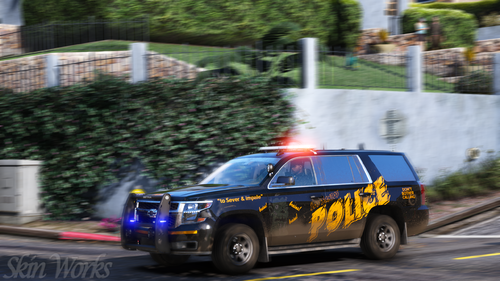 I am seeing this for the first time while at work, but I like the style. Looks like my pack has some competition ;) Nice Work!
- 1 comment
- 1 review
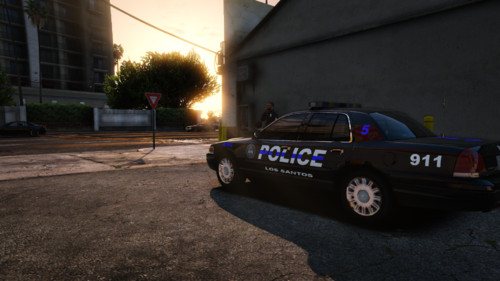 👍 Looks like they've got some nice features in the textures. Regarding screenshots, I frequently take screenshots, convert the png to jpg. These files will fit nicely, but contain the quality you're looking for 🙂 (at least in my experience with them! 😉 )
The skin and lights have been converted for the 2010 Charger from Slendis. Check the latest version 1.1 for the update. 🙂
👍 Looks like they've got some nice features in the textures. Regarding screenshots, I frequently take screenshots, convert the png to jpg. These files will fit nicely, but contain the quality you're looking for 🙂 (at least in my experience with them! 😉 )
The skin and lights have been converted for the 2010 Charger from Slendis. Check the latest version 1.1 for the update. 🙂- 19 comments
- 3 reviews
-
-
- 1
-
Glad you like the pack! The ribbon used for the texture has a light purple to dark purple gradient (center to edges). I do see that it could be a pinkish tone, but it is intended to be purple 🙂- 19 comments
- 3 reviews
Also sounds like fixing your lspdfr after a GTA update should be easier as well? 😄


.thumb.png.a2df7ac0e93406f7b6c7f78fd4e70987.png)
Account
Navigation
Search
Configure browser push notifications
Chrome (Android)
- Tap the lock icon next to the address bar.
- Tap Permissions → Notifications.
- Adjust your preference.
Chrome (Desktop)
- Click the padlock icon in the address bar.
- Select Site settings.
- Find Notifications and adjust your preference.
Safari (iOS 16.4+)
- Ensure the site is installed via Add to Home Screen.
- Open Settings App → Notifications.
- Find your app name and adjust your preference.
Safari (macOS)
- Go to Safari → Preferences.
- Click the Websites tab.
- Select Notifications in the sidebar.
- Find this website and adjust your preference.
Edge (Android)
- Tap the lock icon next to the address bar.
- Tap Permissions.
- Find Notifications and adjust your preference.
Edge (Desktop)
- Click the padlock icon in the address bar.
- Click Permissions for this site.
- Find Notifications and adjust your preference.
Firefox (Android)
- Go to Settings → Site permissions.
- Tap Notifications.
- Find this site in the list and adjust your preference.
Firefox (Desktop)
- Open Firefox Settings.
- Search for Notifications.
- Find this site in the list and adjust your preference.